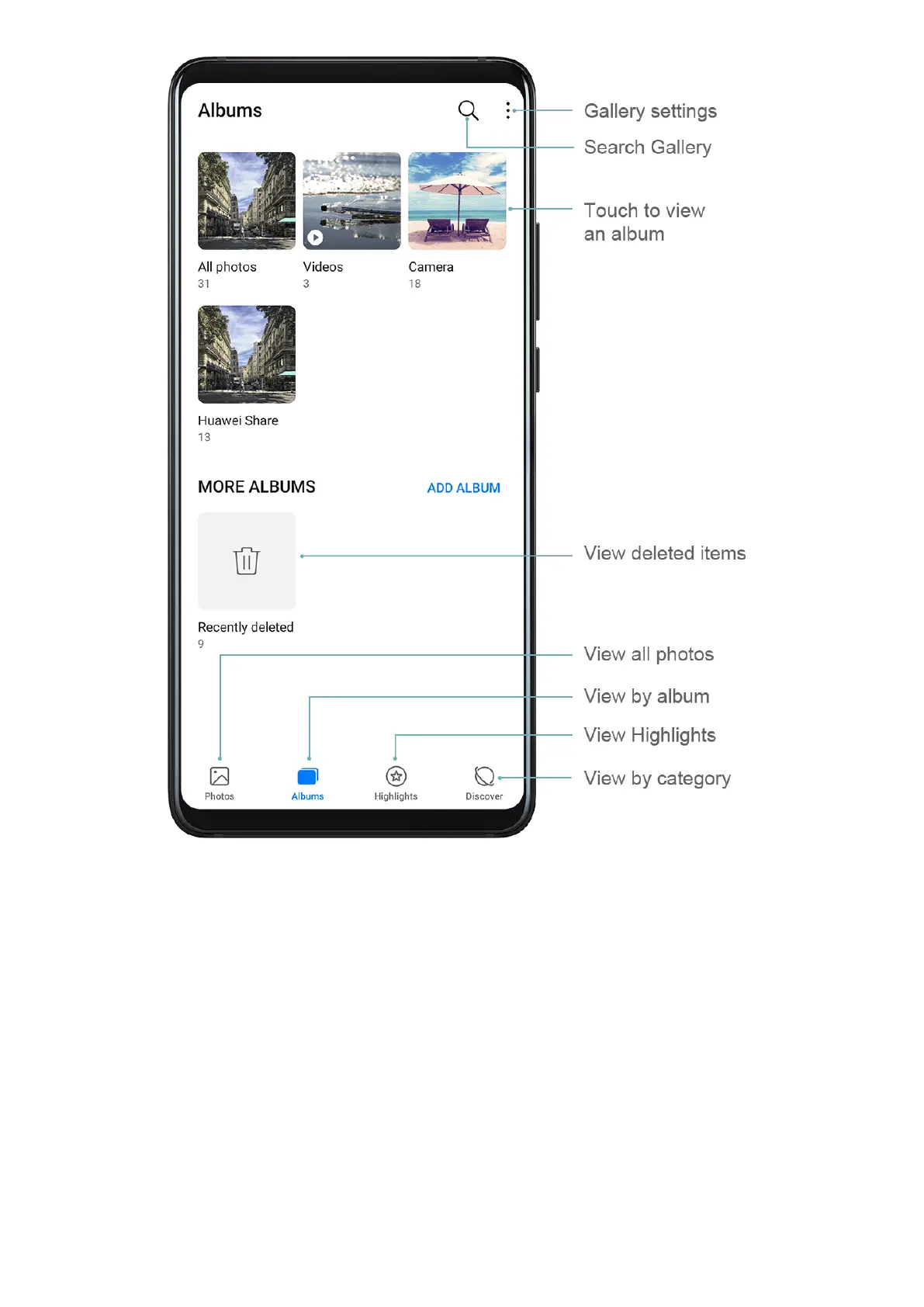
View by Album
You can view photos and videos by album on the Albums tab.
Some photos and videos are stored in default albums. For example, videos recorded with the
camera are saved in the Camera album. Screenshots and screen recordings are saved in the
Screenshots album.
View by Category
Gallery intelligently sorts photos into categories, allowing you to quickly sift through large
albums by category.
Touch a category album on the Discover tab (such as food, portrait, or scenery) to view
photos in that album.
Camera and Gallery
50



 To Next Page