View Details About Photos and Videos
1 Touch a photo or video to view it in Full screen mode. Touch the screen again to hide the
menu.
2 In Full screen mode, you can check the following:
• Basic information: Swipe up on the photo or video to view basic information.
• Shooting settings: Touch
and scroll up or down to view shooting details in the
popup box, including the storage path, resolution, ISO, and EV.
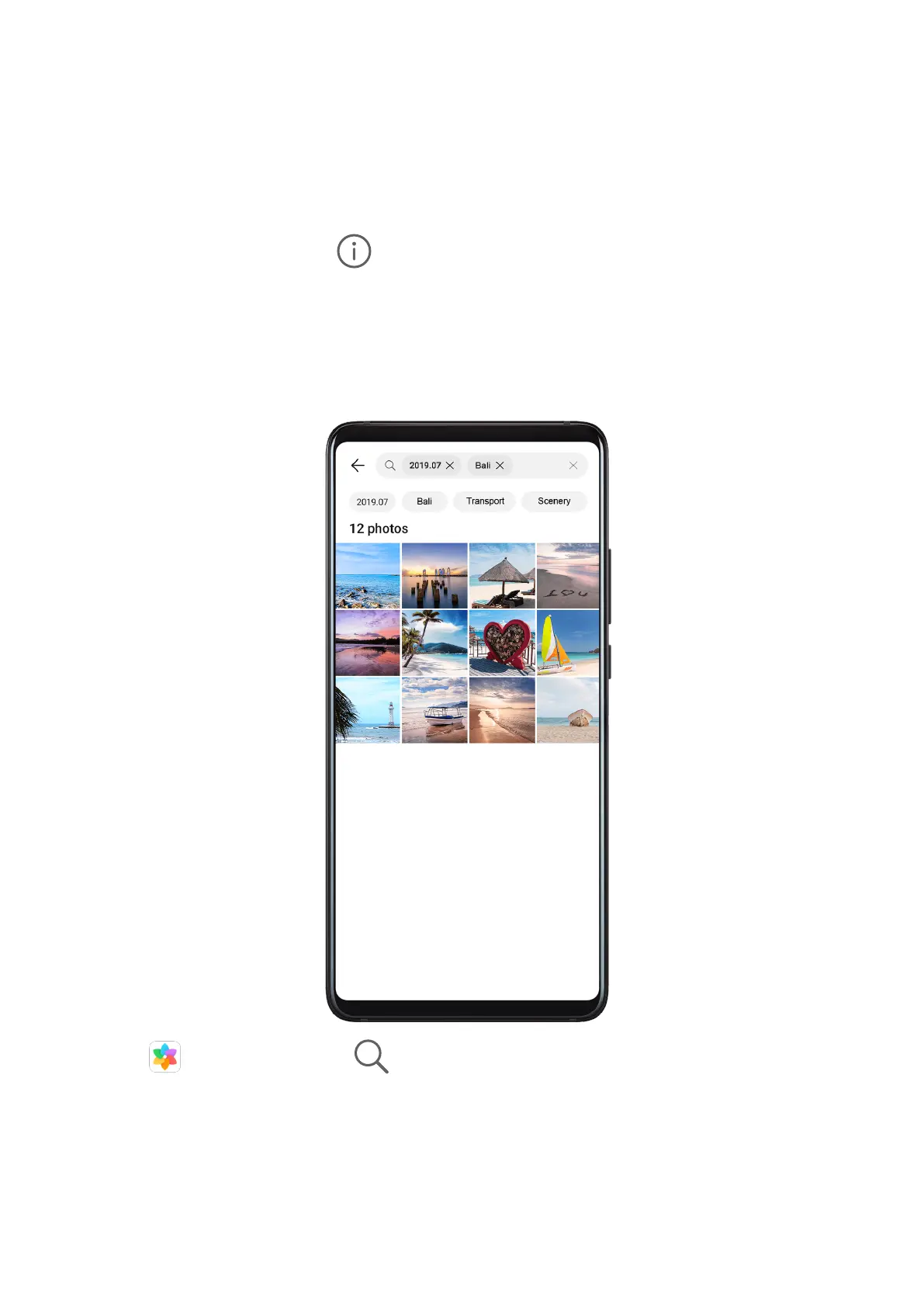
Search for Photos
Quickly locate a photo by searching for keywords in Gallery.
1 Open Gallery, then touch at the top of the screen.
2 Enter a keyword (such as "food", "scenery", or "ower").
3 Photos related to that keyword will be displayed. Touch a suggested keyword or enter
more keywords to nd more results.
Edit Photos and Videos
Gallery oers a wide range of editing features for photos and videos.
Camera and Gallery
51



 To Next Page