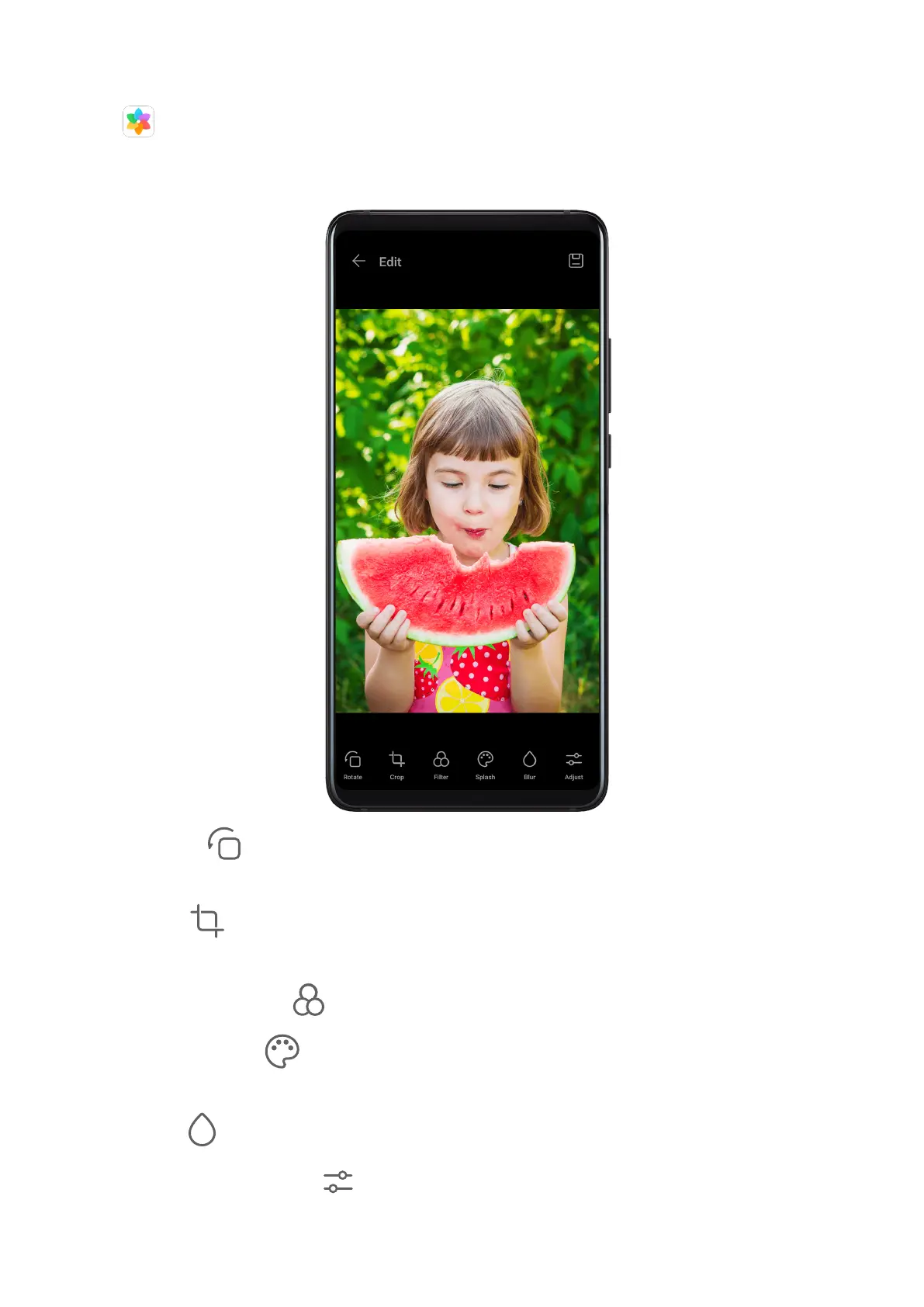
Basic Editing
Open Gallery, touch the thumbnail of the photo you want to edit, then touch Edit to
access the editing features.
• Rotate: Touch and drag the angle wheel to the desired orientation.
You can also touch Rotate to rotate your photo 90 degrees or Mirror to ip it.
• Crop: Touch and drag the grid or its corners to make your selection.
You can also select a xed ratio and drag the corners of the grid to crop the photo.
• Add
lter eects: Touch to select a lter.
• Colour splash: Touch to select the colours you want to highlight. Other parts of the
photo will be black and white.
• Blur: Touch
, select a blur mode, and drag the slider to adjust the blur.
• Adjust photo
eects: Touch to adjust the brightness, contrast, saturation, and other
qualities of the photo.
Camera and Gallery
52



 To Next Page