• Grati: Touch to select a brush and colour to add grati.
• Add a text element: Touch to select an element style and font format.
Add Stickers to Photos
1 Touch Edit > Stickers.
2 Select a type of sticker, such as Time, Location, Weather, or Mood.
3 Select a sticker and drag it to change its position. You can also edit the text of some types
of stickers.
4 Touch to save your edits and to save the photo.
Pixelate Photos
1 Touch Edit > Mosaic.
2 Select a mosaic style and size to censor parts of a photo.
3 To remove the mosaic, touch Eraser and wipe it o the photo.
4 Touch to save your edits and to save the photo.
Rename Photos
1 In Gallery, touch the photo thumbnail you want to rename.
2 Go to
> Rename and enter a new name.
3 Touch OK.
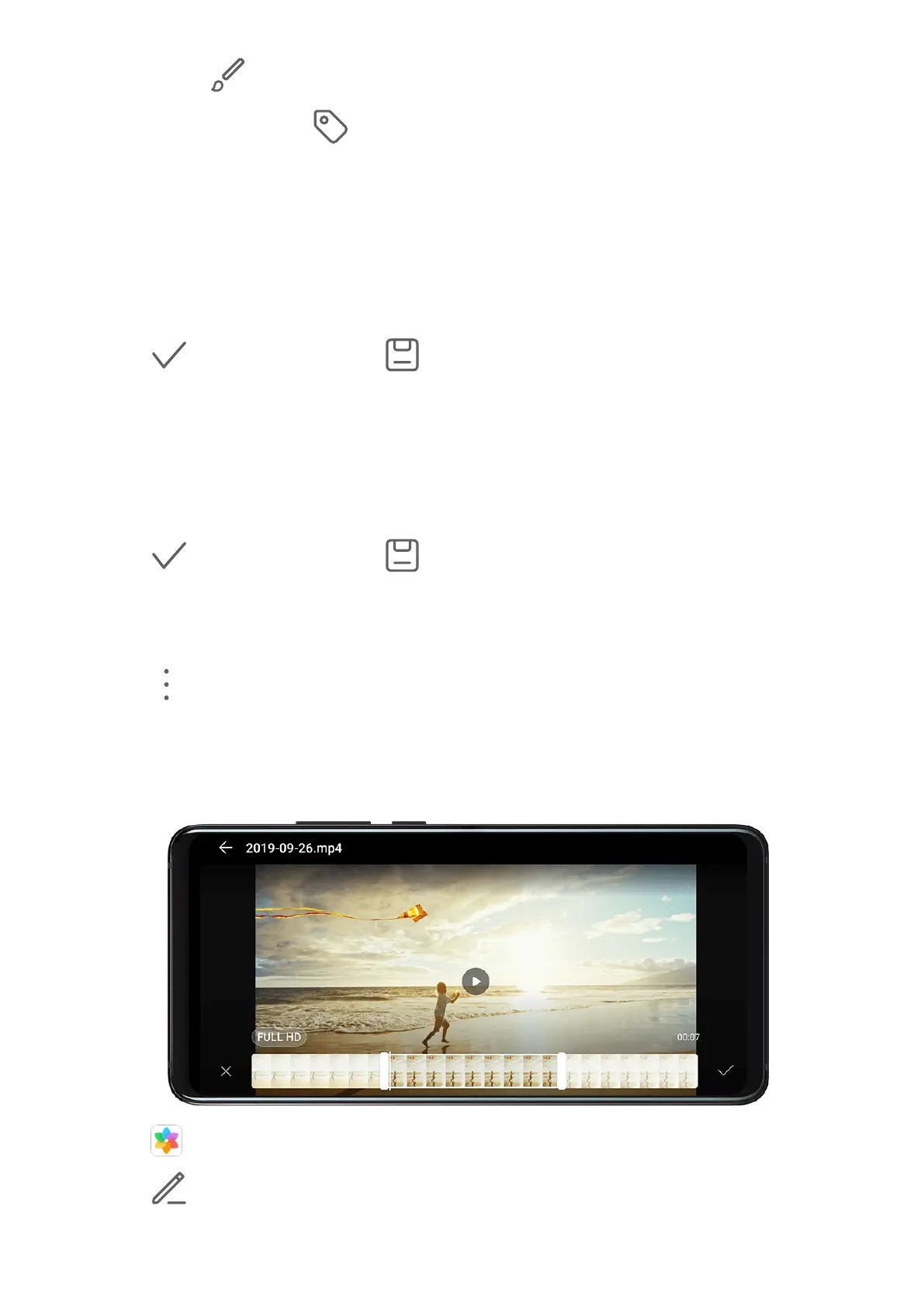
Edit Videos
1 Go to Gallery > Albums > Videos, and touch the video you want to edit.
2 Touch . Then you can:
Camera and Gallery
53



 To Next Page