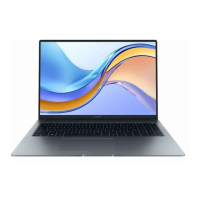
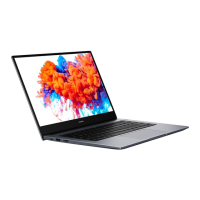
Touchpad
The touchpad provides similar functionality to a mouse and is a convenient way to control the
computer.
Not all gestures are available in all apps.
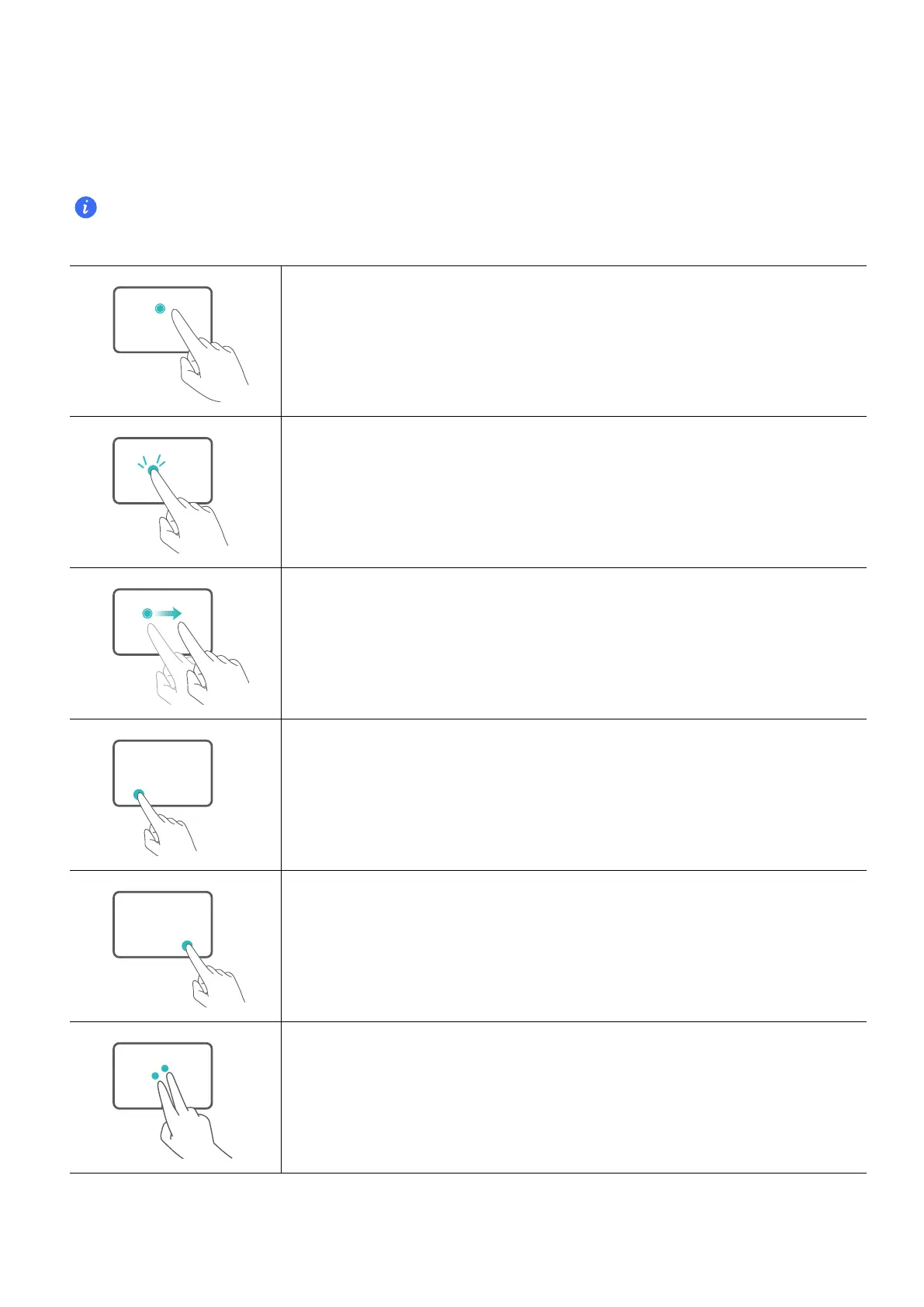
Common touchpad gestures
Tap with one finger: Left-click.
Tap twice with one finger: Double-click.
Slide with one finger: Move the cursor.
Press the left touchpad button: Left-click.
Press the right touchpad button: Right-click.
Tap with two fingers: Right-click.
Get to know your computer
5


 To Next Page