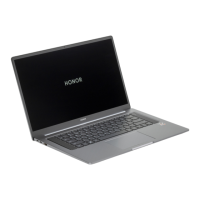
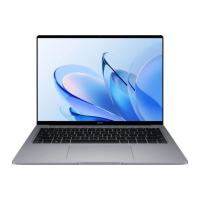
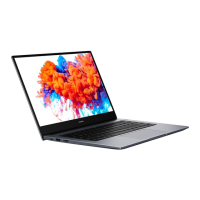
Highlighted features
HONOR Magic-link
More than just a tap: Project a virtual version of your phone on the laptop. Control apps and
les on your phone easily using your laptop. Drag to transfer les instantly between the two
and share clipboards.
• Multi-Screen Collaboration: Easily access phone apps and les on the computer, as well as
answer voice and video calls to your phone. Drag and drop to transfer les between your
phone and computer.
• Sharing les: Tap your phone on the computer to share les. Shake your phone to record
the computer screen.
•
Sync data: Copy content from your phone to the computer and vice versa with a shared
clipboard. Updated les on your phone can also be automatically synced to the computer.
Performance mode
The computer comes with a Performance mode that increases performance. When
Performance mode is enabled, it is normal for the computer's fans may become louder, the
computer to become hotter, and battery level to fall more quickly.
Performance mode can be enabled or disabled through this method when the computer is
connected to power and its battery level is higher than 20%:
• Method 1: In hotkey mode, press Fn + P. If the / icon is displayed on the desktop, it
means Performance mode has been successfully enabled or disabled.
• Method 2: Open PC Manager, then click Power > Performance. If the icon is displayed
on your desktop, Performance mode has been enabled. To disable Performance mode,
10


 To Next Page