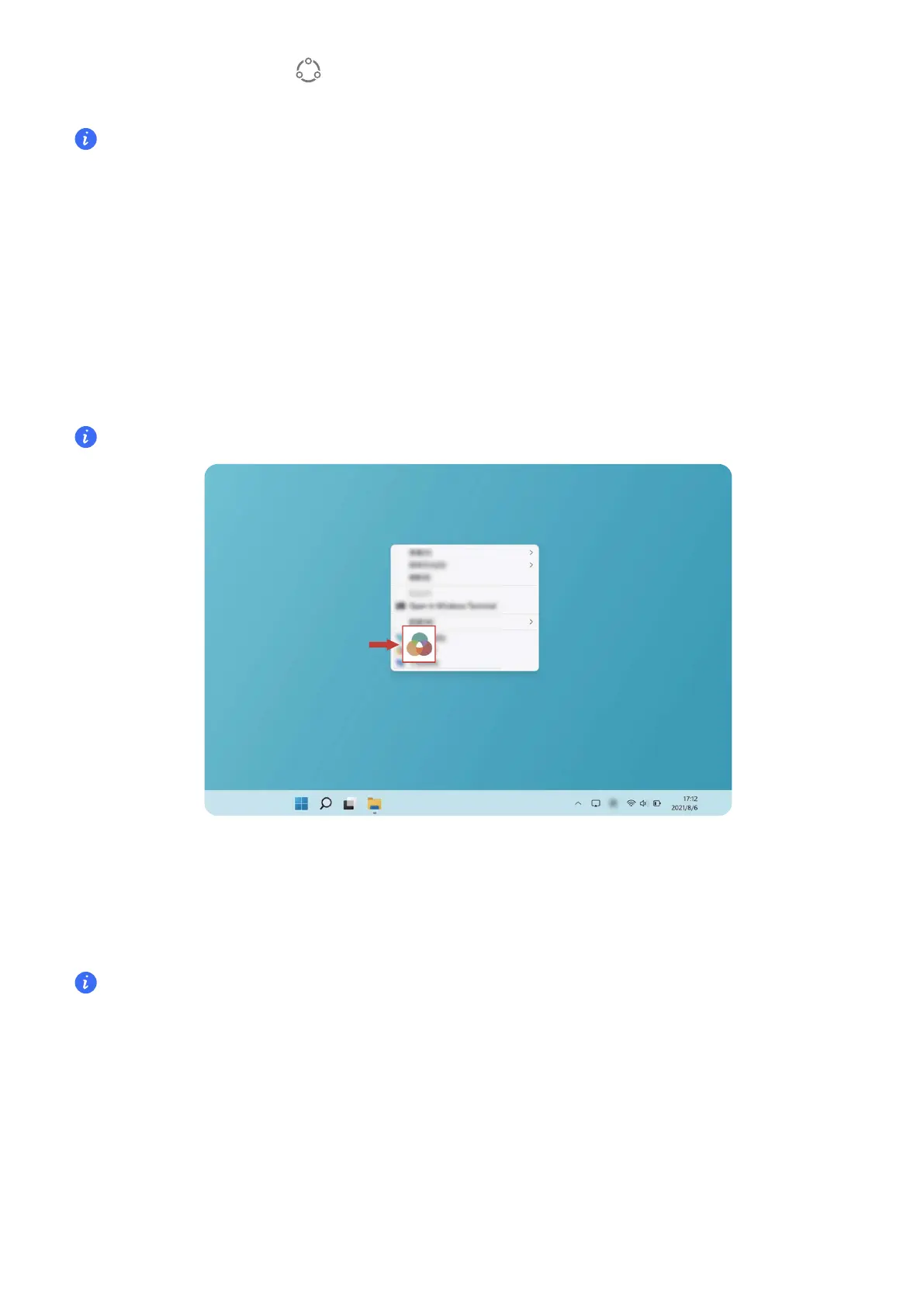
select other mode. If the icon is displayed on your desktop, Performance mode has been
disabled.
Performance mode will automatically be disabled if the computer is disconnected from power, its
battery level falls below 20%, it enters Standby or Sleep, or if it is restarted. To enable it again,
follow the methods described above.
Eye Comfort mode
Enable Eye Comfort mode when using the computer for prolonged periods to prevent eye
strain and fatigue.
Right-click any empty space on the desktop, click Show more options > Display Manager,
and enable Eye Comfort.
The screen will have a slightly yellow hue when Eye Comfort mode is enabled.
F10 factory reset (not available in some regions)
The computer's built-in F10 factory reset feature can quickly restore your computer to its initial
or factory state.
•
All data on the C drive will be deleted during a factory reset. Make sure to back up your data
before proceeding.
• This feature is not available in some countries and regions.
1 Connect the computer to the power adapter. Then, press the Power button, and press F10
for multiple times constantly or hold F10 to access the restore screen.
2 Follow the instructions to perform a factory reset.
Highlighted features
11


 To Next Page