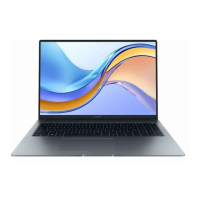
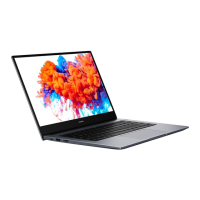
12 Microphone Use the microphone to conduct video meetings, voice calls, or
make audio recordings.
Powering on and o
When powering on the computer for the rst time, connect the power adapter, and the
computer will power on automatically. The computer will enter the startup screen shortly after
the screen lights up.
When the computer is powered o, press the Power button until the screen or keyboard lights
up to power on or wake the computer.
When using the computer, click > to sleep, shut down, or restart the computer.
Press and hold the power button for approximately 10 seconds to force shutdown the computer.
Force shutdowns may cause unsaved data to be lost. Use with caution.
Keyboard
Keyboard keys may vary depending on your device model.
Shortcut keys
Press the Fn key, the indicator lights up, which means the F keys, such as F1 and F2, are now in
shortcut (hotkey) mode to perform common actions.
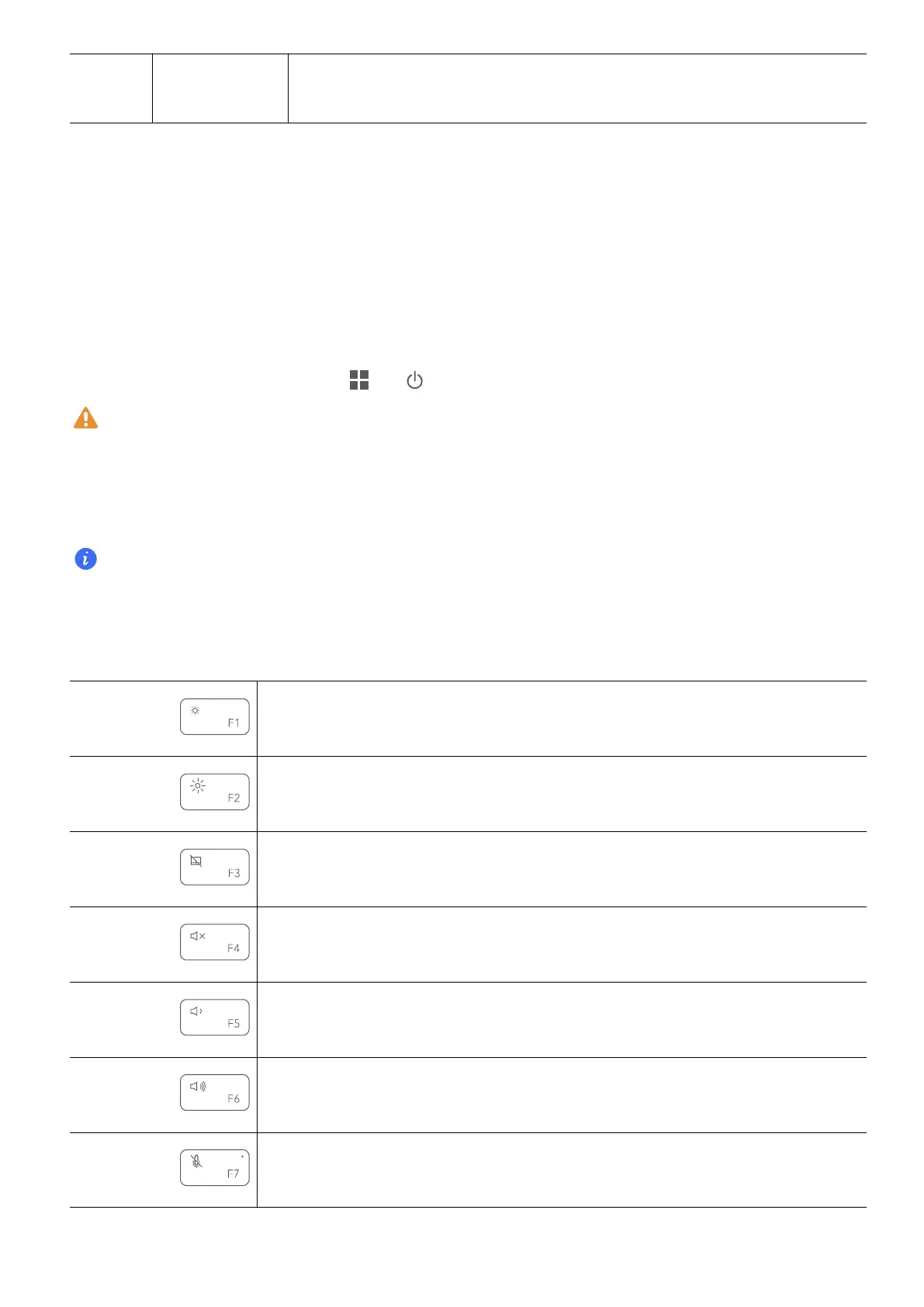
Decrease screen brightness.
Increase screen brightness.
Enable or disable the touchpad.
Mute or unmute.
Decrease the volume.
Increase the volume.
Enable or disable the microphone.
Get to know your computer
3


 To Next Page