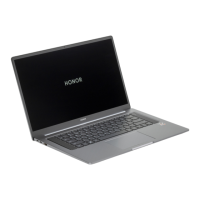
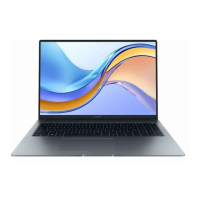
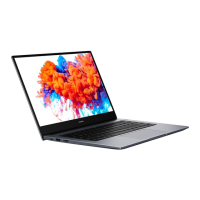
1 Display Displays the computer desktop.
2 Camera
indicator
Indicates the camera's status. Lights up steady white when the
camera is active.
3 Front camera Can be used to take photos or make video chats.
4 Fingerprint
power button
After enrolling a ngerprint, simply press the power button with the
enrolled nger to power on and unlock the computer without
having to enter a password.
5 Speaker The speakers output sound.
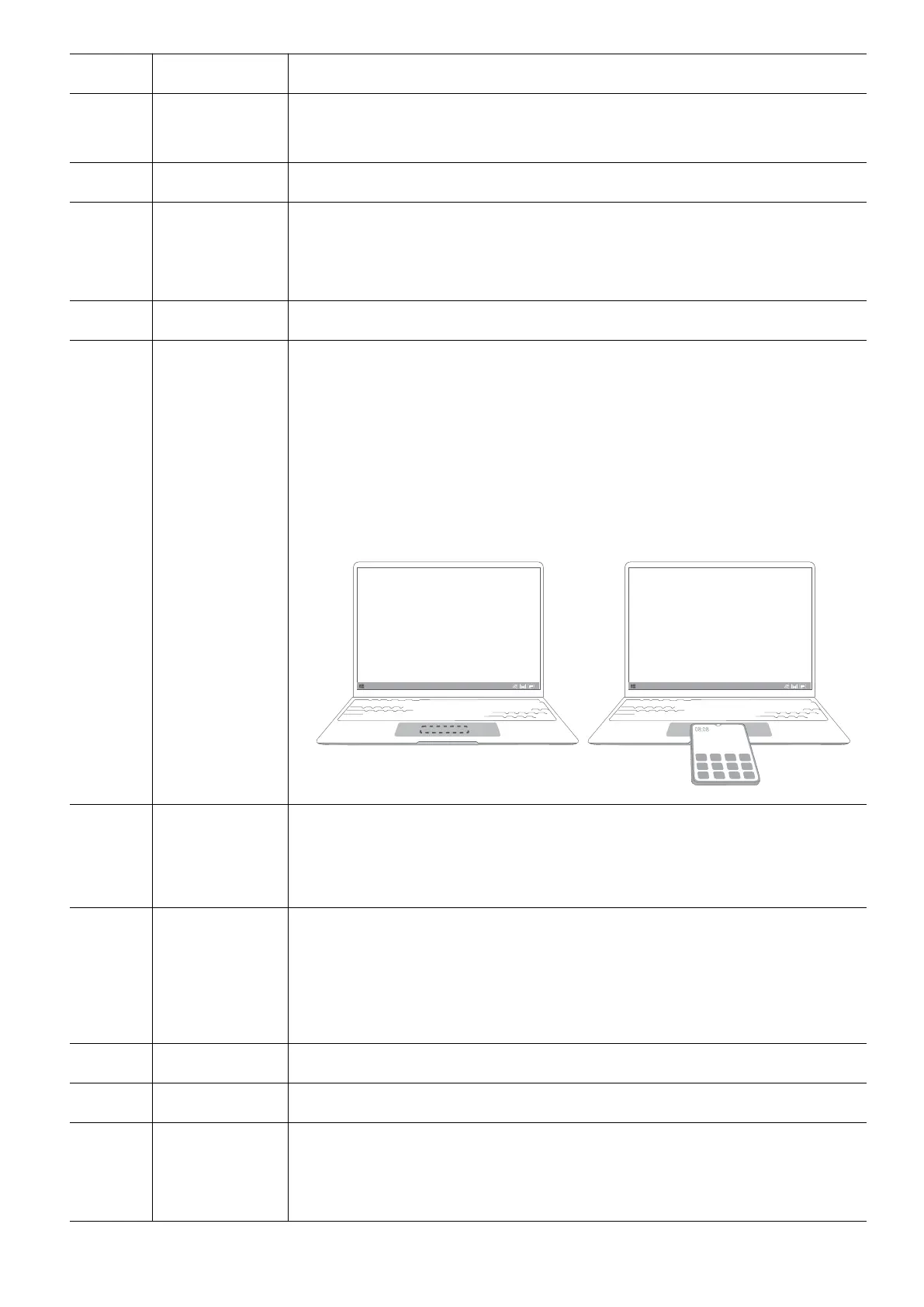
6 Touchpad • Provides similar functionality to a mouse. A convenient way to
control the computer.
• Tap the NFC detection area on some Honor phones against the
HONOR Magic-link sensor on the computer to use the HONOR
Magic-link feature.
HONOR Magic-link sensor is located approximately in the center
of the touchpad. It is not externally visible.
7 USB-C port • Connects the power adapter to charge the computer.
• Connects to mobile phones, USB drives, and other external
devices to transfer les.
8 Charging
indicator
Indicates the battery's charge status when charging:
• Blinks white when charging.
• Steady white when the computer is fully charged and stops
charging.
9 HDMI port A high-denition multimedia port. Connects to external displays.
10 Headset jack Connects to a headset.
11 USB-A (USB
3.2 Gen 1)
port
Connects to mobile phones, USB drives, and other external devices
to transfer data.
Get to know your computer
2


 To Next Page