If another option has been set previously, the dialog box will not pop up. Swipe down
from the top middle or left of the screen to open the Center, touch
Settings, then select Charge only.
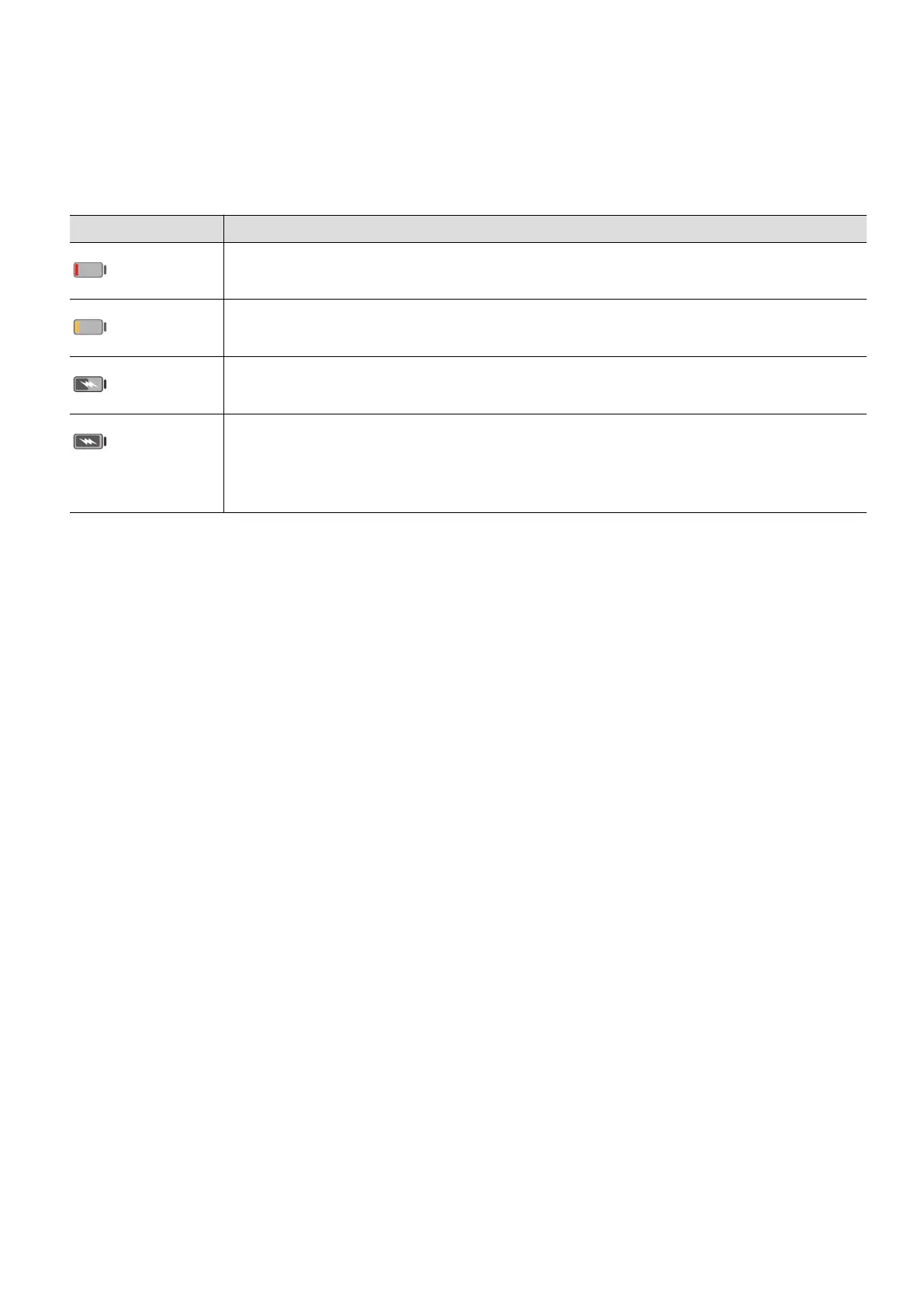
Oveiew of Batte Icons
You can check the level from the icon on the tablet screen.
Batte Icon Batte Level
Less than or equal to 10% remaining.
11% to 20% remaining.
Charging, 20% to 90% remaining.
Charging, at least 90% remaining.
If 100% is displayed next to the icon, or a charging complete
message is displayed on the lock screen, the is fully charged.
Get Familiar
16



 To Next Page