Use Grabshot
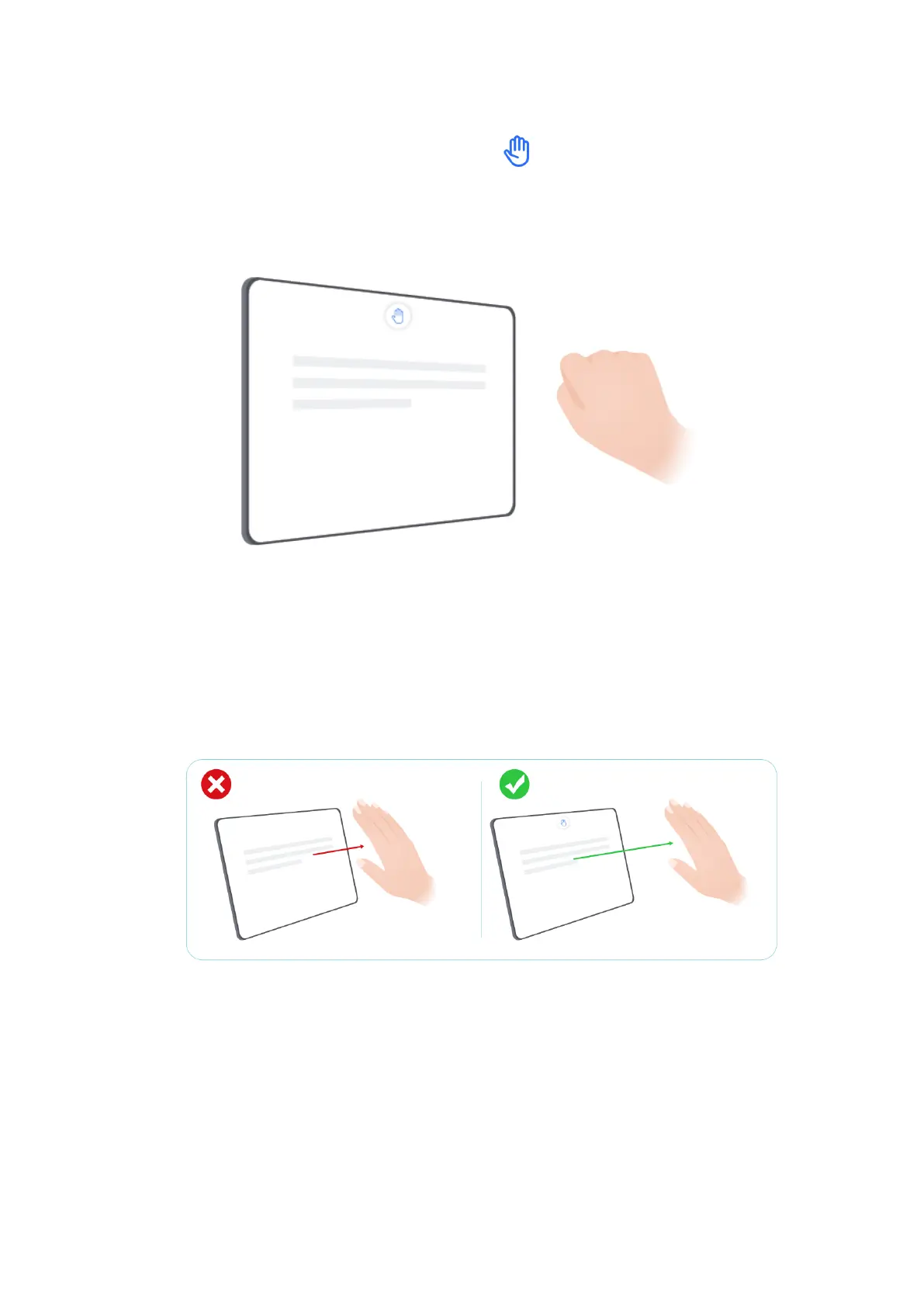
Close all together, hold your palm towards the top of the screen and keep it
about 40-60cm away. Grab and make a when appears on the screen.
Improve the success rate of Grabshot
1
Don’t keep your hands too close to the top of the screen, please keep a distance of
about 40-60cm.
2 Do not hold your hand at an angle to the screen, please keep it straight up directly
above the top of the screen.
Tips
61



 To Next Page