Maintenance
15.14.
Maintenance (continued)
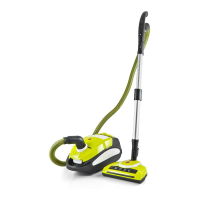
Part Part Number
Filter Set 32200832
Bag Holder 33101201
Dust Bag 5Pk 32410222
Hose Assembly 31210073
Rod 31300564
Troubleshooting
Problems and Solutions
If you come across a problem, please use the checklist of troubleshooting tips before
ringing Hoover Customer Care.
Fault Solutions
The cleaner will not turn on. Check that the power cable is inserted securely; remove from the
power supply and then reinsert into the power supply.
Check that the on/off switch is in the “ON” position.
The vacuum performance
is deteriorating.
Check the appliance to ensure there are no blockages.
Clear any blockages that may be found.
Check that the air-inlet filter is not dusty; frequently clean rubbish or
replace air-inlet and air-outlet HEPA filters every 6 months.
The cleaner makes an
abnormal sound when
switched on.
Turn off the cleaner immediately.
Check the appliance to ensure there are no blockages.
Please clear any blockages that may be found.
Light on suction control dial is
illuminated or flashing.
This can be caused by a full dust bag or blockage within the hose
or rod.
Please contact Hoover Customer Care: 1300 360 845, NZ: (09) 263 7573 to find your
local spare parts provider.
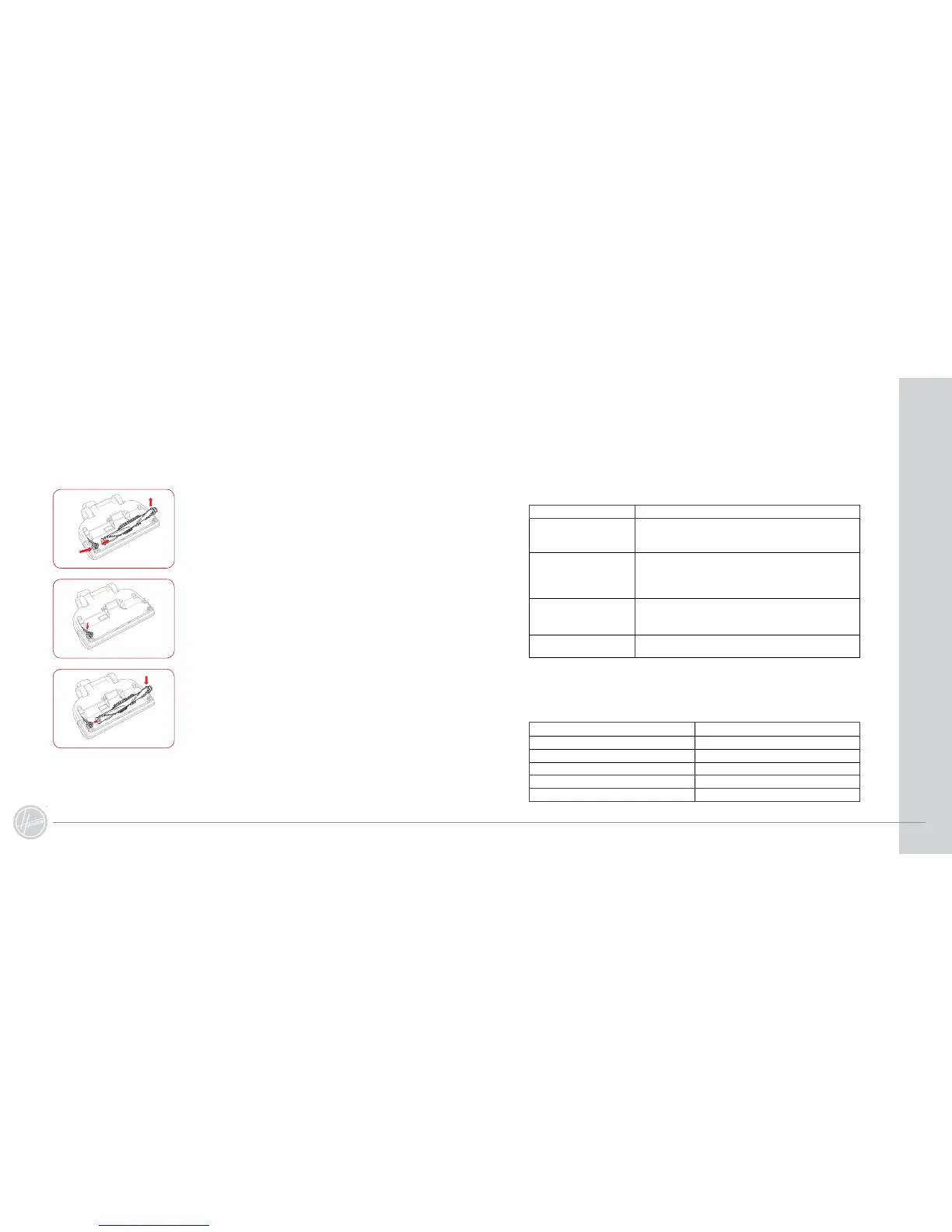
5. Slide the old belt off the drive shaft and then the end cap.
If the belt is broken, remove all the broken pieces.
6. Place the new belt over the drive shaft first and then the end
cap. Make sure the lettering on the belt is on the outside.
Insert the end cap into the groove.
7. Holding the rotating brush, insert it into the end cap first
and then into the groove on the other side.
8. Replace the bottom plate.
Changing the Motorised Powerhead Drive Belt (continued)



 To Next Page