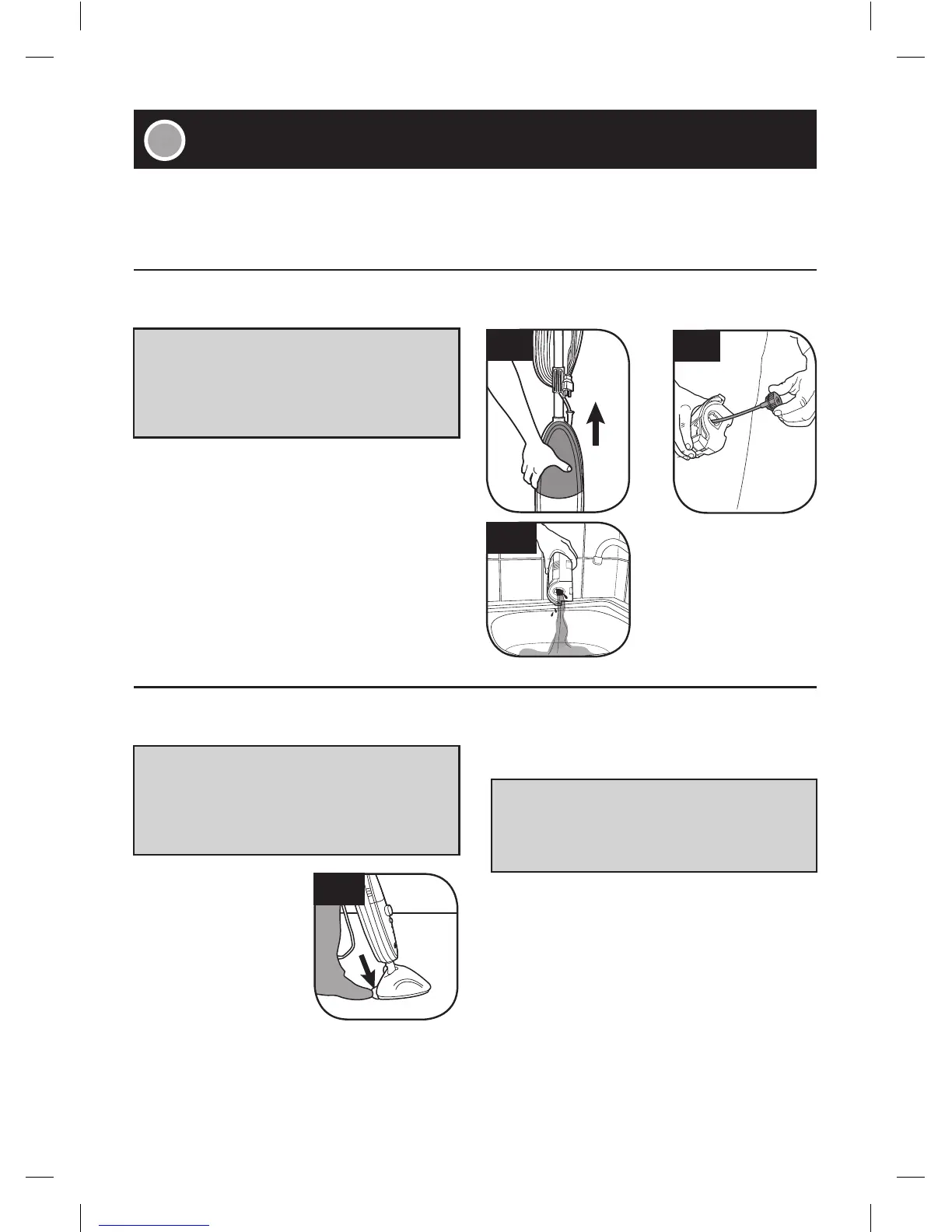
3.3
3.1
3.2
3.4
12
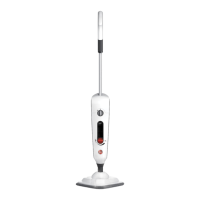
How to Empty
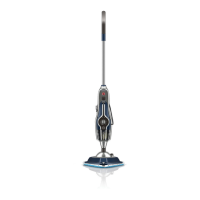
■ Remove the clean water tank located on the
front side of Steam Mop (3.1).
■ Twist the cap counter-clockwise to remove (3.2).
■ Empty any excess water into the sink, allow to
air dry and replace water cap and return to the
Steam Mop (3.3).
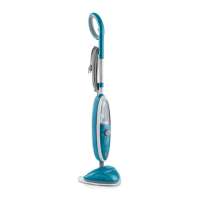
How to Remove
■ Step on exposed tab
located on back of
microfiber pad (3.4).
Lift Steam Mop away
from microfiber pad
to remove.
How to Clean
■ Machine washable on “HOT” setting. Always
use a detergent.
■ For best care results, lay flat to dry.
Familiarize yourself with these home maintenance tasks as proper use and care of your Steam Mop will
ensure continued cleaning effectiveness.
All servicing should be done by an authorized service representative.
• IMPORTANT •
• IMPORTANT •
• IMPORTANT •
Allow the steamer to fully cool down
before performing any maintenance or
troubleshooting checks.
Allow the Steam Mop to fully cool down
before performing any maintenance or
troubleshooting checks.
Never use bleach or fabric softener when
washing the pad.





 To Next Page