3.5
13
When to Replace
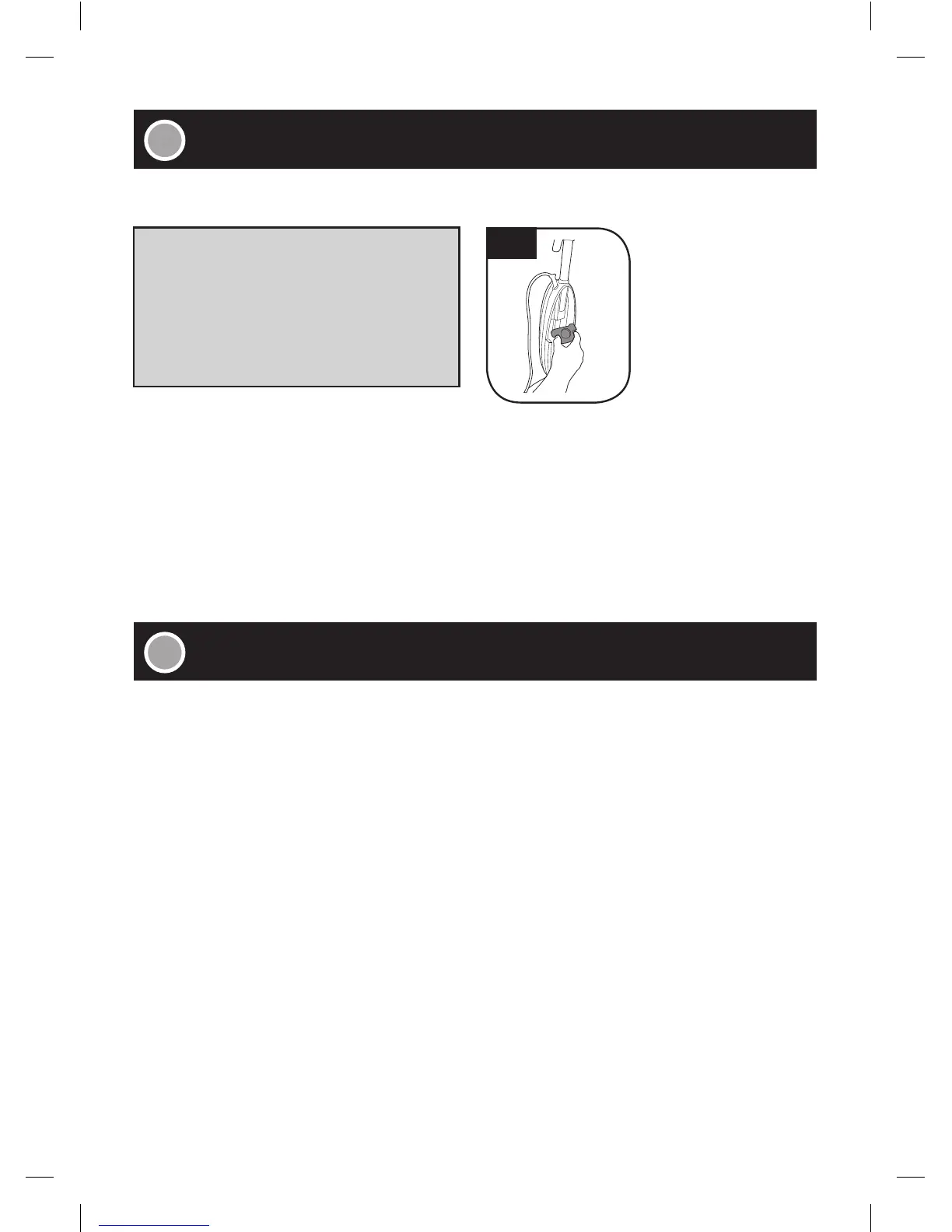
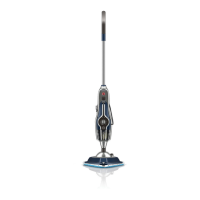
■ To locate hard water filter, remove clean water tank on FRONT of Steam Mop.
■ Your machine is fitted with a hard water filter. If you live in an area of hard water the filter will discolour/
darken over time. Depending on water hardness and/or frequency of use the filter should be changed
every 12 months (3.5). Contact a HOOVER
®
customer service representative at 1300 360 845 for
replacement details: Part #440001633.
■ Unplug the power cord and disconnect the power supply.
■ Place steamer in cooling base and allow to cool.
■ Empty the residual water in the tank and clean the external surface with a dry cloth. Allow to dry.
■ Re-install water tank, replace in cooling base to prevent damage to floor and store in upright position.
■ Leaving unused solution in solution tank will not affect performance.
• IMPORTANT •
The condition of the filter affects the performance
of your machine.
Check and change filter (depending on level of use).
Do not operate Steam Mop without hard water
filter in place.





 To Next Page