EasyManua.ls Logo

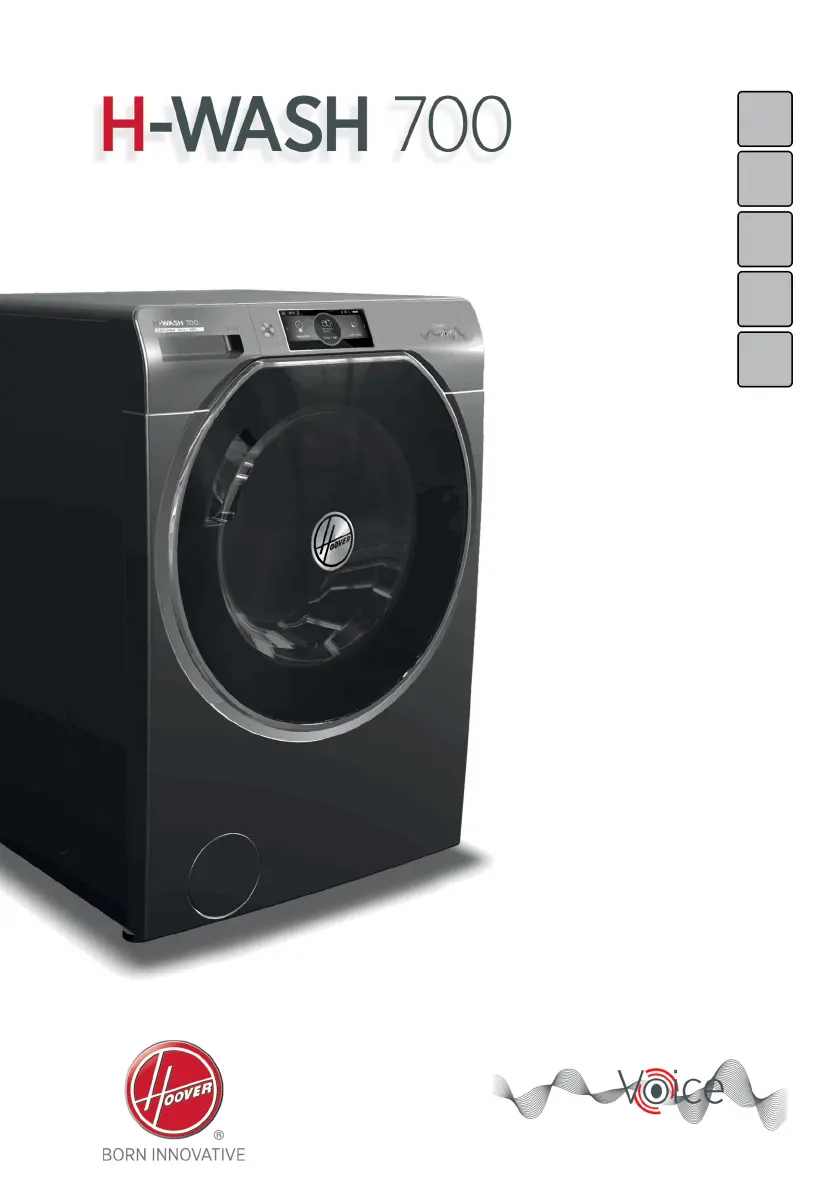
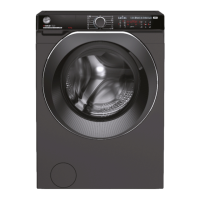
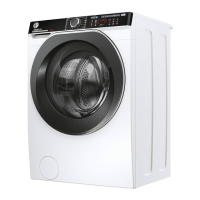
Hoover H-WASH 700 - User Manual

Hoover H-WASH 700
36 pages
Print Icon
To Next Page IconTo Next Page
Loading...
EN
0

Other manuals for Hoover H-WASH 700

Questions and Answers

  • B
    Brian SnyderAug 19, 2025
    Why my Hoover H-WASH 700 Washer does not work / start?
    • K
      Kim ReynoldsAug 19, 2025
      If your Hoover Washer isn't working or starting, ensure it's properly plugged into a working power socket and that the power is on. Test the wall socket with another appliance. Also, check that the door is correctly closed, and the required program is selected with the start button pressed. Make sure the washer isn't in pause or time delay mode.
  • J
    Jeremiah JosephAug 21, 2025
    Why is there water leaked on the floor near my Hoover Washing machine?
    • S
      Sarah NelsonAug 21, 2025
      If you see water leaked on the floor near your Hoover Washing machine, it could be due to a leak from the seal between the tap, supply hose, and fill valve; in this case, replace it and correctly tighten the hose connections. Also, make sure the front filter is correctly closed.
  • W
    wilkersondavidAug 23, 2025
    Why is my Hoover Washer leaking water?
    • D
      debrawilliamsAug 23, 2025
      If you notice water leaking on the floor near your Hoover Washer, it could be due to a leak from the seal between the tap, supply hose, and fill valve; in this case, replace it and tighten the hose connections correctly. Also, make sure the front filter is correctly closed.
  • C
    Cynthia OlsenAug 26, 2025
    What to do if my Hoover H-WASH 700 does not spin?
    • J
      Jamie NguyenAug 26, 2025
      If your Hoover Washer is not spinning, try these steps: First, remove the load, de-tangle it, reload it, and restart the spin program. If water hasn't completely drained, wait a few minutes. Also, some models have a "no spin" function, so ensure it's not selected. Check the selected options and their effect on the spin cycle. Finally, using too much detergent can impede the spin cycle, so ensure you're using the correct amount.
  • R
    Ricky BennettAug 28, 2025
    Why is my Hoover H-WASH 700 Washer making strong vibrations / noises during the spin cycle?
    • R
      Robert MooreAug 28, 2025
      To address strong vibrations or noises during the spin cycle of your Hoover Washer, first, ensure the appliance is fully leveled by adjusting the feet. Next, verify that all transport screws, rubber bungs, and spacer tubes have been removed. Finally, check the drum for any foreign objects like coins or buttons.
  • M
    Marc MedinaAug 30, 2025
    What to do if my Hoover Washer shows E7 error / 7 flashes?
    • C
      Cory WatsonAug 30, 2025
      If your Hoover Washer displays 'E7' or the LEDs flash 7 times, ensure the door is correctly closed and that no clothes are preventing it from fully closing. If the door is locked, turn off and unplug the washing machine, wait 2-3 minutes, and then reopen the door.
  • E
    Eric VincentSep 1, 2025
    How to fix Hoover H-WASH 700 Washer E2 error / 2 flashes?
    • D
      Diane SmithSep 1, 2025
      If your Hoover Washer displays 'E2' or the LEDs flash 2 times, make sure the water supply tap is open and that the water supply hose isn’t bent, kinked, or trapped. Ensure the drain pipe is at the proper height. Close the water supply tap, unscrew the filler hose, and check that the “anti-sand” filter is clean and not blocked. Also, check that the filter is not clogged and that there are no foreign bodies inside the filter compartment.
  • K
    karen42Sep 4, 2025
    What to do if my Hoover H-WASH 700 Washer shows E4 error / 4 flashes?
    • B
      brandon99Sep 4, 2025
      If your Hoover Washer displays 'E4' or the LEDs flash 4 times, ensure the correct amount of detergent is being used and that the detergent is designed for use in a washing machine.
  • A
    abigailgreenSep 6, 2025
    How to fix Hoover Washer error E7?
    • R
      Robert ChandlerSep 6, 2025
      If your Hoover Washer displays error code E7 or flashes the LEDs 7 times, make sure that the door is correctly closed and that no clothing is preventing it from closing fully. If the door is locked, try turning off and unplugging the washing machine from the electrical supply socket, wait 2-3 minutes and then try reopening the door.
  • T
    Taylor ParkSep 8, 2025
    Why is my Hoover Washer vibrating so much?
    • C
      Carolyn FrazierSep 8, 2025
      If you're experiencing strong vibrations or noises during the spin cycle of your Hoover Washer, it might not be fully leveled. Adjust the feet as indicated in the relevant section of the manual. Also, ensure that the transport screws, rubber bungs, and spacer tubes have been removed. Finally, check the drum for any foreign objects like coins, hinges, or buttons.

Summary

Environmental Conditions

General Safety Rules

Electrical Connections and Safety

Installation Procedure

Hydraulic Connections

Appliance Setting and Levelling

Practical Hints for Use

Load Tips

Tips on sorting and preparing laundry for optimal washing results.

Saving Energy and Water

Guidance on conserving energy, water, and detergent for efficient operation.

Detergent Dosing

Advice on selecting and using the correct amount of detergent and additives.

Cleaning and Maintenance

Exterior and Drawer Cleaning

Instructions for cleaning the appliance's exterior and detergent drawer.

Pump Filter Cleaning and Storage

Cleaning the Pump Filter

Steps for checking and cleaning the pump filter to ensure proper drainage.

Storage for Prolonged Disuse

Instructions for preparing the appliance for long periods of non-use.

Porthole Emergency Opening

Command Panel Overview

Home Screen Navigation

Overview of the main screen layout and its interactive elements.

Settings and Options Screens

Guide to accessing and navigating through various settings and programme options.

Status Bar Icons Explained

Initial Machine Start-Up

Setting the Display Language

How to select and confirm the preferred language for the appliance display.

Adjusting Water Hardness

Guide to setting water hardness for optimal detergent dispensing.

Various Settings and Connectivity

Remote Control Setup and Usage

Instructions for connecting and using the appliance via Wi-Fi and a mobile app.

Direct Voice Control

Voice Control Setup and Use

Preliminary settings, daily usage, and microphone activation for voice commands.

Volume and Display Settings

Volume Adjustment

How to adjust the appliance's volume using voice or menu controls.

Automatic Detergent Dispensing (CARE DOSE)

Care Dose System Configuration

How to activate/deactivate automatic detergent and softener dispensing.

Daily Use and Programme Start

Quick Guide to Daily Operation

A brief overview of the steps for operating the washing machine daily.

Starting and Managing Programmes

How to select, start, modify, and end wash programmes.

Managing Wash Cycles

Programme Control and Customisation

Handling programme end, pause, cancel, favourites, temperature, and spin speed.

Advanced Programme Settings

Delayed Start and Programme Options

How to schedule a wash cycle and use additional options like Pre-Wash and Hygiene.

Special Wash Cycle Options

Drying Cycle Functions

Drying Programme Selection

Guide to choosing automatic or timed drying programmes based on laundry needs.

Table of Programmes

Information for Test Laboratories

Standard Programmes for Testing

Details on programmes specified by EU directives for testing compliance and energy efficiency.

Description of Wash Programmes

Basic Wash Programmes

Explanations for Whites, ECO 40-60, and Wash and Dry programmes.

Specialised Wash Programmes

Descriptions for Synthetic, Wool, Delicate, 20°C, and Rinse programmes.

Programme Details and Drying

Standard Drying Programmes

Information on High Heat, Low Heat, and Dry Wool drying programmes.

Combined Wash and Dry Programme

Details on the Rapid Wash & Dry 59' programme.

Active Steam Drying Programmes

Drying Cycle Operation

Drying Guidance and Best Practices

General advice on fabric sorting and selecting appropriate drying settings.

Step-by-Step Drying Process

Instructions on how to load, select programmes, and manage the drying cycle.

Automatic Wash;Dry Cycle

Troubleshooting and Error Codes

Understanding Error Codes

Explains how error codes are displayed and their meaning.

Common Problems and Solutions

Lists common issues with their causes and practical solutions.

Addressing Other Anomalies

Product Warranty Information

Warranty Terms and Conditions

Details on the product's guarantee, coverage, and how to claim service.

Hoover H-WASH 700 Specifications

General IconGeneral
Loading typeFront-load
ColourWhite
Built-in displayYes
Drum materialStainless steel
Washing classA
Delayed start timerYes
Delayed start24 hours
Width600 mm
Height850 mm

Related product manuals