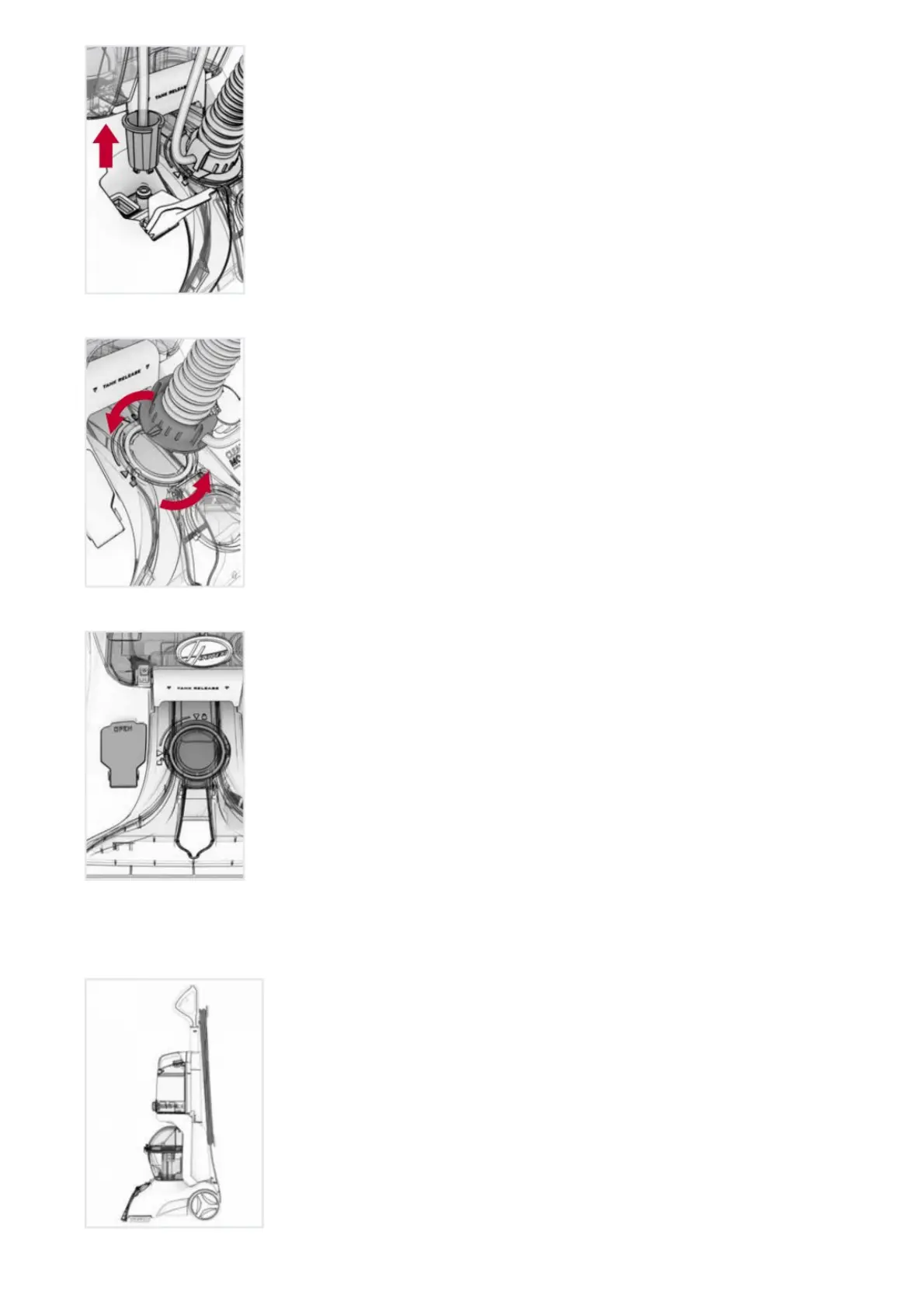
2. Rotate hose end counterclockwise from the locked position to the unlocked position and remove by pulling
out.
3. Snap the Hose Port Door on the Nozzle back into place. Make sure to snap it firmly back into place to ensure
proper suction.
How to Attach Tools
1. To ensure maximum performance and to protect your carpet, be sure to place the handle in the upright
position while using the hose. Placing the handle in the upright position shuts off the SpinScrub® brushes.
2. Connect tool to hose by sliding it onto the connector until it securely locks into place.


 To Next Page
 Loading...