EasyManua.ls Logo

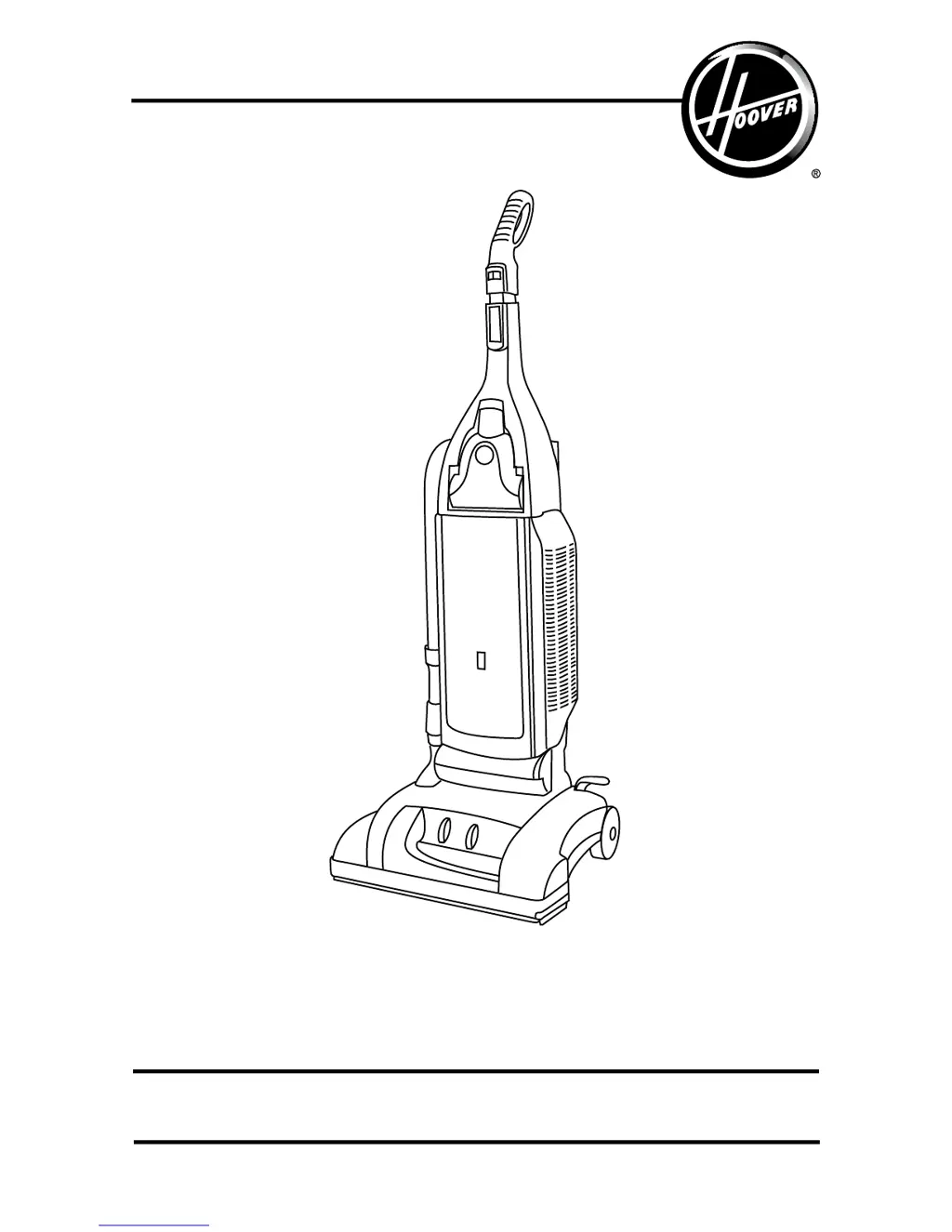
Hoover U6420 - User Manual

Hoover U6420
54 pages
Print Icon
To Next Page IconTo Next Page
Loading...
hoover.com
OWNER’S MANUAL
Operating and Servicing Instructions
©2010 Techtronic Floor Care Technology Limited. All rights reserved. #56511C68 ID101013-R0
IMPORTANT: READ CAREFULLY BEFORE ASSEMBLY AND USE.
Questions or concerns? For assistance, please call Customer Service at 1-800-944-9200
Mon-Fri 8am-7pm EST. PLEASE DO NOT RETURN THIS PRODUCT TO THE STORE.
THIS PRODUCT IS INTENDED FOR HOUSEHOLD USE ONLY.
IF USED COMMERCIALLY WARRANTY IS VOID.
Español - página E1

Questions and Answers

  • L
    Luis JacksonJul 31, 2025
    Why Hoover U6420 won't pick up?
    • J
      Julian JacobsonJul 31, 2025
      Your Hoover Vacuum Cleaner may not be picking up due to several reasons: a broken or worn belt, a worn brushroll, a full filter bag, an incorrect carpet height setting, or a blockage in the airflow passage. To resolve this, try the following: replace the belt, replace the brushroll, change the filter bag, move the carpet height control to a lower setting, and clear any blockages.
  • J
    John PatrickAug 9, 2025
    What to do if my Hoover Vacuum Cleaner won’t run?
    • K
      kimberlylopezAug 9, 2025
      If your Hoover Vacuum Cleaner won’t run, it could be due to a few reasons: it's not firmly plugged in, there's no voltage in the wall plug, a fuse is blown, a breaker is tripped, or the thermal protector has been activated. Try these solutions: ensure the unit is firmly plugged in, check the fuse or breaker and replace or reset if necessary, and allow the cleaner to cool for 30 minutes to reset the thermal protector.
  • X
    xhopkinsAug 19, 2025
    How to fix agitator brushes that aren’t turning on my Hoover U6420 Vacuum Cleaner?
    • R
      Raven BrockAug 19, 2025
      If the agitator brushes on your Hoover Vacuum Cleaner aren’t turning, it might be because the Custom Control™ switch is set to the bare floor position, or the agitator is obstructed. Set the switch to the carpet position and clear any obstruction.

Summary

Important Safety Instructions

Cleaner Assembly

Carton Contents

Lists items included in the vacuum cleaner's packaging.

Attach Handle

Instructions for attaching the vacuum cleaner's handle.

Attach Hose

Steps for connecting the vacuum cleaner hose.

How to Use

Cleaner Description

Identifies and describes the various parts of the vacuum cleaner.

On-Off Switch

Explains how to turn the vacuum cleaner on and off.

Self-Propel Feature

Details the function and operation of the self-propel feature.

Transporting Cleaner

Instructions on how to move the cleaner between rooms.

Carrying Cleaner

Describes how to carry the cleaner using its handle.

Handle Positions

Explains the different positions for the cleaner's handle.

Embedded Dirt Finder Feature

Describes the function of the dirt detection system.

Carpet Height Adjustment

How to adjust the cleaner's height for different carpet types.

Brushroll Control

Instructions for controlling the brushroll operation.

Cleaning Lightweight Flexible Rugs

Guidance on cleaning lightweight or flexible rugs.

Edge Cleaning

How to use edge groomers for cleaning near edges.

How to Clean Tools

Instructions for cleaning vacuum cleaner tools.

Cleaning Tools

General information on using various cleaning tools.

Select Proper Tool

Guidance on choosing the correct tool for the task.

Attach Wand and Tools

Steps for attaching wands and tools to the hose.

Stair Cleaning

Specific instructions for cleaning stairs.

Maintenance

Filter Bag

Information about the vacuum cleaner's filter bag.

Changing Filter Bag

Step-by-step guide to replacing the filter bag.

Filters

Information regarding the secondary and final filters.

Final Filter

Details on the final filter's function and replacement.

Check Brushroll Channels

How to check and clear debris from brushroll channels.

Headlight

Information about the vacuum cleaner's headlight.

Belts

Instructions for checking and replacing the vacuum cleaner belts.

V-Belt

Details on inspecting and replacing the V-belt.

Brushroll

Guidance on checking and replacing the brushroll.

Powered Hand Tool

How to clean the powered hand tool.

Edge Groomer

Information on replacing the edge groomers.

Clearing Blockages

Steps to identify and clear blockages in the system.

Lubrication

Information about the motor's lubrication.

Troubleshooting

Service

Hoover U6420 Specifications

General IconGeneral
TypeUpright
FiltrationHEPA
Cord Length7.5 meters
Cleaning Path Width30 cm
AttachmentsCrevasse tool
Dust Capacity3 liters

Related product manuals