EasyManua.ls Logo

horiba LAQUA 2000 Series - User Manual

horiba LAQUA 2000 Series
108 pages
Print Icon
To Next Page IconTo Next Page
Loading...
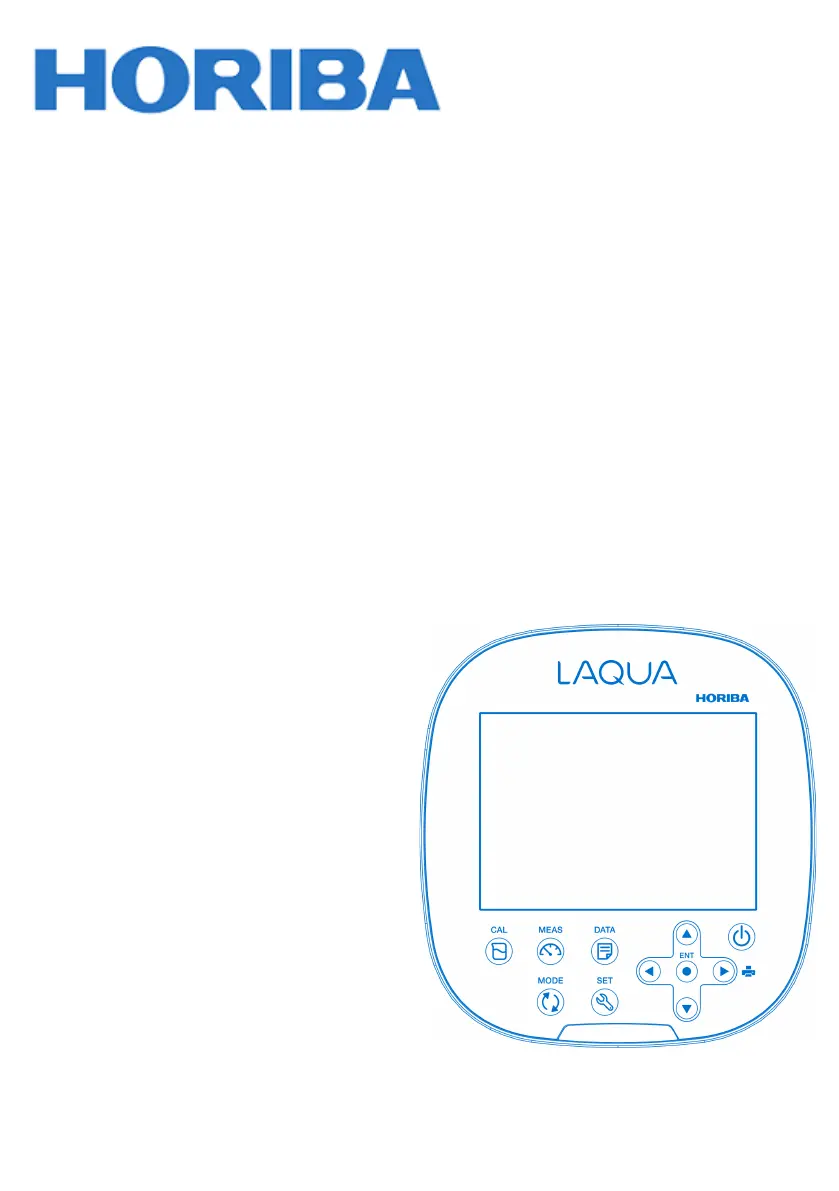
Instruction Manual
Benchtop pH/ORP/ION/Conductivity Meter
LAQUA-PH2000
LAQUA-ION2000
LAQUA-EC2000
LAQUA-PC2000

Questions and Answers

  • B
    brian89Aug 19, 2025
    What to do if my Horiba Measuring Instruments shows DATA FULL?
    • B
      Brett MilesAug 19, 2025
      If the Horiba Measuring Instruments displays 'DATA FULL', it means the maximum number of saved data has been exceeded. To resolve this, print or transfer all data, and then clear the data log.
  • C
    Cameron WoodsAug 21, 2025
    Why does the indicated value fluctuate on my Horiba Measuring Instruments when it is problem with the electrode?
    • W
      watsonelizabethAug 21, 2025
      If the indicated value on your Horiba Measuring Instruments fluctuates, and it's due to the electrode, it could be for several reasons: * The electrode is dirty: Clean the electrode. * The electrode is cracked: Replace the electrode. * The wrong internal solution is being used: Use the correct internal solution. * There are air bubbles on the electrode: Shake the electrode to remove the air bubbles. * The level of internal solution in reference electrode is low: Replenish the internal solution of the reference electrode until it is higher than the level of the sample.
  • K
    Kenneth AndersonAug 23, 2025
    Why does the indicated value fluctuate on my Horiba Measuring Instruments when it is problem with the instrument?
    • J
      Joshua DavisAug 25, 2025
      If the indicated value on your Horiba Measuring Instruments fluctuates, and it's due to the instrument, it could be due to: * Electrical interference: Measure in a location free from induction and ground all AC-powered equipment. * Incorrect electrode connection: Ensure the electrode is properly connected.
  • C
    Charles RangelAug 26, 2025
    Why is the repeatability of the measured value poor on my Horiba Measuring Instruments?
    • B
      briangreeneAug 26, 2025
      If the repeatability of the measured value is poor on your Horiba Measuring Instruments, it could be due to: * The effect of the sample solution: Repeatability becomes poor when the pH of the sample changes over time. * The electrode is dirty: Clean the electrode. * The electrode is broken: Replace the electrode. * The internal solution of the electrode runs out or contaminated: Replace the internal solution with a new one. * The level of internal solution in reference electrode is low: Replenish the internal solution of the reference electrode until it is higher than the level of the sample.
  • R
    Robert WatkinsAug 28, 2025
    What does NOT STBLE mean on my Horiba Measuring Instruments and how to fix it?
    • A
      Amanda BentonAug 28, 2025
      If your Horiba Measuring Instruments shows 'NOT STBLE', it means the ENT key was pressed before the smiley icon and calibration value stabilized. Wait for the smiley icon and calibration value to stabilize before pressing the ENT key.
  • M
    Monica MejiaAug 30, 2025
    How to fix OFFS ERR on Horiba Measuring Instruments?
    • S
      Sue BrooksAug 30, 2025
      If your Horiba Measuring Instruments displays 'OFFS ERR', it indicates that the electrode is either dirty or the reference junction is clogged. Clean the electrode to resolve this issue.
  • J
    John SmithSep 1, 2025
    What causes SLPE ERR on Horiba Measuring Instruments?
    • D
      Donna SanchezSep 1, 2025
      If your Horiba Measuring Instruments displays 'SLPE ERR', it indicates that the electrode sensitivity is low. Clean and recalibrate with a fresh standard solution. If the problem continues, replace the electrode.
  • V
    Victor CarpenterSep 3, 2025
    What does BUFF ERR mean on Horiba Measuring Instruments?
    • J
      Jonathan CaseySep 3, 2025
      If your Horiba Measuring Instruments displays 'BUFF ERR', it means the instrument cannot identify the pH buffer. Check the calibration solution and use a fresh one if necessary.
  • C
    carol29Sep 5, 2025
    Why does the indicated value not change on my Horiba Measuring Instruments?
    • E
      Emily WhiteheadSep 6, 2025
      If the indicated value on your Horiba Measuring Instruments does not change, it could be due to several reasons: * The electrode is cracked: Replace the electrode. * The electrode is not connected correctly: Connect the electrode correctly. * The instrument is in HOLD state: Cancel the HOLD state. * Instrument defect: Consult your dealer.
  • D
    David CohenSep 7, 2025
    What does CAL DUE mean on my Horiba Measuring Instruments?
    • R
      Rebecca BurnsSep 7, 2025
      If your Horiba Measuring Instruments displays 'CAL DUE' and the electrode icon blinks in MEAS mode, it means calibration was not performed at the designated interval. Perform calibration.

Summary

Preface

Warranty and Responsibility

Outlines the manufacturer's warranty terms and limitations.

Trademarks

Lists registered and unregistered trademarks mentioned in the manual.

Regulations

Conformable Standards

Details the safety and EMC standards the equipment complies with.

Installation Environment

Specifies the environmental conditions the product is designed for.

Disposal and Environmental Information

Provides guidelines for proper disposal of the product and batteries.

FCC and Other Certifications

Information on FCC compliance and other relevant certifications.

China Environmental Marking

Explains the meaning of the environmental protection use period marking in China.

Hazardous Substance Information

Details the presence and limits of hazardous substances in the product.

Safety Information

Hazard Classification and Symbols

Explains safety alert symbols and hazard classifications used in the manual.

General Safety Precautions

Provides essential safety guidelines for using the instrument.

Instrument and Electrode Safety

Specific safety measures for handling the instrument and its electrodes.

Product Handling and Information

Operational Precautions

Guidelines for correct and safe operation of the instrument.

Environmental Conditions for Use and Storage

Specifies operating temperature, humidity, and storage requirements.

Transportation and Disposal

Instructions for transporting the instrument and its proper disposal.

Manual Information

Describes the structure and notes used within the instruction manual.

Product Overview

Package Contents

Lists all items included in the product package.

Key Features

Highlights the main functionalities and capabilities of the instrument.

Display and Keypad Operations

Explains the instrument's display elements and keypad functions.

Electrode Sensitivity Levels

Describes how electrode performance is indicated.

Basic Operations

Instrument Power and Electrode Connection

Step-by-step instructions for powering up and connecting electrodes.

Changing Operation Mode and Parameters

Guide to switching between measurement, calibration, data, and setup modes.

Calibration Procedures

pH Calibration

Detailed procedure for calibrating the instrument for pH measurements.

ORP;mV Calibration

Detailed procedure for calibrating the instrument for ORP/mV measurements.

Ion Calibration

Detailed procedure for calibrating the instrument for ion measurements.

Conductivity Calibration

Detailed procedure for calibrating the instrument for conductivity measurements.

TDS Calibration

Information on how TDS values are calculated and recalibrated.

Salinity Calibration

Detailed procedure for calibrating the instrument for salinity measurements.

Temperature Calibration

Procedure for calibrating the instrument's temperature reading.

Data Management

Data Capture and Storage

Instructions for saving measurement data internally.

Data Transfer and Printing

Guide on transferring data to a PC and printing measurement logs.

Instrument Setup

pH Setup Configurations

Options for configuring pH measurement settings.

Ion Setup Configurations

Options for configuring ion measurement settings.

Conductivity Setup Configurations

Options for configuring conductivity measurement settings.

TDS Setup Configurations

Options for configuring TDS measurement settings.

Salinity Setup Configurations

Options for configuring salinity measurement settings.

General Setup Configurations

Options for general instrument settings like stability and auto-shutoff.

Clock Setup Configurations

Instructions for setting the instrument's date and time.

Maintenance and Storage

Instrument Maintenance and Storage

Procedures for cleaning and storing the main instrument unit.

Electrode Maintenance and Storage

Guidelines for cleaning, storing, and maintaining electrodes.

Environmental Conditions for Storage

Specific conditions required for proper instrument storage.

Error Messages and Troubleshooting

Error Messages

Lists and explains common error codes displayed by the instrument.

Troubleshooting Common Issues

Provides solutions for frequently encountered problems with the instrument.

Appendices and Specifications

Appendix 1: pH vs. Temperature Data

Table showing pH buffer values at different temperatures.

Conductivity Cell Range Tables

Tables detailing conductivity measurement ranges and cell constants.

Appendix 2: Printout Summaries

Examples of data printouts for various measurements.

Meter Specifications

Technical details and performance characteristics of the LAQUA 2000 series.

horiba LAQUA 2000 Series Specifications

General IconGeneral
pH Range0.00 to 14.00 pH
pH Resolution0.01 pH
Temperature Resolution0.1 °C
Accuracy (pH)±0.01 pH
Accuracy (Temperature)±0.5 °C
Measurement ItemspH, Conductivity, Temperature
Calibration Points (pH)Up to 5
Power SupplyAC adapter
ConnectivityUSB

Related product manuals