EasyManua.ls Logo

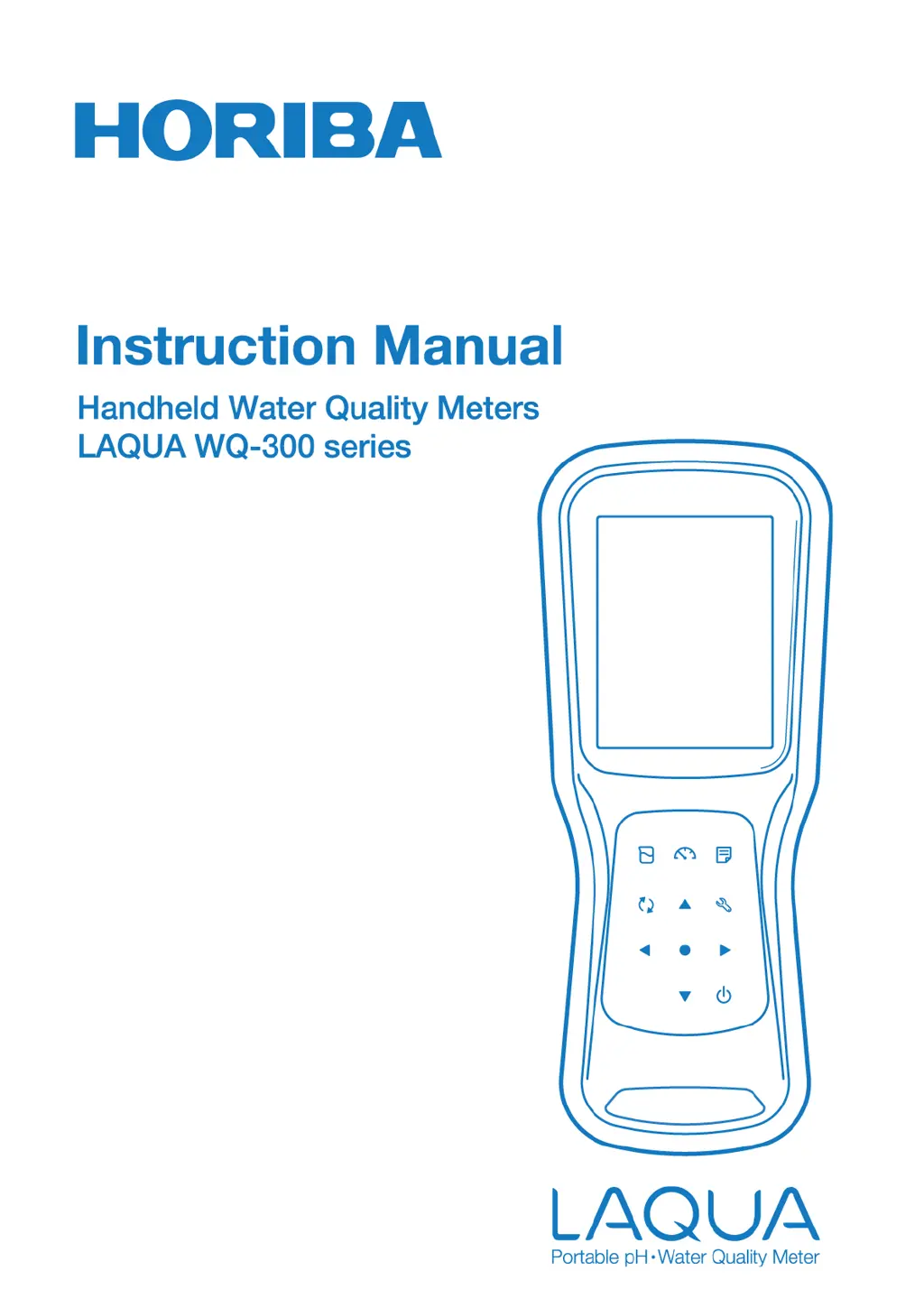
horiba LAQUA WQ-310 - User Manual

horiba LAQUA WQ-310
76 pages
Print Icon
To Next Page IconTo Next Page
Loading...

Questions and Answers

  • A
    Amy WeaverAug 20, 2025
    What to do if horiba LAQUA WQ-310 Measuring Instruments shows low battery?
    • R
      rrosarioAug 20, 2025
      If your Horiba Measuring Instruments displays a 'Low Battery' message, it means the battery power is low. The solution is to replace the old batteries with new ones.
  • L
    Lisa BrownAug 22, 2025
    What to do if horiba LAQUA WQ-310 displays 'SD Memory Over'?
    • D
      danielramirezAug 22, 2025
      If you receive an 'SD Memory Over' error on your Horiba Measuring Instruments, it means the SD card's storage capacity has been exceeded. To resolve this, you can clear stored data or format the SD card.
  • T
    tjohnsonAug 25, 2025
    How to fix SD not inserted error on horiba LAQUA WQ-310 Measuring Instruments?
    • E
      Erin WilliamsAug 25, 2025
      If your Horiba Measuring Instruments shows an 'SD not inserted error', it means the SD card is either not inserted or not properly connected. Open the SD card cover located below the battery and re-insert the SD card to resolve this issue.
  • J
    James MarshallAug 26, 2025
    What to do if horiba LAQUA WQ-310 Measuring Instruments shows storage data excess error?
    • M
      Mary JohnsonAug 27, 2025
      If your Horiba Measuring Instruments displays a 'Storage data excess error', it means the number of stored measurement data has exceeded 10,000. You should print or transfer the data, or clear the stored data.
  • J
    Jennifer RuizAug 28, 2025
    How to resolve excess ID registration on horiba LAQUA WQ-310?
    • K
      Kyle AlvarezAug 28, 2025
      If your Horiba Measuring Instruments indicates an 'Excess of ID registration' error, it signifies that the number of registered IDs has exceeded 100. To fix this, erase stored IDs in the ID setup and then create a new ID.
  • D
    David MooreAug 30, 2025
    What does SD unformatted error mean on Horiba Measuring Instruments?
    • A
      Andrew CruzAug 30, 2025
      If your Horiba Measuring Instruments displays an 'SD unformatted error', it means the SD card is not formatted. Format the SD card to resolve this issue.
  • L
    loweryfrankAug 31, 2025
    What to do if horiba LAQUA WQ-310 Measuring Instruments shows CAL error unknown solution?
    • C
      Craig WestSep 1, 2025
      If your Horiba Measuring Instruments shows a 'CAL error: Unknown solution', it means that the meter cannot recognize the standard solution. Make sure to place the sensor in the standard solution, ensure the buffer group setting is correct, clean the sensor, or replace the sensor.
  • L
    larry00Sep 2, 2025
    What causes data format error on horiba LAQUA WQ-310?
    • D
      Danielle LeeSep 2, 2025
      If your Horiba Measuring Instruments displays a 'Data format error', it indicates that the previous software version does not match the measurement data structure in the SD due to the main software update. After pressing OK in the error dialog, all measurement data in SD will be deleted automatically.
  • A
    Andrew PollardSep 4, 2025
    How to fix CAL error cell constant on horiba LAQUA WQ-310?
    • G
      guerrerocarlosSep 5, 2025
      If your Horiba Measuring Instruments displays a 'CAL error: Cell constant', it means the cell constant is out of range. Ensure the sensor is placed in the standard solution, verify the buffer group setting, clean the sensor, or replace it with a new one.
  • K
    Katherine BryantSep 6, 2025
    What does CAL error offset mean on horiba LAQUA WQ-310?
    • T
      tammybarrySep 6, 2025
      If your Horiba Measuring Instruments displays a 'CAL error: Offset', it means the offset potential of the pH sensor is out of the range of ±50 mV. You should maintain the sensor or use a new standard solution.

horiba LAQUA WQ-310 Specifications

General IconGeneral
Brandhoriba
ModelLAQUA WQ-310
CategoryMeasuring Instruments
LanguageEnglish

Related product manuals