EasyManua.ls Logo

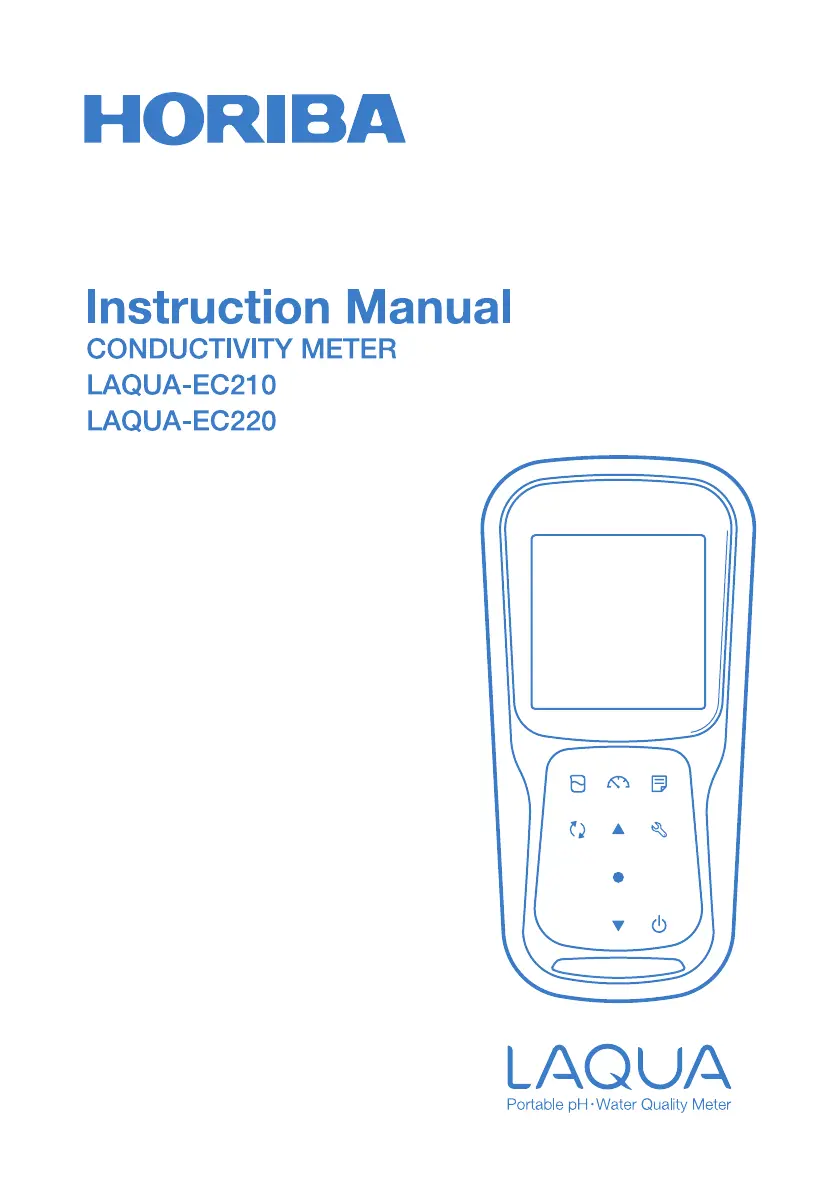
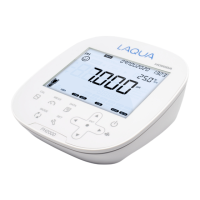
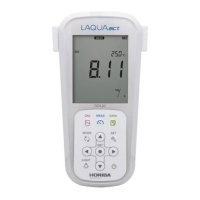
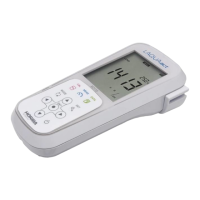
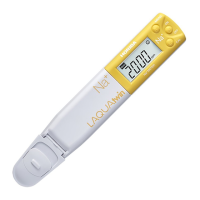
horiba LAQUA Series - User Manual

horiba LAQUA Series
76 pages
Print Icon
To Next Page IconTo Next Page
Loading...

Questions and Answers

  • D
    Douglas BradshawAug 19, 2025
    Why nothing appears when I turn on my Horiba Measuring Instruments?
    • J
      juliajonesAug 19, 2025
      If nothing appears on the Horiba Measuring Instruments when you turn it on, it could be due to several reasons. First, ensure that the batteries are inserted. Next, check that the battery polarity (+, -) is correctly oriented. If the issue persists, try replacing the batteries. If none of these steps work, it may indicate an instrument defect, and you should consult your dealer.
  • J
    Jennifer MillerAug 21, 2025
    What to do if the measured value is out of the measurement range on horiba LAQUA Measuring Instruments?
    • T
      Timothy ScottAug 21, 2025
      If the measured value is out of range on your Horiba Measuring Instruments, it could be due to several factors. First, ensure that the sample is within the measurement range of the instrument. Check if the conductivity electrode cable is broken and replace the electrode if needed. Verify that the cell constant is properly set. Also, ensure that calibration has been performed correctly. If problems persist, check the instrument as explained below.
  • W
    wardjoshuaAug 23, 2025
    What to do if my horiba LAQUA Measuring Instruments shows MEM FULL?
    • B
      brian32Aug 25, 2025
      If your Horiba Measuring Instruments displays 'MEM FULL', it means the data storage is full. To resolve this, you can print or transfer the data to another device. Alternatively, you can clear the stored data directly on the instrument.
  • X
    xguzmanAug 26, 2025
    Why is the repeatability of the measured value poor on horiba LAQUA Measuring Instruments?
    • T
      theresa45Aug 26, 2025
      Poor repeatability in measured values on your Horiba Measuring Instruments can stem from a few causes. The sample solution might be changing over time, affecting conductivity. Another cause can be that the conductivity electrode is dirty, so try cleaning it. Alternatively, the conductivity electrode might be broken, requiring replacement.
  • V
    valenzuelakevinAug 27, 2025
    Why does the indicated value fluctuate on horiba LAQUA Measuring Instruments?
    • M
      Mary BrownAug 28, 2025
      If the indicated value fluctuates on your Horiba Measuring Instruments, it could be due to a dirty conductivity electrode, so clean the conductivity cell. Alternatively, the conductivity electrode might be broken, requiring replacement. Another possibility is air bubbles trapped between the conductivity electrode sleeve and metal rings; shake the conductivity electrode to remove them.
  • M
    Megan RogersAug 30, 2025
    What to do if the indicated value does not change or there is no response on horiba LAQUA?
    • D
      David NelsonAug 30, 2025
      If your Horiba Measuring Instruments shows no change in the indicated value or no response, several factors could be at play. Check if the conductivity electrode is broken and replace the conductivity cell if necessary. Ensure the conductivity electrode is correctly connected. Verify that the instrument is not in HOLD state and cancel if it is. If none of these resolve the issue, it may be an instrument defect, and you should consult your dealer.
  • D
    Donna TorresSep 1, 2025
    Why is the response slow on horiba LAQUA Measuring Instruments?
    • M
      Mark BrownSep 1, 2025
      A slow response on your Horiba Measuring Instruments could be attributed to a few reasons. The conductivity electrode might be dirty, so cleaning the conductivity cell is recommended. It's also possible that the conductivity electrode is broken, requiring replacement. Additionally, the properties of the sample solution itself can slow down the response time.
  • L
    Lawrence WoodsSep 3, 2025
    What does SLPE ERR mean on horiba LAQUA and how to fix it?
    • D
      Dr. James LamSep 3, 2025
      If your Horiba Measuring Instruments displays 'SLPE ERR', it indicates that the electrode sensitivity is low. To fix this, clean the electrode and recalibrate it using a fresh standard solution. If the problem continues, you may need to replace the electrode with a new one.
  • D
    Dr. Stephanie WestSep 5, 2025
    What does STD ERR mean on horiba LAQUA?
    • N
      Nicholas DavisSep 5, 2025
      If your Horiba Measuring Instruments displays 'STD ERR', it means the instrument cannot identify the standard solution. To resolve this, check the calibration solution and use a fresh one if necessary.
  • C
    connor85Sep 7, 2025
    What to do if my horiba LAQUA Measuring Instruments displays BATT LOW?
    • M
      Michael HendersonSep 7, 2025
      If your Horiba Measuring Instruments displays 'BATT LOW', it indicates that the battery power is low. Please replace the old batteries with new ones.

Summary

For Your Safety

Hazard Classification and Warning Symbols

Explains hazard classifications (DANGER, WARNING, CAUTION) and warning symbols used.

For Your Safety

Safety Precautions

Provides general safety precautions for using the instrument and electrode.

Product Handling Information

Instrument Operational Precautions

Detailed precautions for operating the instrument, including water resistance and cable connection.

Product Overview

Key Features

Lists the main features and capabilities of the LAQUA EC200 handheld meters.

Keypad Operation

Details the function of each key on the instrument's keypad.

Basic Operations

Calibration

Conductivity Calibration

Provides prerequisites and procedure for accurate conductivity calibration.

Conductivity Calibration

Auto Calibration

Step-by-step guide for performing automatic conductivity calibration.

Manual Calibration

Step-by-step guide for performing manual conductivity calibration.

Temperature Calibration

Data

Setup

P1 COND Setup

Details how to configure conductivity settings like cell constant, units, and calibration.

Conductivity Setup

P1.1 Cell Constant Setup

Step-by-step guide to set the cell constant for conductivity measurements.

TDS Setup

Salinity Setup

Data Setup

General Setup

P5.4 Reset Meter

Guide to reset the meter to its default factory settings.

Clock Setup

Maintenance and Storage

Error Messages and Troubleshooting

Error Messages

Lists common meter displays, error descriptions, causes, and solutions.

Troubleshooting Common Issues

Provides solutions for common problems like fluctuating values and slow response.

horiba LAQUA Series Specifications

General IconGeneral
DisplayLCD
Measurement ParameterspH, ORP, Conductivity, Dissolved Oxygen, Temperature, Ion
Data StorageManual or Automatic
ConnectivityUSB
Power SupplyBattery or AC adapter
Operating Temperature0 to 50°C
DimensionsVaries by model
WeightVaries by model
TypeWater Quality Meter

Related product manuals