EasyManua.ls Logo

Horizon Hobby champ s+ - User Manual

Horizon Hobby champ s+
31 pages
Print Icon
To Next Page IconTo Next Page
Loading...
Instruction Manual • Bedienungsanleitung • Manuel d’utilisation • Manuale di Istruzioni
®
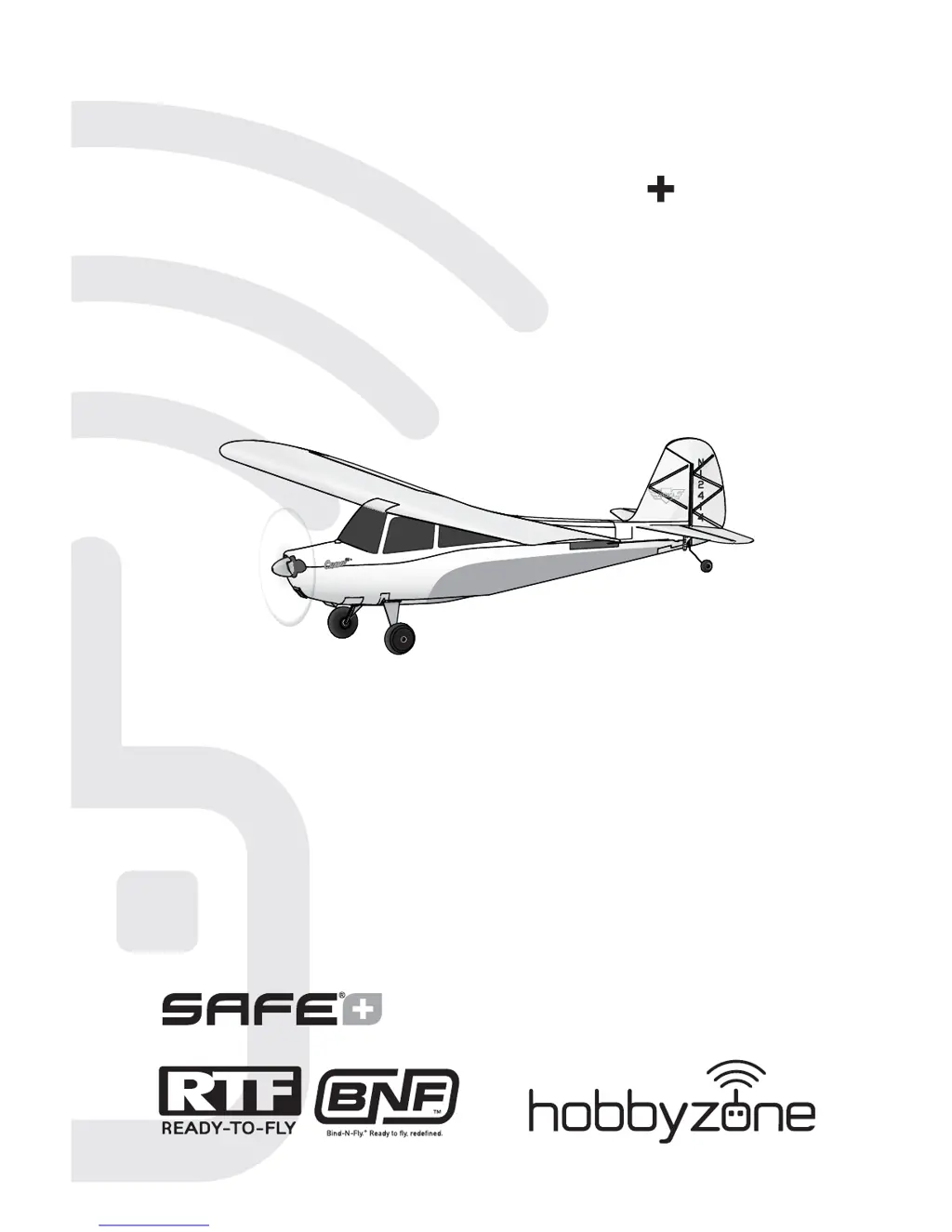
Champ S

Questions and Answers

  • J
    Jacob HicksJul 27, 2025
    Why Horizon Hobby champ s+ aircraft does not connect to transmitter?
    • C
      Christy LeonardJul 27, 2025
      There are several reasons why your Horizon Hobby Toy aircraft might not connect to the transmitter. Ensure the aircraft remains upright and immobile for 90 seconds after connecting the battery. If you're using a ModelMatch™ radio, verify you've selected the correct model memory. Low battery charge in either the flight or transmitter battery could also be the cause, so try replacing or recharging them. Also, confirm that your transmitter is compatible with Spektrum DSMX/DSM2 technology. Interference from large metal objects, wireless sources, or other transmitters can also prevent connection; try moving to another location.
  • I
    imillerAug 2, 2025
    How to fix Horizon Hobby Toy controls oscillating in flight?
    • K
      kristen54Aug 2, 2025
      If the controls of your Horizon Hobby Toy are oscillating in flight, causing rapid jumps or movements, the issue could stem from an unbalanced propeller causing excessive vibration. Remove the propeller and rebalance it, or replace it if it's damaged. Another potential cause is a prop screw that's too loose, leading to vibration. Ensure the prop screw is properly tightened.
  • C
    Christine WilliamsAug 8, 2025
    What to do if Horizon Hobby champ s+ aircraft will not respond to throttle?
    • A
      Alfred HallAug 9, 2025
      If your Horizon Hobby Toy aircraft isn't responding to the throttle but responds to other controls, start by resetting the controls with the throttle stick and trim at the lowest setting. Also, check if the throttle channel is reversed and correct it on the transmitter. Ensure the motor is properly connected to the receiver by opening the fuselage. Another reason could be that AutoLand was not deactivated after landing. Deactivate AutoLand by pressing the AL/HP button or changing flight modes and lowering the throttle.
  • M
    Martin StewartAug 14, 2025
    Why Horizon Hobby champ s+ has reduced flight time?
    • L
      Laura DouglasAug 14, 2025
      Reduced flight time or an underpowered Horizon Hobby Toy aircraft can occur due to a low flight battery charge. Fully recharge the flight battery. Ensure the propeller is installed correctly, with the numbers facing forward. A damaged or old flight battery can also cause this issue, so replace it as needed and follow the battery instructions. Cold flight conditions can also affect battery performance; ensure the battery is warm before use. Finally, the battery capacity might be too low for the flight conditions, so consider replacing it with a larger capacity battery.
  • D
    Daniel JenningsAug 20, 2025
    How to fix extra propeller noise on Horizon Hobby champ s+?
    • S
      Stacy MezaAug 20, 2025
      If you're experiencing extra propeller noise or vibration with your Horizon Hobby Toy, the propeller, spinner, or motor might be unbalanced, causing excessive vibration. Try balancing these parts, or replace them if damaged. Another possible cause is a loose prop screw; make sure to tighten it.

Summary

Meaning of Special Language

NOTICE

Defines procedures for property damage with little injury risk.

CAUTION

Defines procedures for property damage and potential serious injury.

WARNING

Defines procedures for property damage, collateral damage, injury, or high probability of superficial injury.

Safety Precautions and Warnings

Specifications

Charging Warnings

Charging the Flight Battery

Battery Charging Process

RTF Transmitter

Low Battery Alarm

Alerts when transmitter battery voltage drops too low, requiring immediate replacement.

Transmitter Batteries Installation

Transmitter Setup

Non Computerized Transmitter Setup (DX5 e)

Setup for DX5e transmitter using mode switch and channel assignments.

Computerized Transmitter Setup (DX6, DX7 etc.)

Setup for computerized transmitters like DX6, DX7, DX8, DX9, DX18, DX20.

Binding

Re-Binding the RTF Transmitter

Procedure to re-bind the RTF transmitter to the aircraft if needed.

Binding Your Optional Transmitter

Instructions for binding compatible DSMX/DSM2 transmitters to the receiver.

SAFE Technology Flight Modes

Beginner Mode

Mode with limited angles, self-leveling below 20ft, increased control above.

Intermediate Mode

Mode with greater angle limits, self-leveling below 20ft, inactive above.

Experienced Mode

Mode with unlimited flight envelope and no angle limits.

Panic Recovery

Activates self-leveling and slight climb to regain stable flight.

Virtual Fence

Virtual Fence OFF

Deactivates the 450ft radius boundary for unrestricted flight.

Emergency GPS OFF

Disables GPS features to allow manual control during flyaways.

Holding Pattern (HP)

Failsafe

AutoLand (AL)

Indoor Flight; GPS OFF

Turning ON Indoor Mode

Activates indoor mode, disabling GPS features but keeping SAFE modes functional.

Turning OFF Indoor Mode

Deactivates indoor mode, re-enabling GPS features.

Flying Tips

Preflight Checklist

Battery Installation

Takeoff

Hand Launch

Instructions for launching the aircraft by hand, typically for first flights.

Flying

Low Voltage Cutoff (LVC)

Landing

After Flying

Repairs

Compass Calibration

Compass Error

Indicates a compass error and the need for calibration procedure.

Control Direction Test

SAFE Plus Control Direction Test

Advanced User Information

Adjusting Trim in Flight

How to adjust trim during flight for optimal control response.

Manually Adjusting Trim

Method for manually adjusting trim using pliers on the U-Bend.

Advanced User Information Continued

Settings for Control Horns

Shows factory settings for linkages on control horns for desired response.

Center of Gravity (CG)

Instructions for measuring and balancing the aircraft within the CG range.

Motor Service

Propeller Removal

Steps to safely remove the propeller from the aircraft.

Motor Removal

Steps for removing the motor from the aircraft.

Assembly

Instructions for reassembling the motor and propeller components.

Optional First Person View (FPV) Installation

FPV Camera Installation

Guide for installing the FPV camera unit onto the aircraft.

Troubleshooting Guide (SAFE Plus)

Troubleshooting Guide

Troubleshooting Guide (continued)

Limited Warranty

What this Warranty Covers

Details what aspects of the product are covered by the warranty.

What is Not Covered

Lists exclusions from warranty coverage, such as cosmetic damage or misuse.

Purchasers Remedy

Outlines the buyer's options for service or replacement under warranty.

Limitation of Liability

Defines Horizon's liability limits regarding product use and damages.

Warranty and Service Information

Warranty Requirements

Specifies necessary documentation and conditions for warranty claims.

Non-Warranty Service

Explains the process and costs for service not covered by warranty.

IC Information

FCC Information

Compliance Information for the European Union

Instructions for disposal of WEEE by users in the European Union

Replacement Parts

Optional Parts

Horizon Hobby champ s+ Specifications

General IconGeneral
BrandHorizon Hobby
Modelchamp s+
CategoryToy
LanguageEnglish

Related product manuals