EasyManua.ls Logo

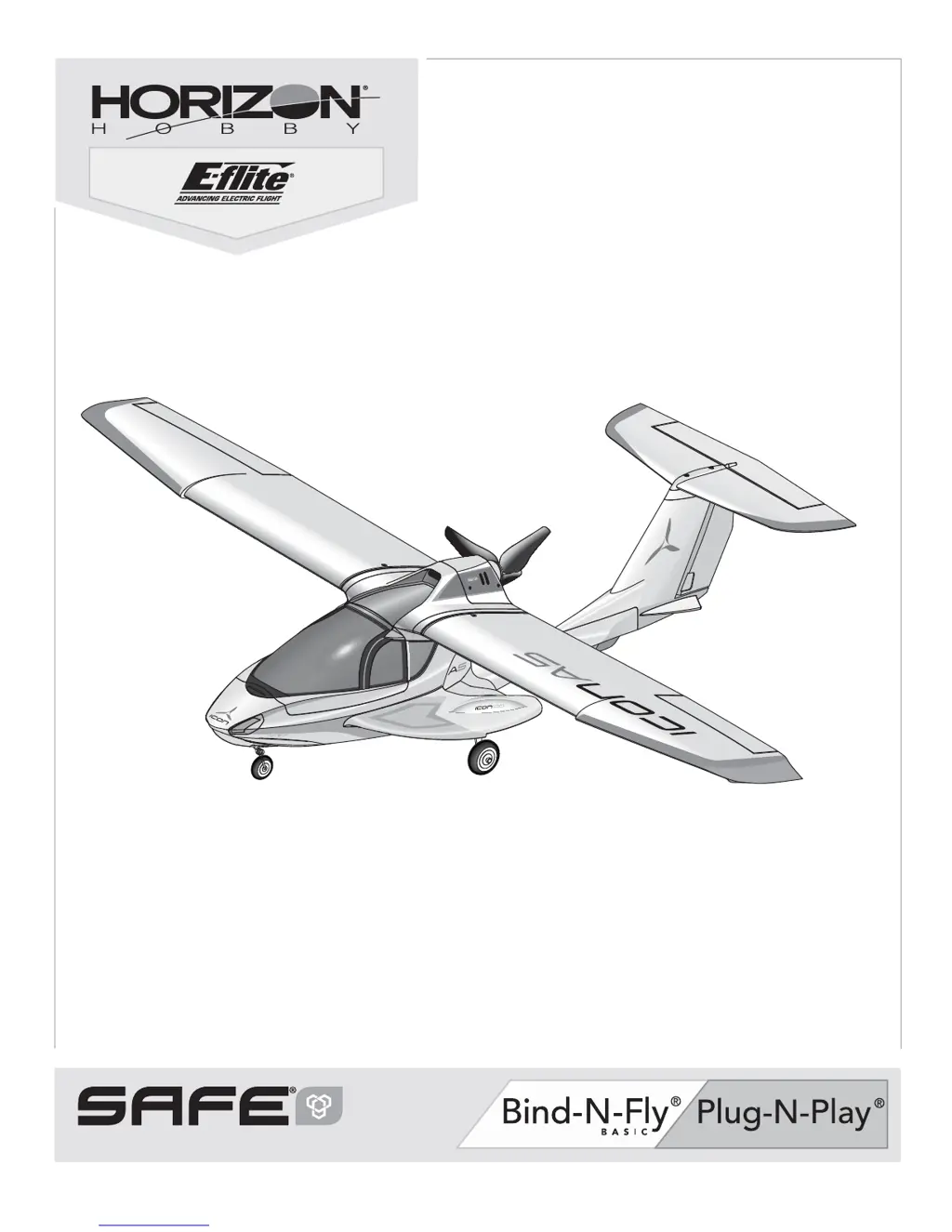
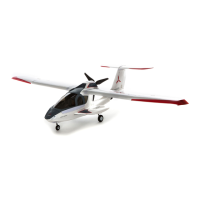
Horizon Hobby ICON A5 - User Manual

Horizon Hobby ICON A5
22 pages
Print Icon
To Next Page IconTo Next Page
Loading...
Instruction Manual
Bedienungsanleitung
Manuel d’utilisation
Manuale di Istruzioni
ICON A5
SAFE
®
Select Technology, Optional Flight Envelope Protection

Questions and Answers

  • C
    christopherwilsonAug 17, 2025
    Why is my Horizon Hobby ICON A5 oscillating?
    • K
      Kevin YatesAug 17, 2025
      Oscillation in your Horizon Hobby Toy can stem from several causes. It might be due to a damaged or imbalanced propeller or spinner, which would require replacement or balancing. Motor vibration can also be a factor, suggesting a need to replace parts or correctly align and tighten fasteners. Other potential causes include a loose receiver or aircraft controls, necessitating alignment and securement or tightening of parts. Worn parts, especially the propeller, spinner, or servo, should be replaced. Finally, irregular servo movement indicates the servo should be replaced.
  • B
    Brian JenningsAug 26, 2025
    Why does my Horizon Hobby Toy have reduced flight time?
    • B
      bruce77Aug 26, 2025
      Reduced flight time in your Horizon Hobby Toy can occur due to several reasons. Ensure the flight battery is fully charged. If the propeller is installed backwards, reinstall it with the numbers facing forward. A damaged flight battery should be replaced, and you should follow the battery instructions. Cold flight conditions can also affect battery performance, so ensure the battery is warm before use. Finally, the battery capacity might be too low for the flight conditions; consider replacing it with a larger capacity battery.
  • A
    adriennerayAug 28, 2025
    What causes inconsistent flight performance in Horizon Hobby Toy?
    • S
      Stephanie SalazarAug 28, 2025
      Inconsistent flight performance of your Horizon Hobby Toy can be attributed to a few factors. Check if the trim is at neutral; if you've adjusted it more than 8 clicks, adjust the clevis to remove trim. Ensure that Sub-Trim is not being used, as it's not allowed—adjust the servo linkage instead. Also, make sure the aircraft remained immobile for 5 seconds after the battery connection. With the throttle stick in the lowest position, disconnect and reconnect the battery, keeping the aircraft still for 5 seconds.
  • R
    Rhonda McguireAug 30, 2025
    What to do if Horizon Hobby Toy control surface does not move?
    • T
      Travis LopezAug 30, 2025
      If a control surface on your Horizon Hobby Toy does not move, it could be due to several reasons. There might be damage to the control surface, control horn, linkage, or servo, which would require replacement or repair of the damaged parts, along with control adjustments. Check for any damaged wires or loose connections, connecting or replacing them as needed. Ensure the transmitter is correctly bound or that the correct airplane is selected in the transmitter. A low flight battery charge could also be the cause, so fully recharge it. Lastly, the BEC (Battery Elimination Circuit) of the ESC might be damaged, necessitating ESC replacement.
  • J
    Joseph PruittSep 2, 2025
    Why does my Horizon Hobby ICON A5 Toy motor power pulse and then lose power?
    • M
      Michael PerkinsSep 2, 2025
      If the motor power pulses and then loses power in your Horizon Hobby Toy, the ESC may be using a default soft Low Voltage Cutoff (LVC). Recharge the flight battery or replace it if it's no longer performing well. Cold weather conditions can also cause this issue, so consider postponing the flight until it's warmer. The battery could also be old, worn out, or damaged, requiring replacement. Lastly, the battery's C rating might be too small; use the recommended battery.
  • J
    Jill BrewerSep 5, 2025
    Why is my Horizon Hobby ICON A5 so noisy?
    • A
      Arthur SheaSep 5, 2025
      Excessive propeller noise or vibration in your Horizon Hobby Toy could be due to a damaged propeller, spinner, collet, or motor; replace any damaged parts. The propeller might be out of balance, in which case you should balance or replace it. Also, check if the prop nut is too loose and tighten it.
  • T
    taylormeganSep 7, 2025
    What to do if Horizon Hobby ICON A5 aircraft will not respond to throttle?
    • W
      Wendy MckinneySep 8, 2025
      If your Horizon Hobby Toy aircraft responds to other controls but not to the throttle, it might be because the throttle is not at idle or the throttle trim is too high. Reset the controls with the throttle stick and throttle trim at the lowest setting. Ensure that the throttle servo travel is 100% or greater. The throttle channel could be reversed, so reverse it on the transmitter. Finally, check if the motor is disconnected from the ESC and ensure it is connected.
  • A
    Andrew PerezSep 12, 2025
    What to do if Horizon Hobby Toy controls reversed?
    • S
      Stephanie PettySep 12, 2025
      If the controls on your Horizon Hobby Toy are reversed, the transmitter settings are likely reversed. Perform the Control Direction Test and adjust the controls on the transmitter accordingly.
  • E
    Ethan GarciaSep 13, 2025
    What to do if incorrect response to the AS3X Control Direction Test of Horizon Hobby ICON A5?
    • Y
      youngmonicaSep 13, 2025
      If there is an incorrect response to the AS3X Control Direction Test of your Horizon Hobby Toy, do not fly the aircraft. The direction settings in the receiver are incorrect, which can cause a crash. Correct the direction settings (refer to the receiver manual), then fly.
  • W
    Wesley ColonNov 18, 2025
    What to do if Horizon Hobby ICON A5 aircraft will not bind to transmitter?
    • A
      Angela RichardsonNov 19, 2025
      If your Horizon Hobby Toy aircraft won't bind to the transmitter, there are several possible reasons. * The transmitter might be too close to the aircraft during binding. Try moving the transmitter a few feet away, then disconnect and reconnect the flight battery to the aircraft. * Large metal objects, wireless sources, or other transmitters could be interfering. Relocate the aircraft and transmitter and try binding again. * Ensure the bind plug is correctly installed in the bind port. If not, install it and try binding again. * Low battery charge in either the flight battery or the transmitter can also cause binding issues. Replace or recharge the batteries. * Make sure to hold the bind switch or button long enough during the bind process. Power off the transmitter and repeat t...

Summary

Safety Precautions and Warnings

Box Contents

Quick Start Information

Provides initial setup steps for transmitter and model assembly.

Specifications

Lists technical details of the aircraft and its components.

SAFE Select Technology

Preflight

A checklist of essential steps before the first flight of the aircraft.

Transmitter Setup

Instructions for configuring the transmitter for the ICON A5 aircraft.

Model Assembly

Horizontal Tail Installation

Step-by-step guide for attaching the horizontal tail assembly.

Transmitter and Receiver Binding; Switching ON and OFF SAFE Select

Binding Procedure; Switching ON SAFE Select

Steps to bind the aircraft to the transmitter with SAFE Select enabled.

Binding Procedure; Switching OFF SAFE Select

Steps to bind the aircraft to the transmitter with SAFE Select disabled.

SAFE Select Switch Designation

Assigning a switch

Method for assigning SAFE Select functionality to a transmitter switch.

Battery Installation and ESC Arming

Center of Gravity (CG)

AS3 X Control Direction Test

Verifies proper function and direction of the AS3X control system.

Flying Tips and Repairs

In Flight Trimming

How to trim the aircraft for stable, level flight during operation.

Troubleshooting Guide AS3 X

Troubleshooting Guide

Horizon Hobby ICON A5 Specifications

General IconGeneral
BrandHorizon Hobby
ModelICON A5
CategoryToy
LanguageEnglish

Related product manuals