How to Use the Popcorn
Feature
1
Follow package
instructions, using Time
Cook if the package is
less than 3.0 oz. (85 g)
or larger than 3.5 oz.
(100 g). Place the
package of popcorn in
the center of the
microwave.
2
Press POPCORN. The
oven starts immediately.
Tap POPCORN to select
the bag size you are
cooking.
How to Adjust the Popcorn
Program to Provide a Shorter
or Longer Cook Time
If you find that the brand of
popcorn you use underpops
or overcooks consistently,
you can add or subtract
20 seconds to the automatic
popping time.
To add time:
After pressing POPCORN,
press 9 immediately after
the oven starts for an extra
20 seconds.
To subtract time:
After pressing POPCORN,
press 1 immediately after
the oven starts for
20 seconds less cooking
time.
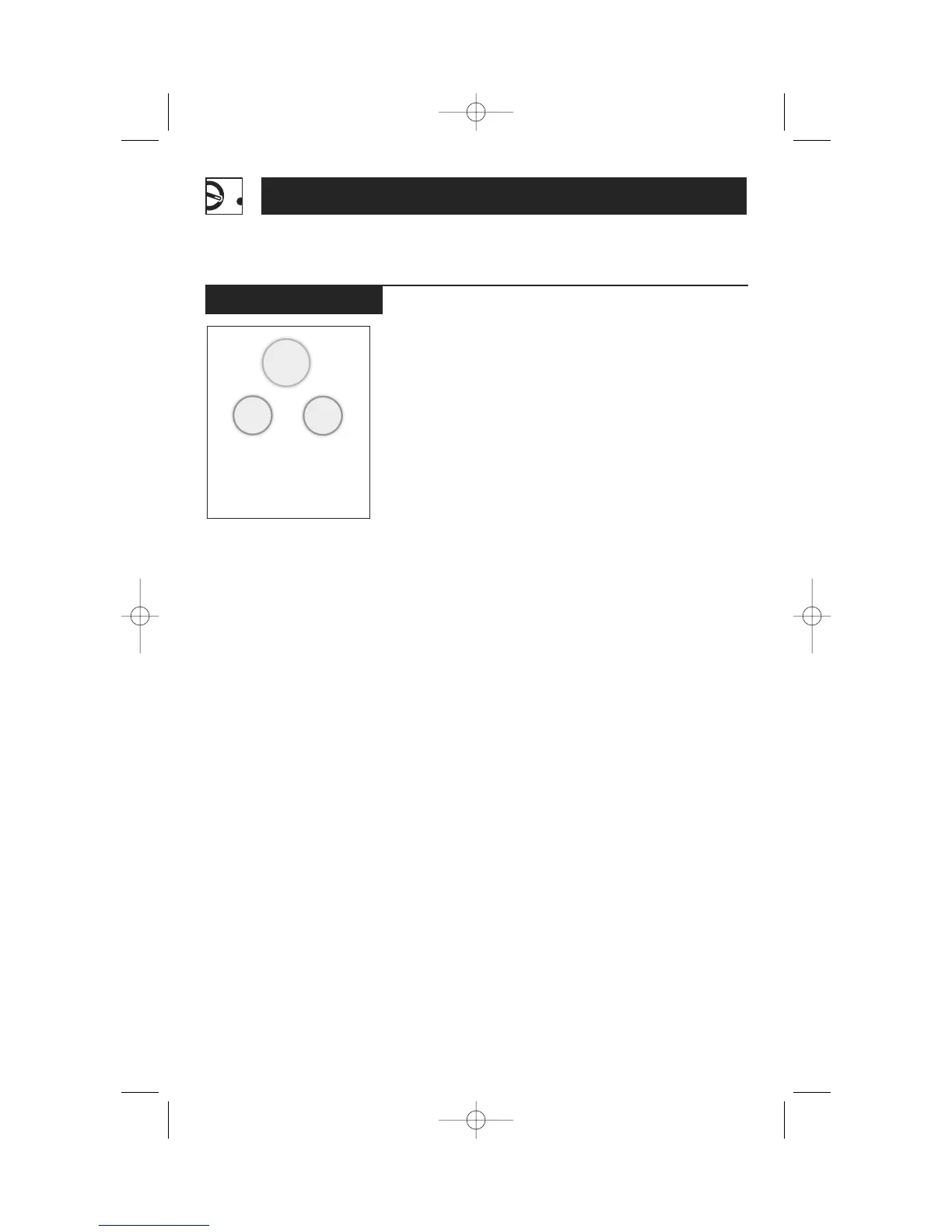
Popcorn
Operating Instructions
20
(less time)
(more time)
Use only with prepackaged
microwave popcorn weighing
3.0 to 3.5 oz. (85 to 100 g).
Convenience Features




 To Next Page