23
Auto Defrost
Auto Defrost automatically
sets the defrosting times
and power levels to give
even defrosting results for
meats, poultry and fish
weighing up to six pounds.
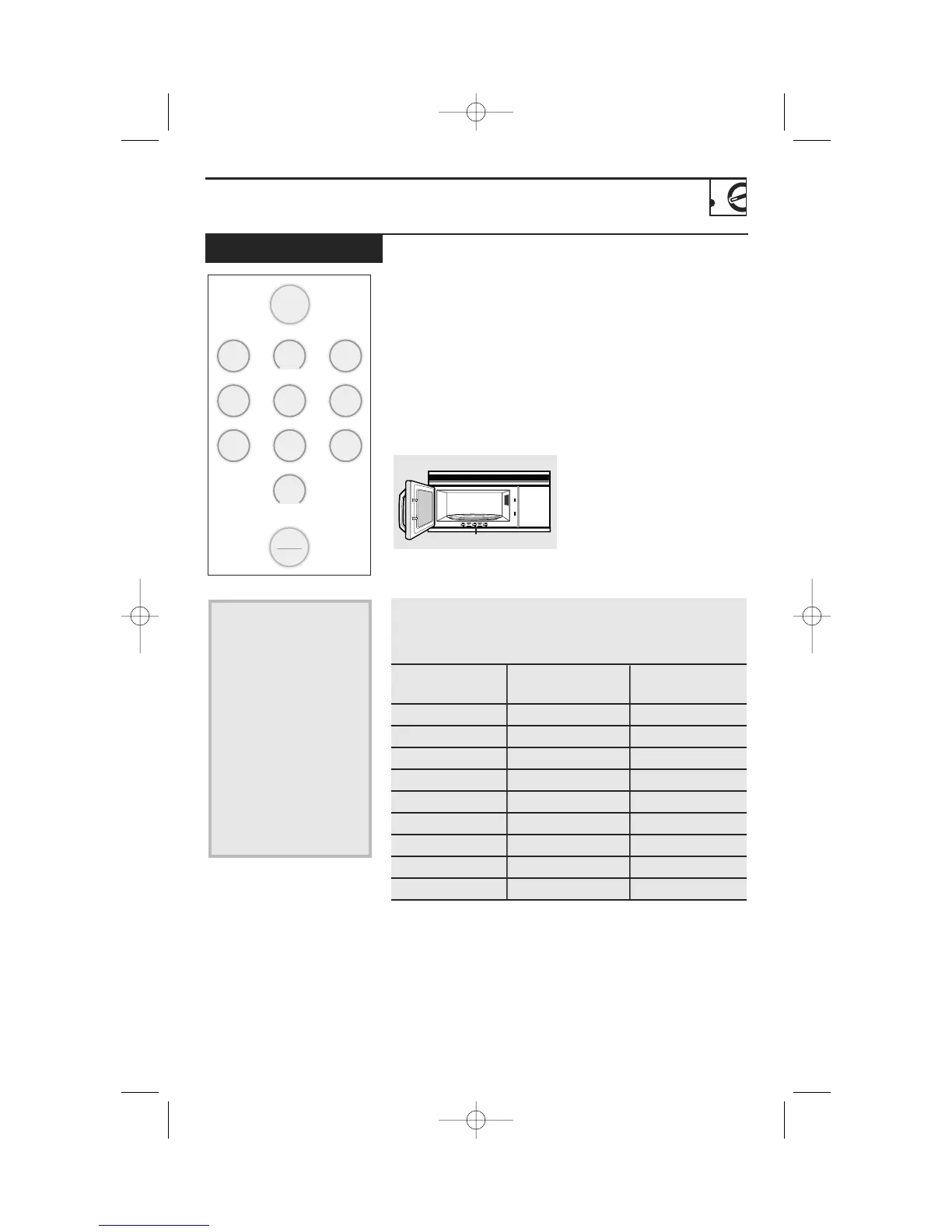
There is a handy guide
located on the inside front
of the oven.
• Remove meat from
package and place on
microwave-safe dish.
• Twice during defrost, the
oven signals TURN. At
each TURN signal, turn
the food over. Remove
defrosted meat or shield
warm areas with small
pieces of foil.
• After defrosting, most
meats need to stand
5 minutes to complete
defrosting. Large roasts
should stand for about
30 minutes.
Auto
Defrost
Start
Pause
minute cook 1-6
display on/off
1
2
3
4
5
6
7
8
0
9
Guide
Conversion Guide
If the weight of food is stated in pounds and ounces, the
ounces must be converted to tenths (.1) of a pound.
Weight of Food Weight of Food Enter Food Weight
in Ounces in Grams (tenths of a pound)
1–2 28-56 .1
385 .2
4–5 113–142 .3
6–7 170–200 .4
8 225 .5
9–10 255–283 .6
11 312 .7
12–13 340–370 .8
14–15 400–425 .9
1 Press AUTO DEFROST.
2 Using the Conversion
Guide at right, enter
food weight. For
example, press pads 1
and 2 for 1.2 pounds
(1 lb., 3 oz./544 g).
3 Press START.
(Time Defrost is
explained in the Time
Features section.)
DTP_EN-EN_350A4502P668:39-40541 ENv01 9/22/2008 9:22 AM Page 23




 To Next Page