EasyManua.ls Logo

Hotpoint RVM1535 - Delay Start

Hotpoint RVM1535
40 pages
Print Icon
To Next Page IconTo Next Page
To Previous Page IconTo Previous Page
Loading...
25
To turn the clock display
off, press and hold 0 for
about three seconds.
To redisplay the clock,
repeat.
display on/off
0
Display On/Off
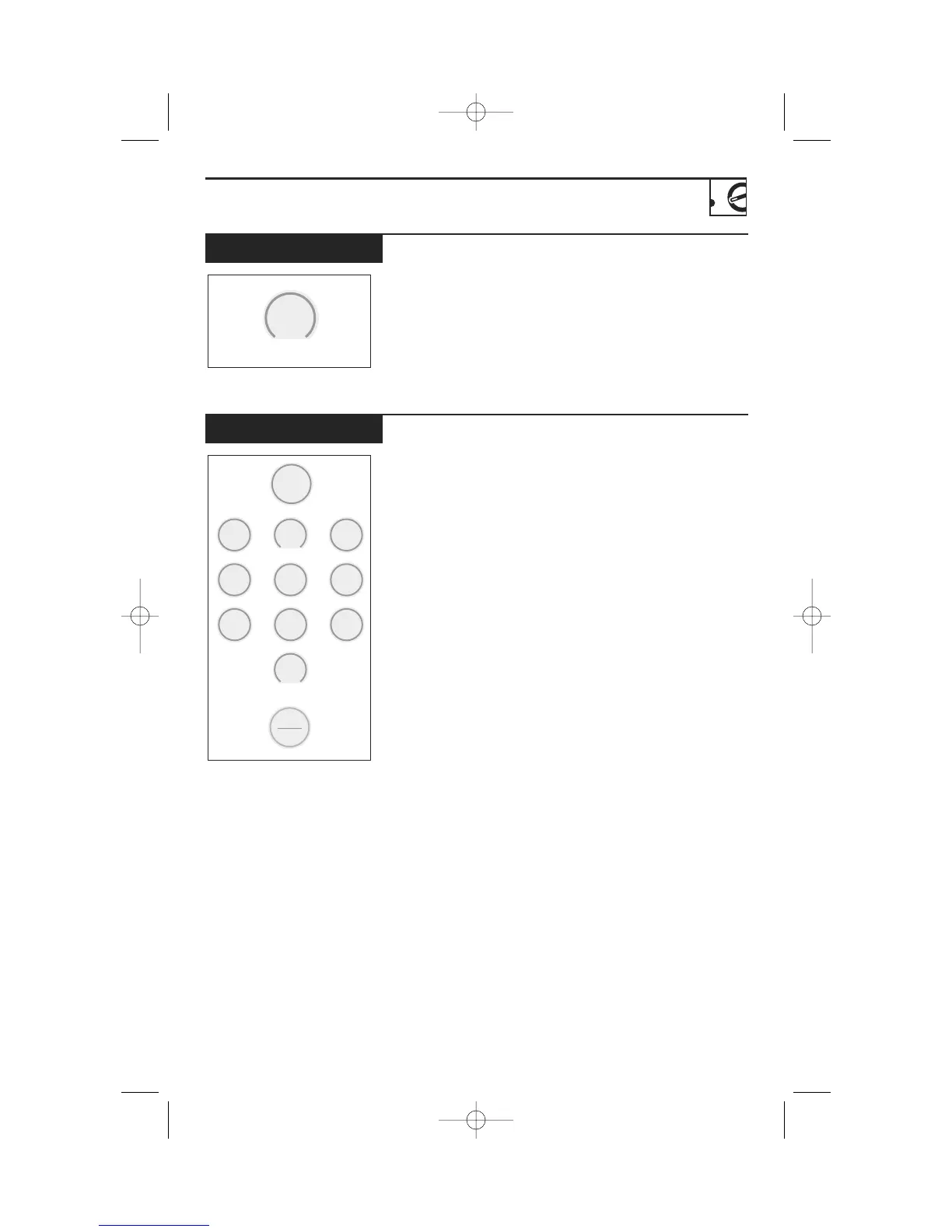
Delay Start allows you to
set the microwave to delay
cooking up to 24 hours.
1
Press DELAY START.
2
Enter the time you want
the oven to start. (Be
sure the microwave clock
shows the correct time of
day.)
3
Select any combination
of Auto or Time Defrost
or Time Cook I & II.
4
Press START.
The Delay Start time will
be displayed. The oven will
automatically start at the
delayed time.
The time of day may be
displayed by pressing
CLOCK.
Delay
Start
Start
Pause
minute cook 1-6
display on/off
1
2
3
4
5
6
7
8
0
9
Delay Start
DTP_EN-EN_350A4502P668:39-40541 ENv01 9/22/2008 9:22 AM Page 25

Related product manuals