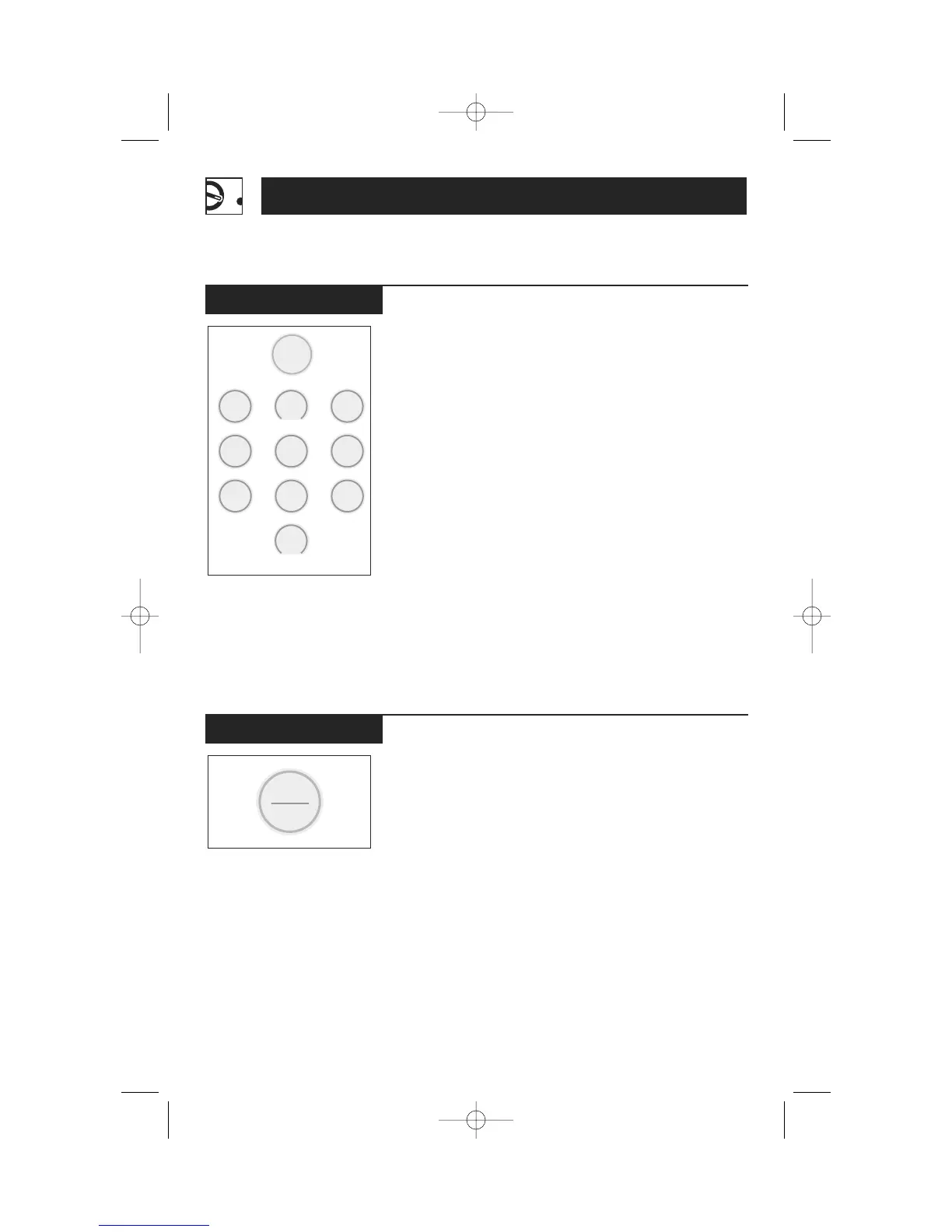
Start/Pause
Timer On/Off operates as
a minute timer and can be
used at any time, even
when the oven is operating.
To use the timer as a
minute timer when the
oven is not operating:
1
Press TIMER ON/OFF.
2
Enter the time you want
to count down.
3
Press START/PAUSE to
start.
When time is up, the oven
will signal.
NOTE:
The timer indicator
will be lit while the timer is
operating.
To use the timer while the
oven is operating:
1
Press TIMER ON/OFF.
2
Enter the time you want
to count down.
3
Wait 5 seconds. The
timer will start counting
down automatically.
When time is up, the oven
will signal. To turn off the
timer signal, press TIMER
ON/OFF.




 To Next Page