Record format: choose: MP3, WAV or ACT Rec.
Record settings: it will display [Set rec bitrate][Track AVR Mode]
[set recordings scene].
11 Pictures
Press into picture interface.
Press [/] to browse the photos, press to enter the menu options. The
documents of disc and card could playing when plug-in TF SD card.
Menu Options
Submenu options: Brightness, Backlight timer, Slideshow settings, Delete
picture, Create playlist.
Except Backlight timer and Slideshow settings, the other menu operations’
ways are the same with the previous application.
Backlight timer:
Press into setting, there are [10 seconds][20 seconds][30 seconds][always
on] four options.
Slideshow settings: Press into setting, choose this option, it will display
[Time per slide] [Repeat] [Shuffle] [Thumbnails].
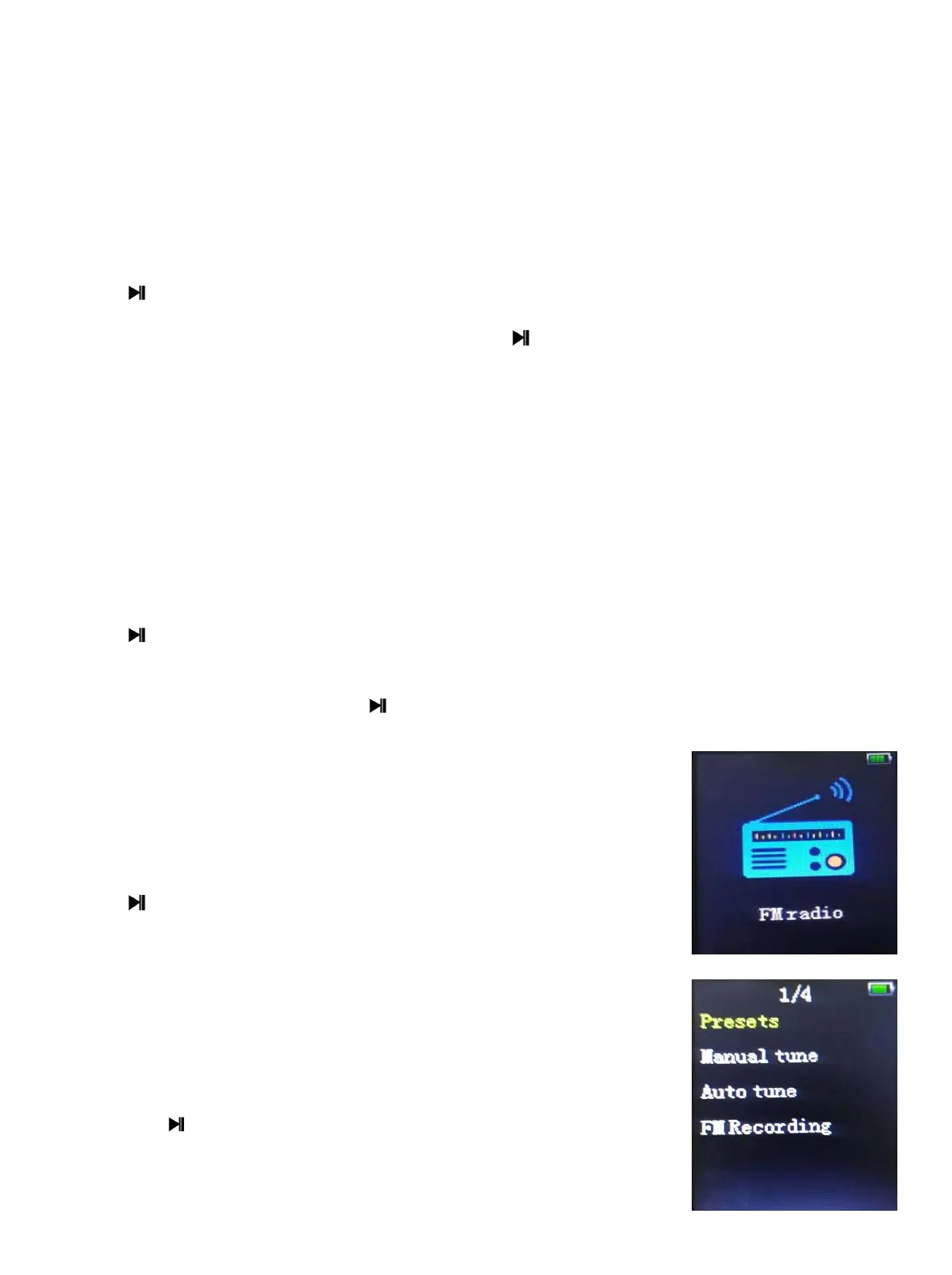
12 FM radio
Press into FM, long press to quit.
Presets: display the preset radio channels, it can show 30
channels at most.
users: display the user radio channels, it can show 30
channels at most.
13.1 Manual Tune:
Press the Key to enter
the manual tune interface, Press [/] to tune the radio,
when a radio channel founded,
- 10 -


 To Next Page