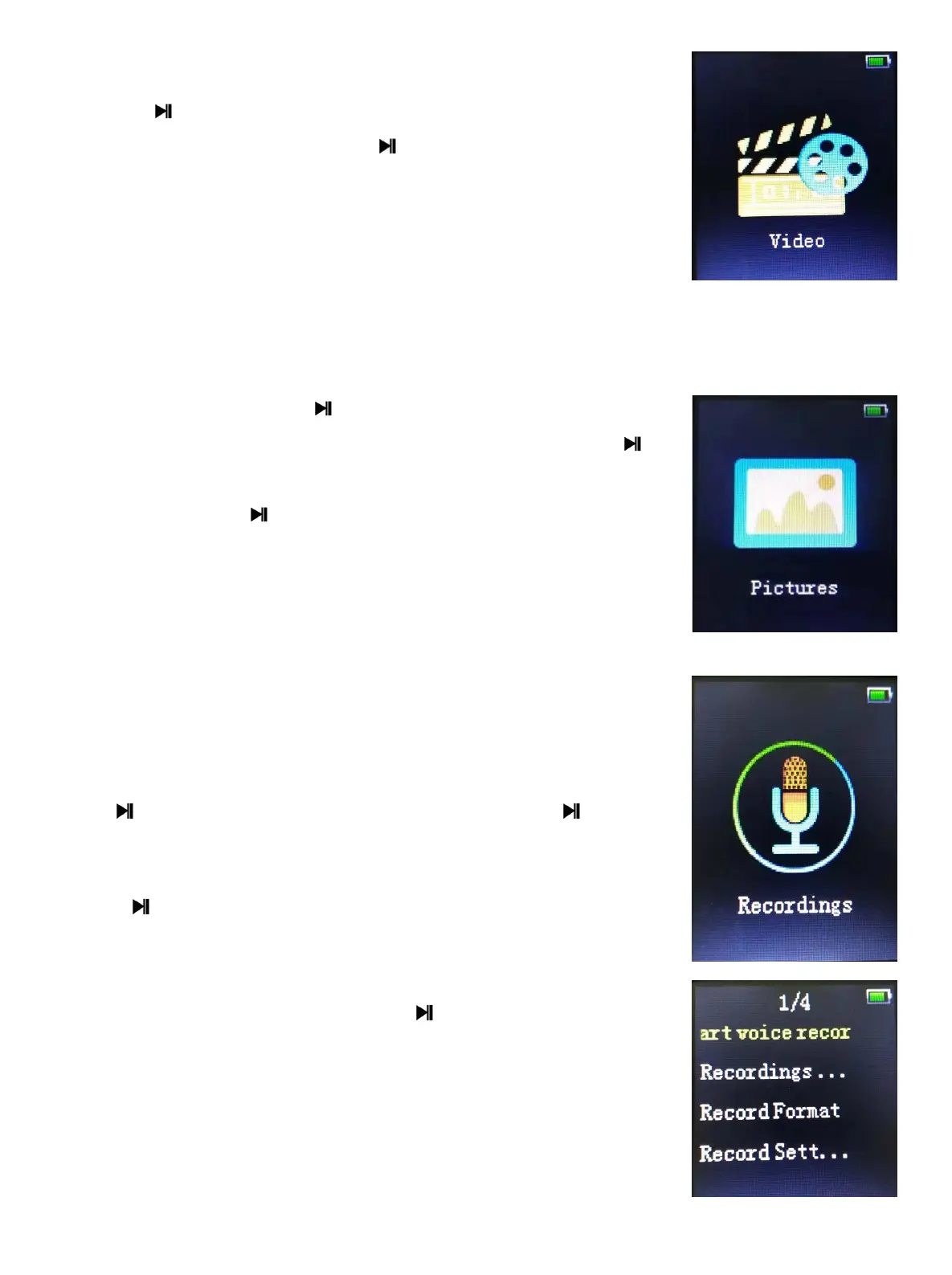
9 Video
1. Press to enter the video file list interface. Press [/]
to browse the files, and press to choose the file to enter
the video playing interface.
2. Support the breakpoint play.
9.1 Video Menu Options
When it is in a stopped or playing state, press ON/OFF Key to enter the video
menu. If it is playing the video, then the video will be paused in the background.
Video options include: Lightness, Repeat, Delete video, Create Playlist.
①.Brightness: press to enter lightness interface,
Press [/] to adjust the lightness level, press to
confirm.
②.Repeat: press to enter [Repeat play] interface, it will
display [Repeat off][Repeat 1][Repeat all].
③.Delete video: delete the now playing video.
④.Create playlist: to create a playlist automatically.
10 Recordings
Press start/stop/restart recording。Long press ,quit the
recording interface.
Press to enter the recording interface. The menu
option include: Start voice recording, Recordings
library,, Record format, and Record settings.
Start voice recording: press to enter the record
interface and the player will start to record automatically.
Recordings library: choose this option. If there are no
any recordings in the player, then it will say” No voice
recordings found”; If there are recordings in the list, then
choose one to play. All of these recordings can be deleted.
- 9 -


 To Next Page