Press to start/pause stopwatch, press switch key to
clear all records, long press quit from the stopwatch.
16 Setting
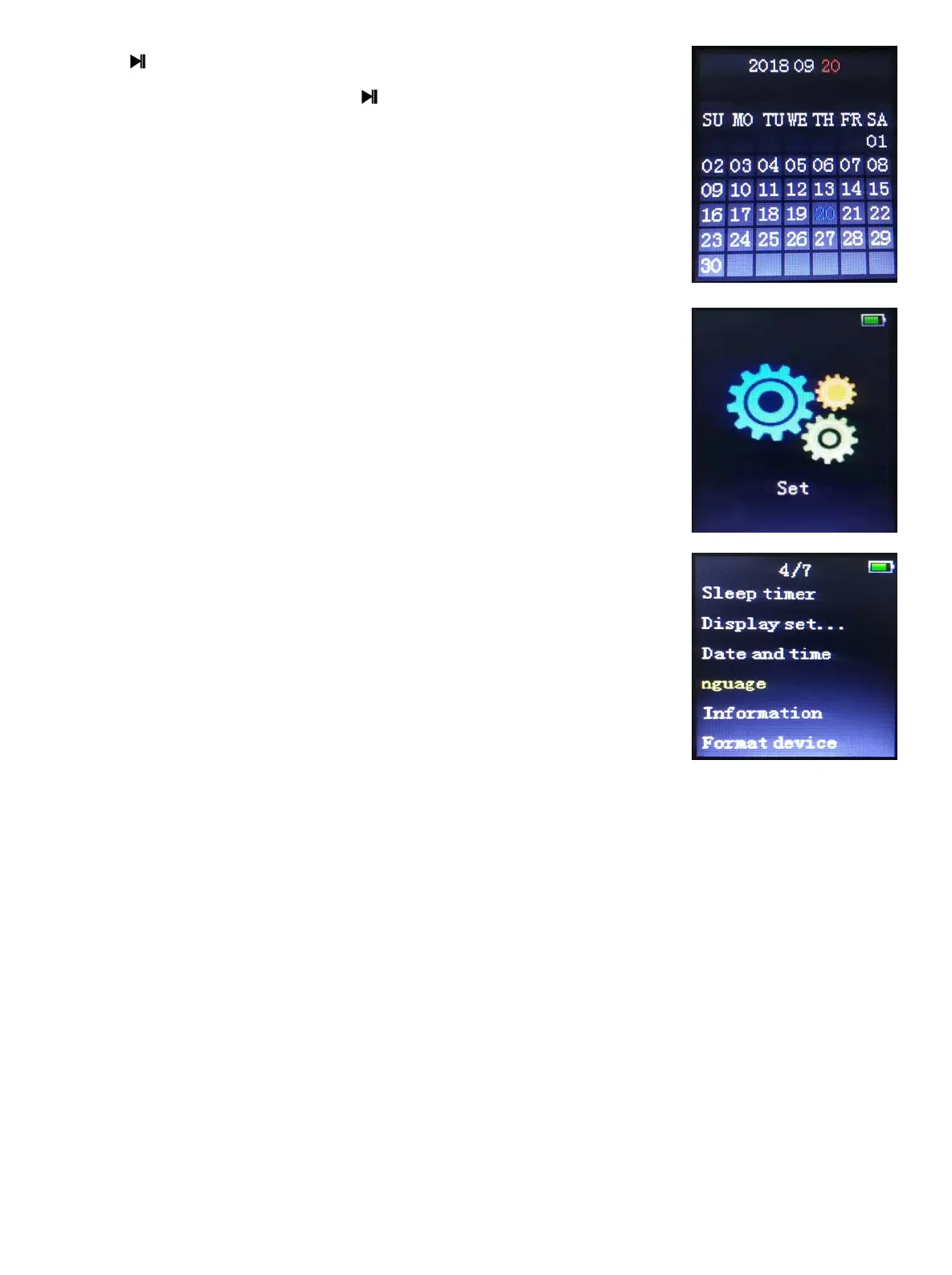
Enter the set interface as below:
1. Play mode: the same as that in the music function.
2. Sound settings: the same as that in the music function.
3. Sleep timer:time range is 1min~99min,time step is 1
min.
4. Display settings
:
Brightness, Backlight timer, Screensaver.
Backlight timer: The light will be off if there is no key
operations during this time. There are four options:[10
seconds][20 seconds][30 seconds][Always on].The
Light-off Mode will be invalid in the following four interfaces
Screensaver: There are options of [None] [Screen off].
5. Slideshow settings: the same as Photo function.
6. Language: The player supports the following languages: Simplified Chinese,
Traditional Chinese, English, Japanese, Korean, French, Germany, Italian,
Dutch, Portuguese, Spanish, Swedish, Czech, Danish, Polish, Russian, etc. 28
in all.
7. Information: it will display Player information, Model, software version, date.
8. Factory settings: press the Centre Key and it will display a question, choose
“yes” to restore the factory settings.
- 13 -


 To Next Page