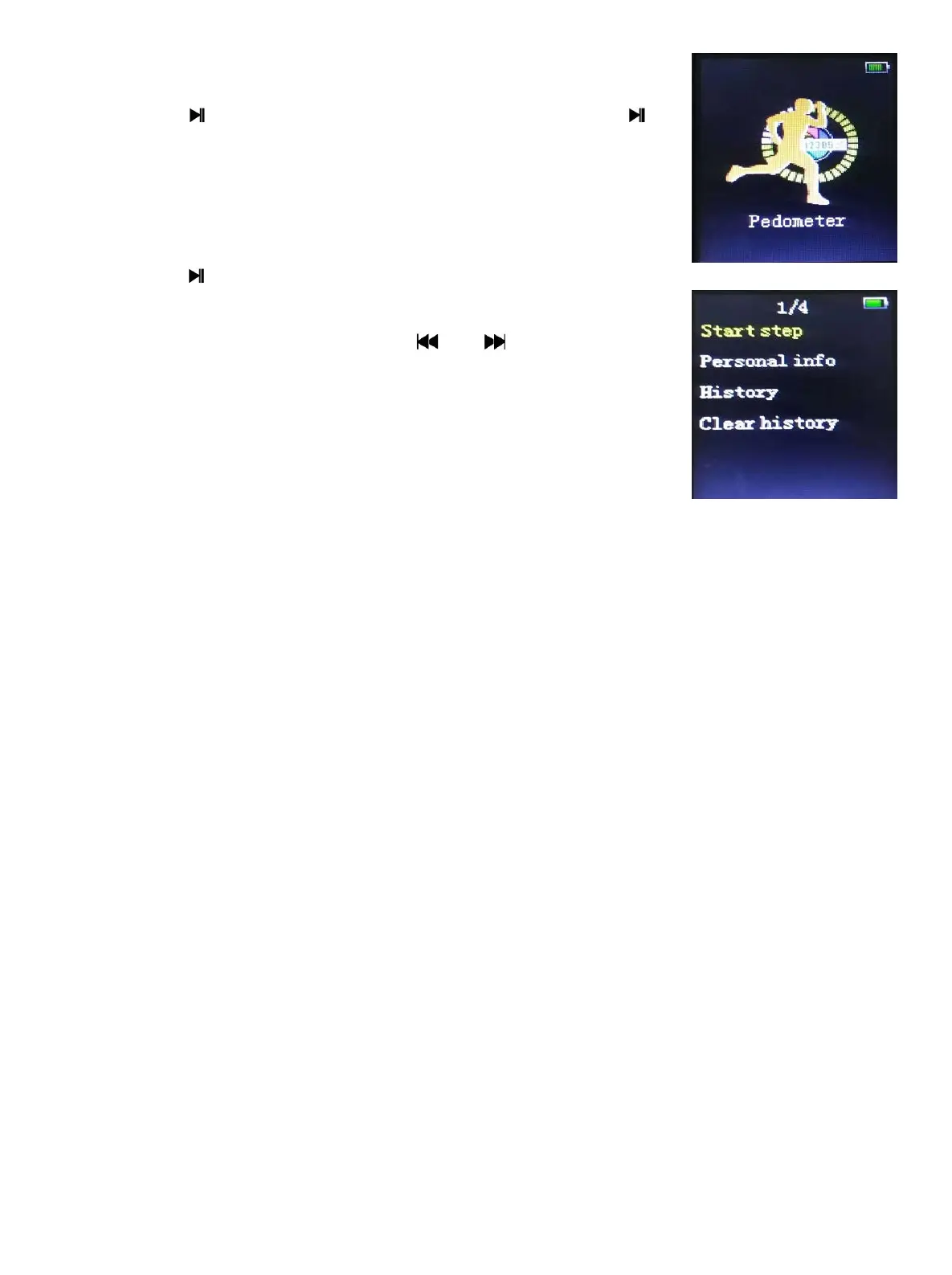
17 Pedometer
Long press into pedometer view, can long press to
exit.
Start: press into this view
User information: Step set, press or to change step
from 20~200cm.
History information: Record 1, Record 2, Record 3.
Delete history information: Delete all the information or one.
18 Troubleshooting
If the player does not work properly, check the followings:
1. The player can’t work properly or LCD can’t display the contents
Please check the electronic quantity.
2. The player can’t be powered on.
Please check if the battery has run out.
3. Cannot upload/download files.
Make sure the connection between the player and PC is correct.
Check if the memory is full.
Check if the USB connecting line is damaged.
- 14 -


 To Next Page