5 Preparation before use
5.1. Key’s Function
1. Earphone port, audio output
2.Vol+Key: Long press to increase volume continuously, short press to
increasing step by step.
3.Vol- Key:Long press to reduce volume continuously, short press to reduce
step by step.
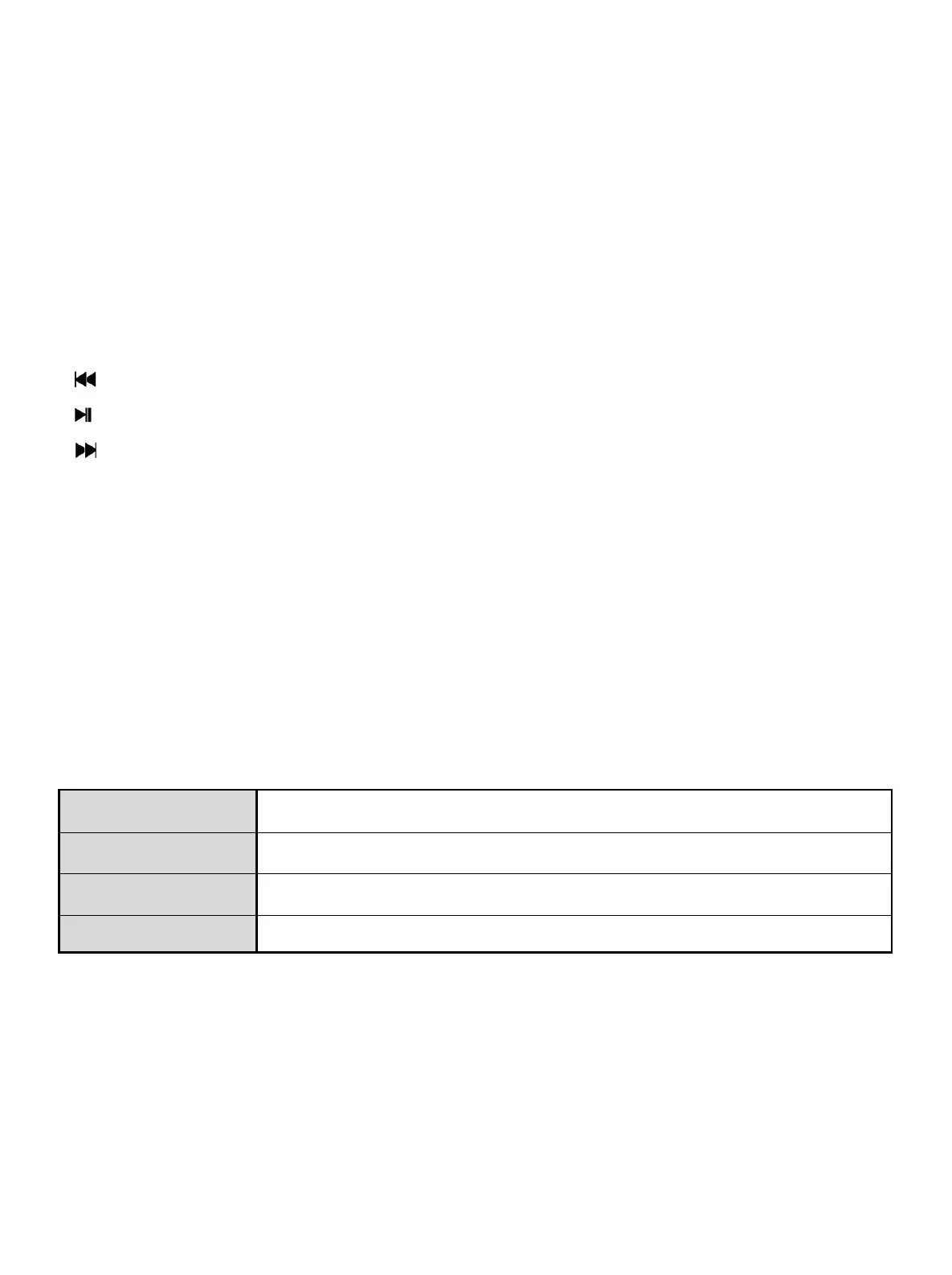
4. Key:Choose previous option or document.
5. Key:Play/Pause/Enter. Long press could back to the main menu interface.
6. Key: Choose the next option or document.
7. USB Interface: Support 2.0 data transmission.
8. TF card trough: Support Micro SD card
9. RESET: Restart.
10. Switch on/off: Long press to power on or power off, short press to display
the submenu
11. Display/Screen: Display the main interface.
5.2. Key Action Destination
Action Basic Operation
Short press Press a key and hold it less than 1.2s.
Long Press Press a key and hold it more than 2s.
Press a key and keep this status
Note: “Press” in this manual shall mean “short press”, unless other specified.
5.3. Power On/Off
Long press at the body’s side, it means powered on or powered off.
The player will power off automatically when the idle time of the system reaches
the off time set by the user.
Note: when the player is connected with PC, this function will not be working.
- 4 -


 To Next Page