between manual page-turning and auto page-turning. Press switch key to enter
submenu option, long press to exit.
Text Menu options
In the text list interface, press to enter the submenu, Submenu contains Play
setting, Delete eBook, bookmark select, delete bookmark, add bookmark
and page select.
Bookmark function is similar with that in Music mode, maximum support 16
bookmarks.
[Page select]: enter page select interface, Press [/] to choose the page
number, then press the Centre Key to confirm. Short press ON/OFF or long
press to exit.
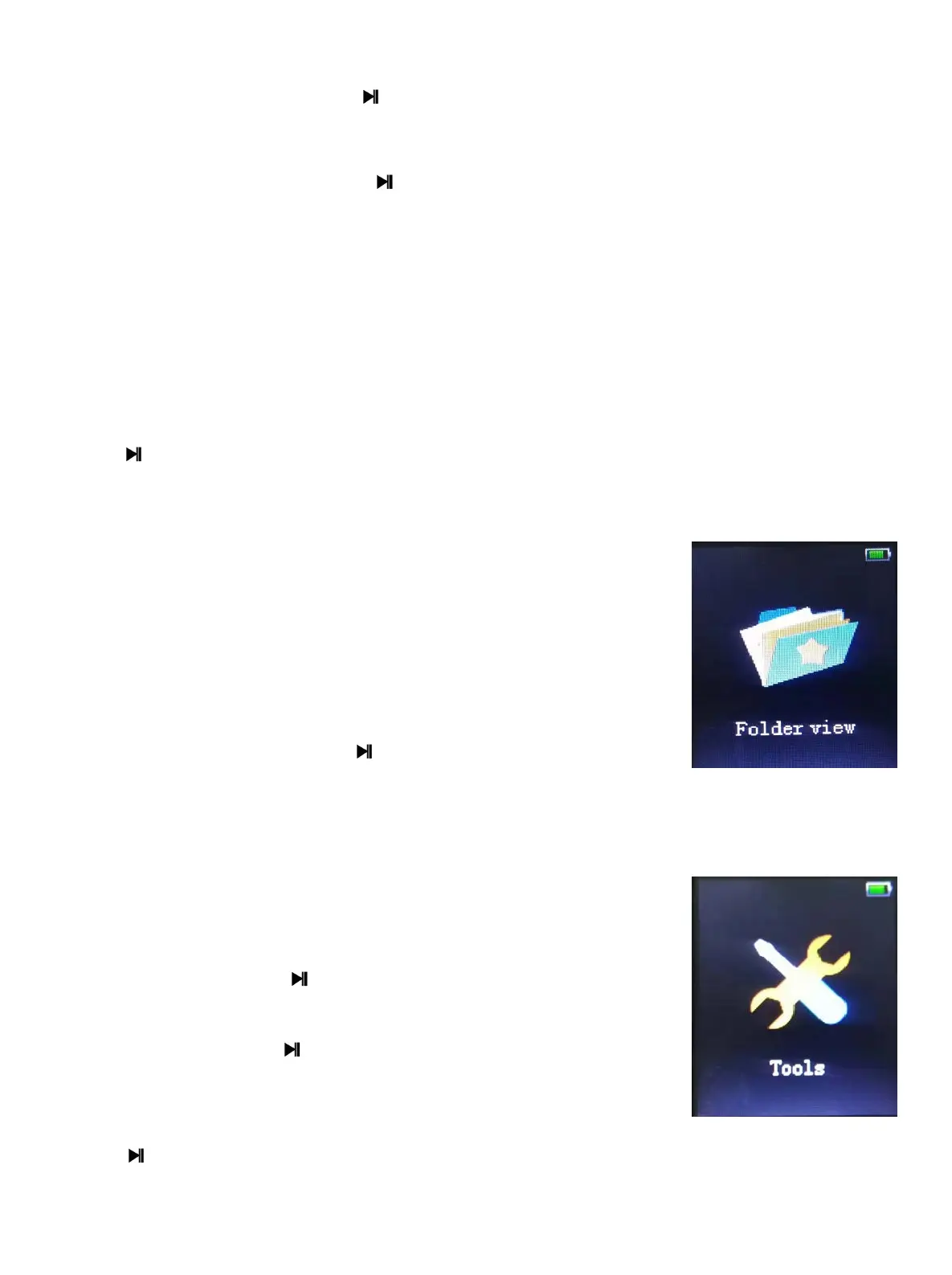
14 Folder View
1. List all of the files and catalogs in the player.
2. Choose one of the files in the list and press,short press
switch key, it will display “Delete”,
As below picture shows, short press ON/OFF key to
cancel the delete, and press to confirm the option of
delete.
15 Tools
Enter Tools interface as below:
1. Pedometer:Press to start the function, the
interface display as below::
2. Stopwatch:Press to start timing.(The longest timing
is 99 hours 59 minutes 59 seconds and 99 milliseconds.),
Press again
to pause the timing. Press / to start another record. Support 5 times at most.
- 12 -


 To Next Page