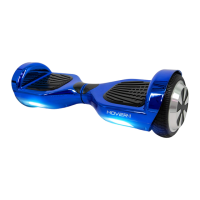
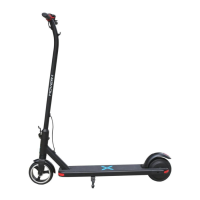
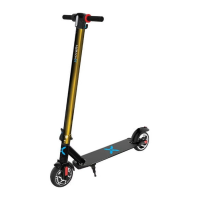
CONVERTING YOUR SWITCH
PLEASE READ THE FOLLOWING INSTRUCTIONS CAREFULLY
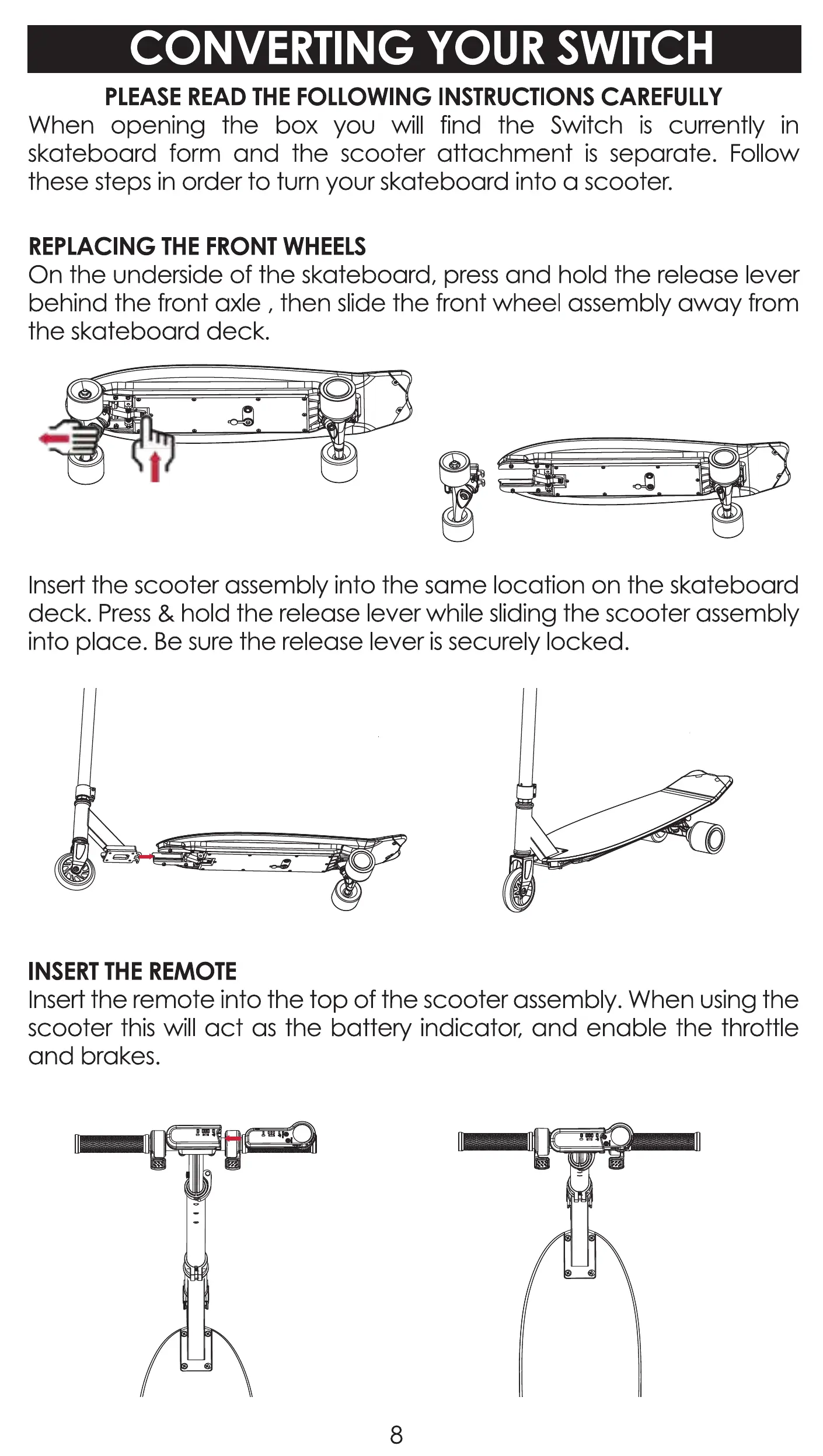
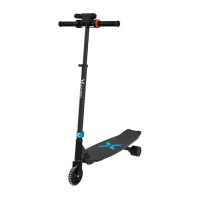
When opening the box you will find the Switch is currently in
skateboard form and the scooter attachment is separate. Follow
these steps in order to turn your skateboard into a scooter.
REPLACING THE FRONT WHEELS
On the underside of the skateboard, press and hold the release lever
behind the front axle , then slide the front wheel assembly away from
the skateboard deck.
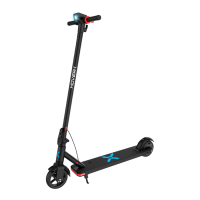
Insert the scooter assembly into the same location on the skateboard
deck. Press & hold the release lever while sliding the scooter assembly
into place. Be Sl._jrethe release lever is securely locked.
INSERT THE REMOTE
Insert the remote into the top of the scooter assembly. When using the
scooter this will act as the battery indicator, and enable the throttle
and brakes.
8


 To Next Page