22 HP MediaSmart HDTV User Guide
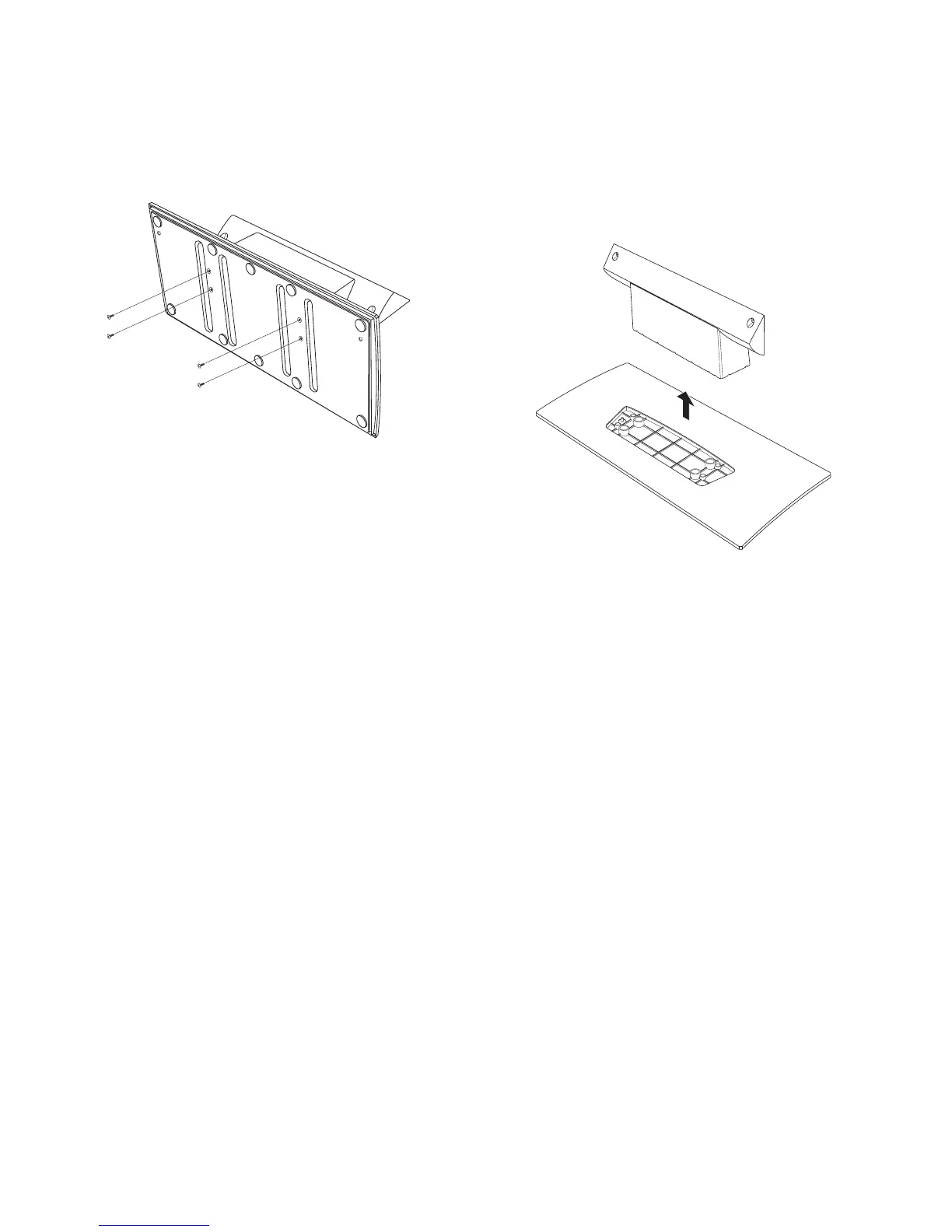
3 To disassemble the stand, turn the stand over and
remove four short screws that secure the base to
the pedestal.
4 Set the stand upright. Hold the base in place and
pull up on the pedestal to take the two pieces of
the stand apart. (When assembling the stand,
press the pedestal into the base until it is
completely seated.)
5 Store the stand and screws for future use.



 To Next Page