68 HP MediaSmart HDTV User Guide
3 Press an Arrow button as needed to select an
option, and then press the OK button.
The selected option menu displays.
4 Continue by selecting items within the
displayed menu.
■ Press an Arrow button as needed to select an
item, and then press OK.
■ Press the Back button to go back one menu or
to stop play.
■ Press the Info button to see information about
the photo, video, or music file.
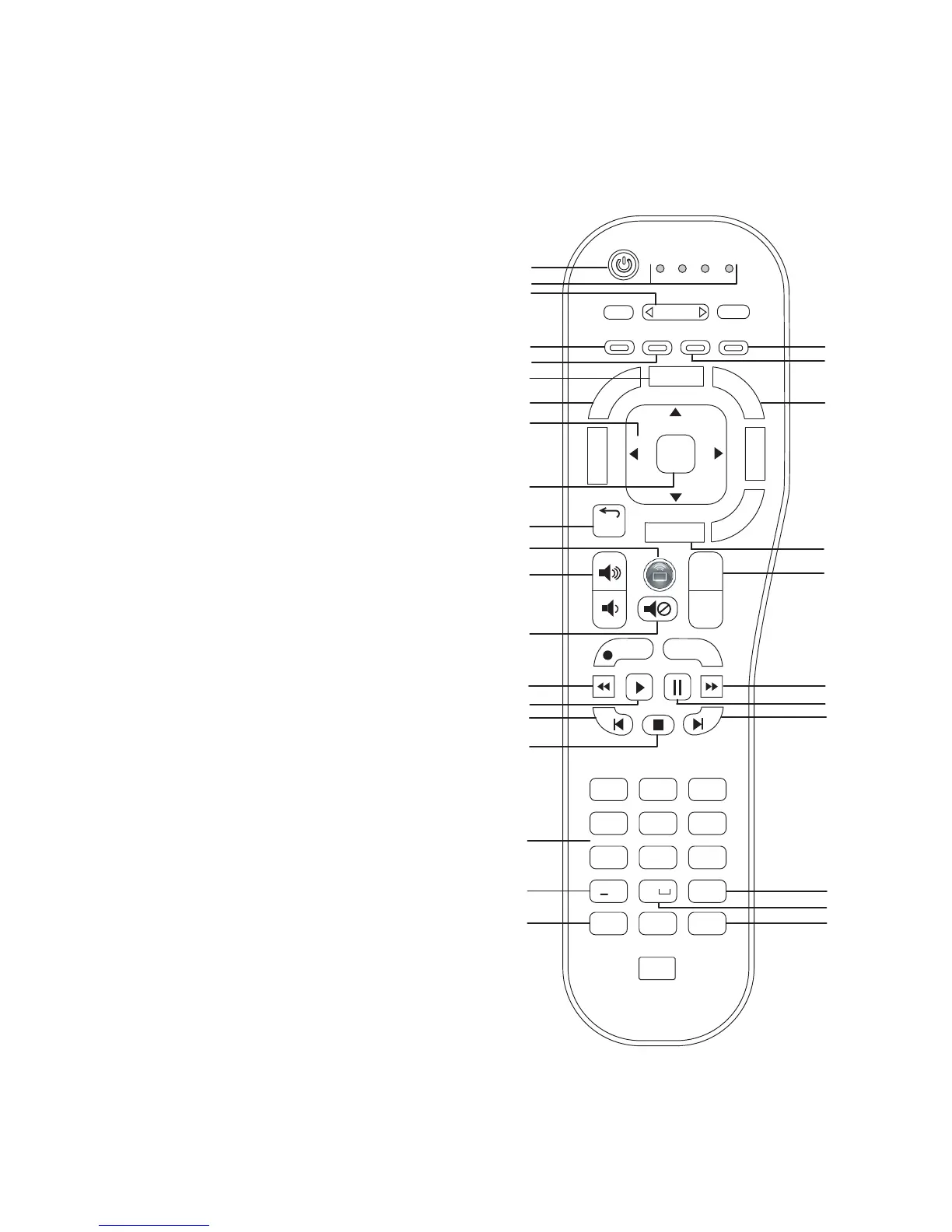
Identifying Media remote
control buttons
A
B
D
I
J
L
M
K
H
G
E
V
U
C
F
W
X
Y
Z
AA
AB
AC
AD
N
P
R
S
Q
O
TV AUD STB AUX
CC
Aspect
SAP
Device
Sleep
Media
Info
Menu
Guide
Source
Last Source
Recorded TV
back
Ch
+
Ch
–
Live TV
Rec
2 abc 3 def
4 ghi 5 jkl 6 mno
7pqrs 8 tuv 9
wxyz
0
#
On/Off
OK
*
AE
T
Enter
LastClear
Screen
Fav
1
@!/



 To Next Page