EasyManua.ls Logo

HP 16500A - Brightness and Background Controls.2-14

HP 16500A
34 pages
Print Icon
To Next Page IconTo Next Page
To Previous Page IconTo Previous Page
Loading...
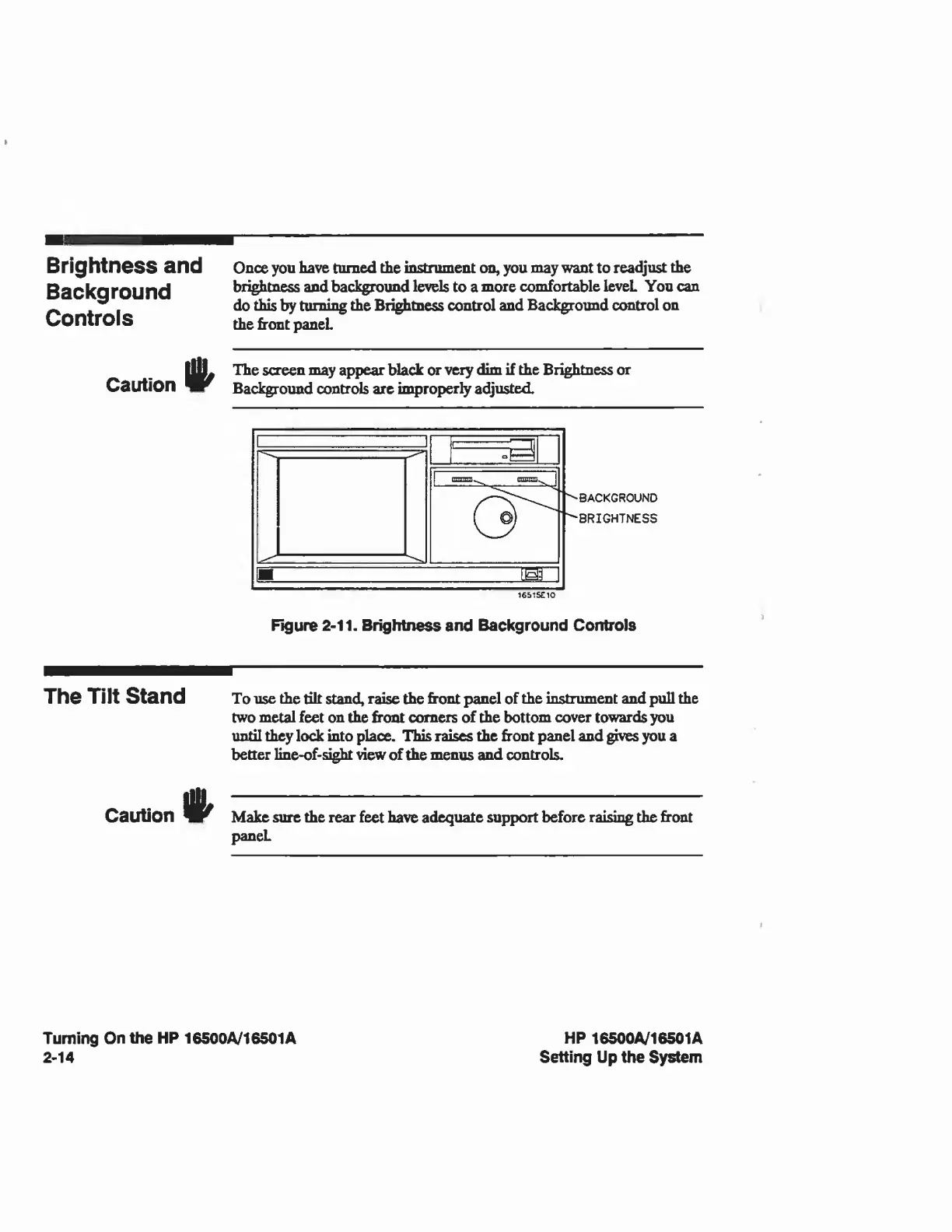
Brightness
and
Background
Controls
Once
you
have
turned
the
instrument
on,
you
may
want
to
readjust
the
brightness
and
background
levels
to
a
more
comfortable
leveL
You
can
do
this
by
turning
the
Brightness
control
and
Background
control
on
the
front
panel
Caution
The
screen
may
appear
black
or
very
dim
if
the
Brightness
or
Background
controls
are
improperly
adjusted.
1651S£10
BACKGROUND
BRIGHTNESS
Figure
2-11.
Brightness
and
Background
Controls
The
Tilt
Stand
To
use
the
tilt
stand,
raise
the
front
panel
of
the
instrument
and
pull
the
two
metal
feet
on
the
front
comers
of
the
bottom
cover
towards
you
until
they
lock
into
place.
This
raises
the
front
panel
and
gives
you
a
better
line-of-sight
view
of
the
menus
and
controls.
Caution
Make
sure
the
rear
feet
have
adequate
support
before
raising
the
front
paneL
Turning
On
the
HP
16500A/16501A
2-14
HP
16500A/16501A
Setting
Up
the
System

Related product manuals