EasyManua.ls Logo

HP 16500A - Default Chapter; Table of Contents

HP 16500A
34 pages
Print Icon
To Next Page IconTo Next Page
To Previous Page IconTo Previous Page
Loading...
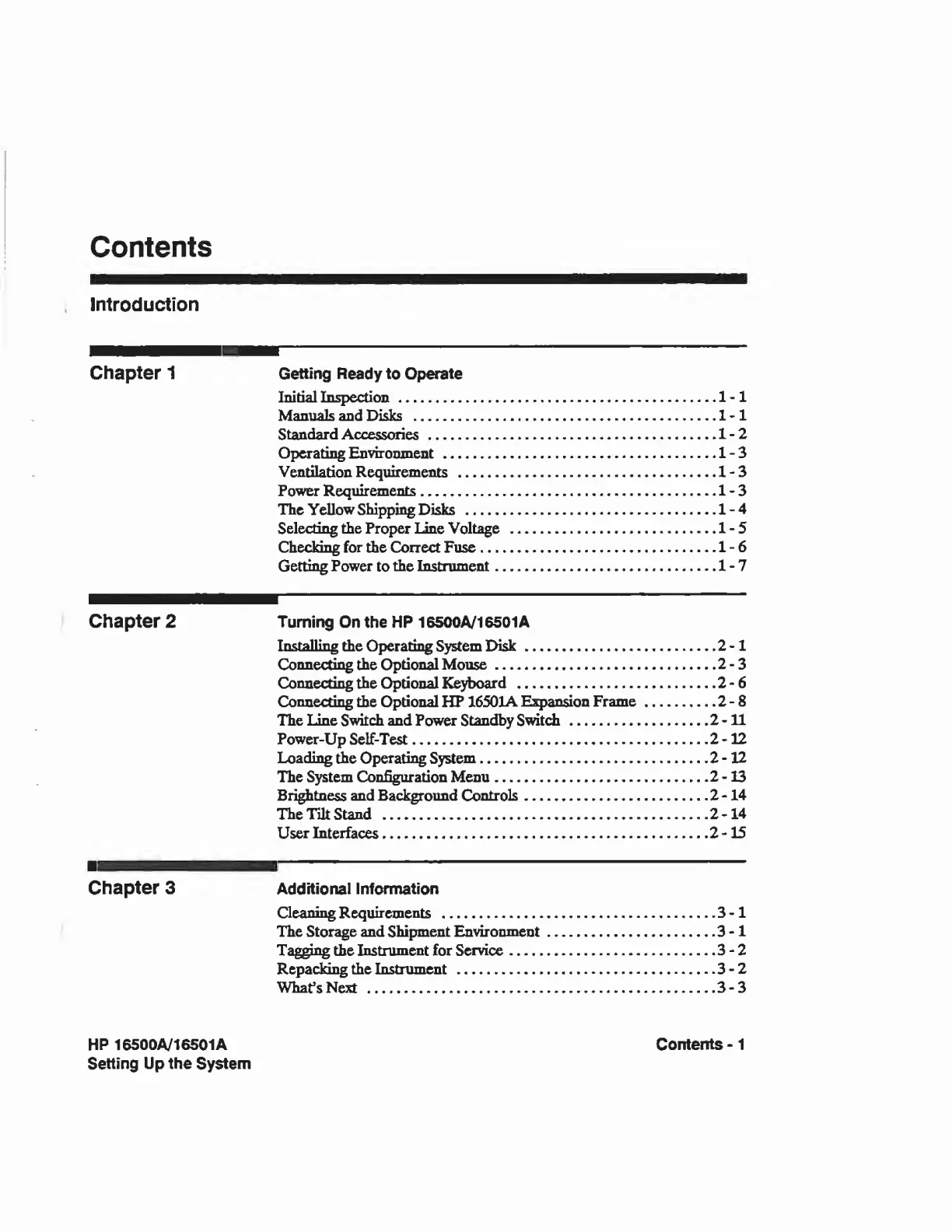
Contents
Introduction
Chapter
1
Getting
Ready
to
Operate
Initial
Inspection.1-1
Manuals
and
Disks
..
1
-
1
Standard
Accessories.1-2
Operating
Environment.1-3
Ventilation
Requirements
.1-3
Power
Requirements.
1
-
3
The
Yellow
Shipping
Disks
.1-4
Selecting
the
Proper
Line
Voltage
.1-5
Checking
for
the
Correct
Fuse.1-6
Getting
Power
to
the
Instrument.1-7
Chapter
2
Turning
On
the
HP
16500A/16501A
Installing
the
Operating
System
Disk.2-1
Connecting
the
Optional
Mouse.2-3
Connecting
the
Optional
Keyboard
.2-6
Connecting
the
Optional
HP
16501AExpansion
Frame.2-8
The
Line
Switch
and
Power
Standby
Switch.2-11
Power-Up
Self-Test.2-12
Loading
the
Operating
System.2-12
The
System
Configuration
Menu.2-13
Brightness
and
Background
Controls.2-14
The
lilt
Stand
.2-14
User
Interfaces.2-15
Chapter
3
Additional
Information
Cleaning
Requirements
.3-1
The
Storage
and
Shipment
Environment.3-1
Tagging
the
Instrument
for
Service.3-2
Repacking
the
Instrument
.3-2
What’s
Next
.3-3
HP
16500A/16501A
Contents
-
1
Setting
Up
the
System

Related product manuals