Interactive System Board Viewer
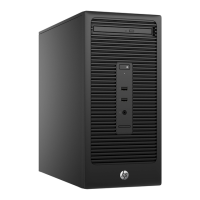
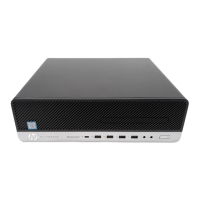
HP 280 G5 Microtower PC
Welcome to the interactive System Board for the
HP 280 G5 Microtower PC
Here’s how to use it…
Zoomable View (Click the link to navigate to the viewer)
On the Zoomable View page, you will nd the viewer’s zoom navigation links above the viewer on the left-hand side.
You can choose from four levels of magnication: 1x, 2x, 3x, and 4x.
1x: The default magnication is 1x and at this magnication you can view the location of a feature by selecting
it from the numbered list on the left.
2x, 3x, 4x: When you choose a greater magnication level, you use the navigation arrows and numbered features
list to focus on the feature that you wish to review.
That’s it!

 Need help?

 To Next Page
 General