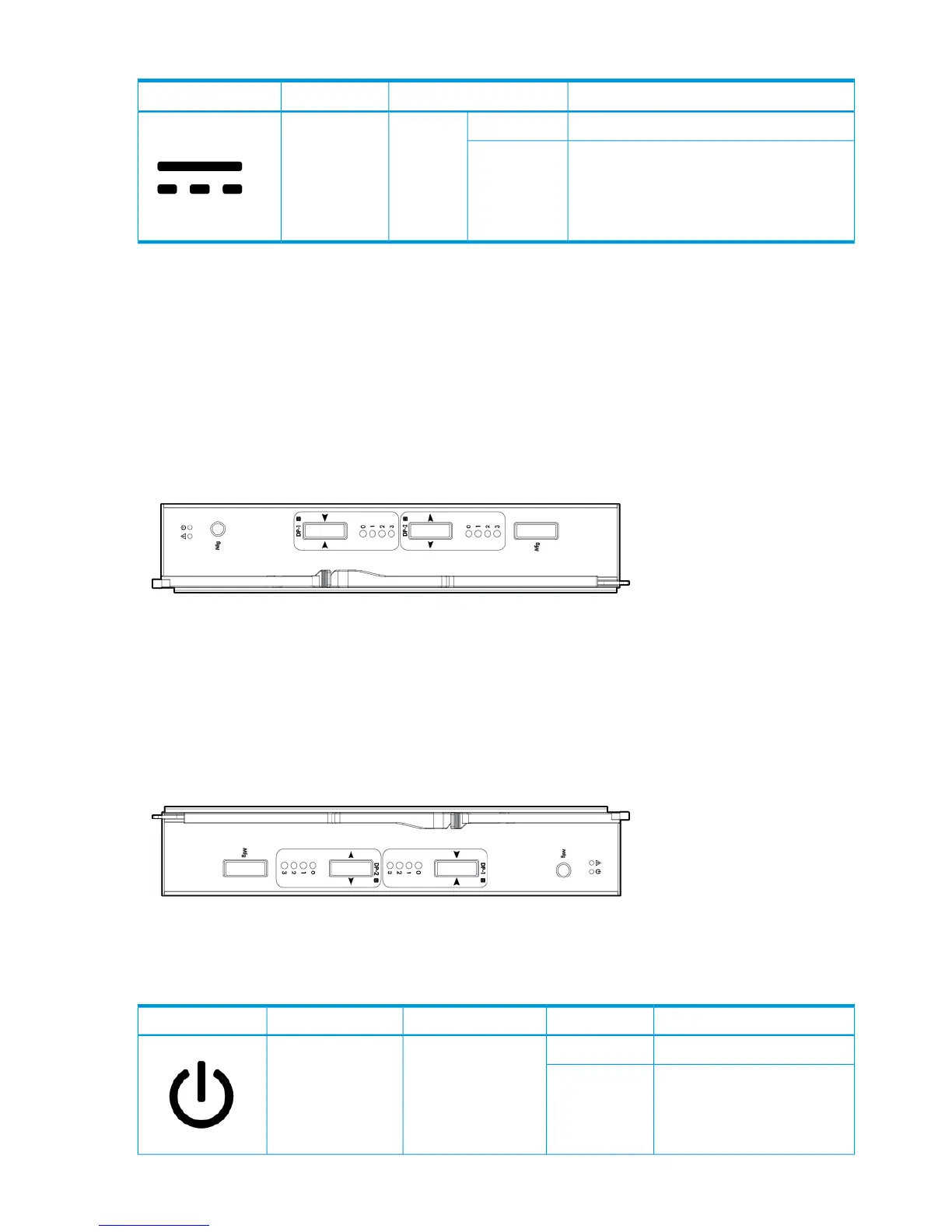
Table 4 Drive PCM LED Descriptions (continued)
IndicatesAppearanceLEDIcon
No AC power or fault or out of toleranceOn
AmberDC Output Fail
Firmware downloadFlashing
I/O Modules LEDs
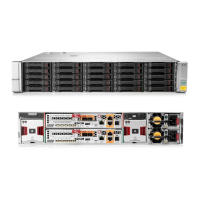
I/O modules are located on the back of the system. I/O modules have two mini-SAS universal
ports, which can be connected to HBAs or other ports and each port includes External Port Activity
LEDs, labeled 0–3. The I/O module also includes a Power and Fault LED.
Figure 28 M6710 I/O Module
Figure 29 M6720 I/O Module
Table 5 I/O module LEDs
MeaningStateAppearanceFunctionIcon
Power is onOnGreenPower
Power is offOff
30 Understanding LED Indicator Status





 To Next Page