EasyManua.ls Logo

HP 54522A - Page 73

HP 54522A
292 pages
Print Icon
To Next Page IconTo Next Page
To Previous Page IconTo Previous Page
Loading...
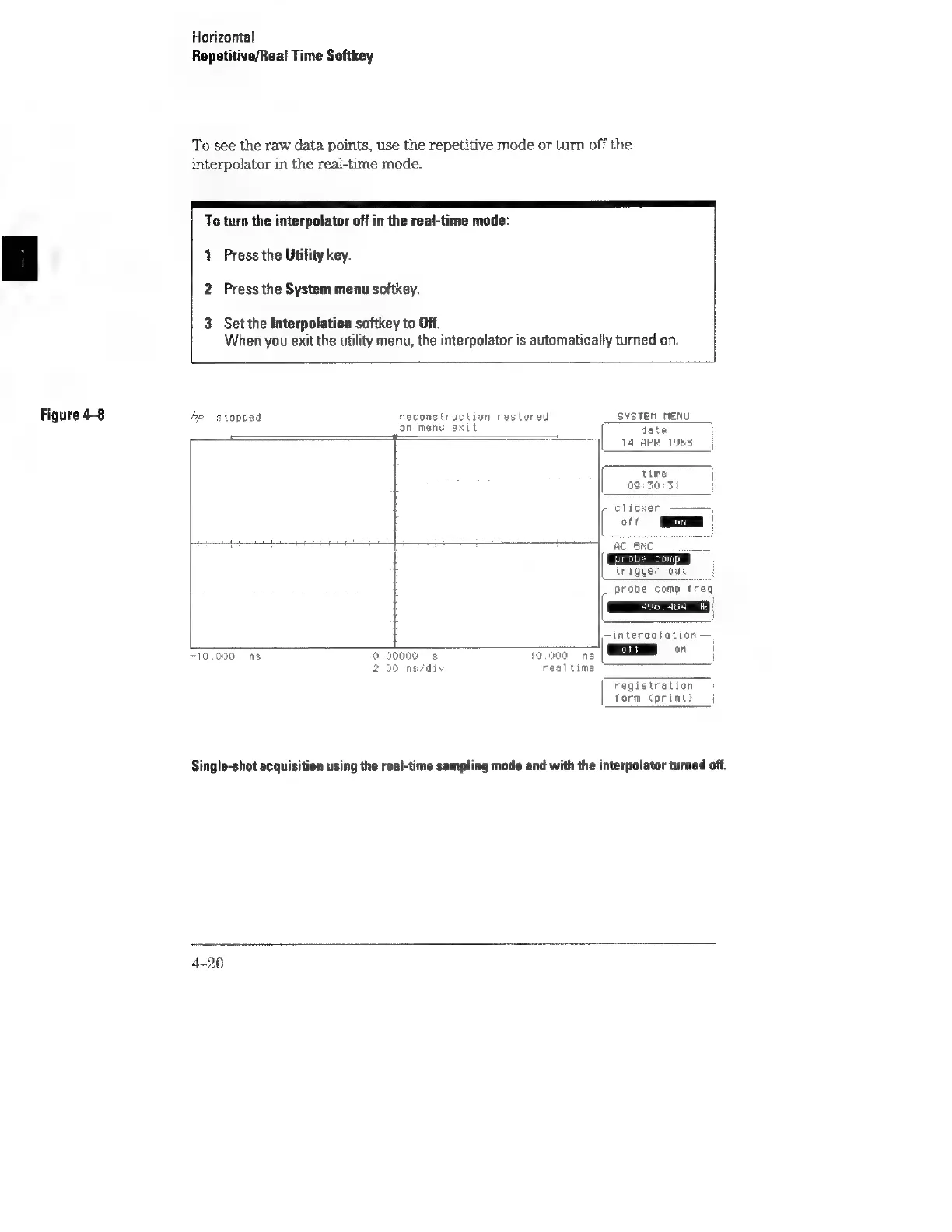
Figure
4-8
Horizontal
Repetitive/Real
Time
Softkey
To
see
the
raw
data
points,
use
the
repetitive
mode
or
turn
off
the
interpolator
in
the
real-time
mode.
To
turn
the
interpolator
off
in
the
real-time
mode:
1
Press
the
Utility
key.
2
Press
the
System
menu
softkey.
3
Set
the
Interpolation
softkey
to
Off.
When
you
exit
the
utility
menu,
the
interpolator
is
automatical!
y
turned
on.
Sp
stopped
reconstruction
restored
on
menu
exit
=
710.000
nS
a,
00000
19.000
ng
realtime
SYSTEM
MENU
date
14
APR
1985
time
OG
BO:3t
-
clicker
1
an
AC
BNC
probe
Com
trigger
out
F
_
prabe
comp
freq
496 464
he
—interpolation
me
°
registration
form
(print?
Single-shot
acquisition
using
the
real-time
sampling
mode
and
with
the
interpolator
turned
off.
4-20