Important tips
• Switch-port zone groups must be created and assigned to server bays to grant access to the
tape library.
For more information about configuration guidelines, see the EBS Design Guide.
• SAS tape libraries must be connected to a port on the HP 6Gb SAS BL Switch (they cannot
be connected to a SAS port on an external SAS storage enclosure).
• Each SAS tape drive has a single SAS port. Redundancy is not supported, so the host end of
the fanout cable will be connected to only one port on one SAS BL switch. Either SAS BL switch
in the BladeSystem c-Class enclosure may be used. The corresponding switch port on the other
SAS BL switch may be left open or connected to other tape devices.
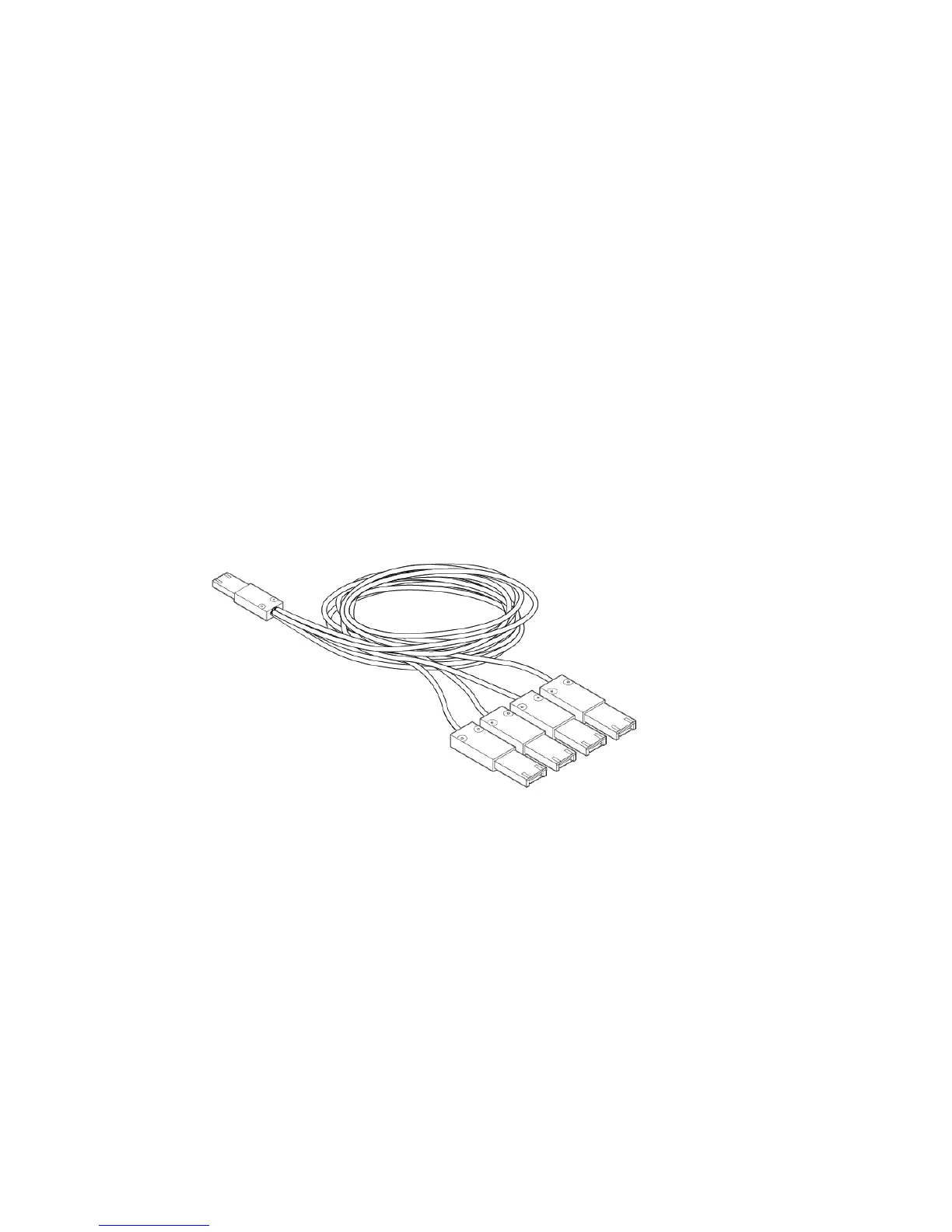
• To use all four channels of the HP 6Gb SAS BL Switch port, use a SAS fanout cable, which
has one mini-SAS connector on the switch end and four mini-SAS connectors on the tape drive
end.
The available SAS fanout cables approved for use with the tape library or autoloader and
the SAS BL switch include:
◦ AN975A – 2m External Mini-SAS to 4X1 Mini-SAS Cable Kit
◦ AN976A – 4m External Mini-SAS to 4X1 Mini-SAS Cable Kit
The following illustration is a representation of a fanout cable.
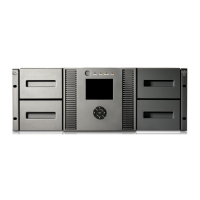
HP MSL2024, MSL4048, MSL8048, and MSL8096 Tape Libraries and 1/8 G2 Tape Autoloader 35



 To Next Page