26
Controlling How Faxes
and Copies Look
To send a fax, or make a copy
of this type document
Consider choosing these settings
6 point
Alphabet
.................
8 point
Alphabet
...........
9 point
Alphabet
.........
10 point Alphabet......
11 point
Alphabet
.....
1
2 point
Alphabet...
14 point
Alphabet..
16 point
Alphabet
Standard
Fine
Resolution
To change the setting for a single fax, use the
Resolution
button on the front panel. The light
above the button shows which setting is on.
Set Fax Resolution in the settings menu to the
setting you will usually use. Fine for small type,
Standard for medium or large type.
Copies are automatically set to fine resolution.
Contrast
To change the setting for a single fax or copy, use
the
Contrast
button on the front panel. The light
above the button shows which setting is on.
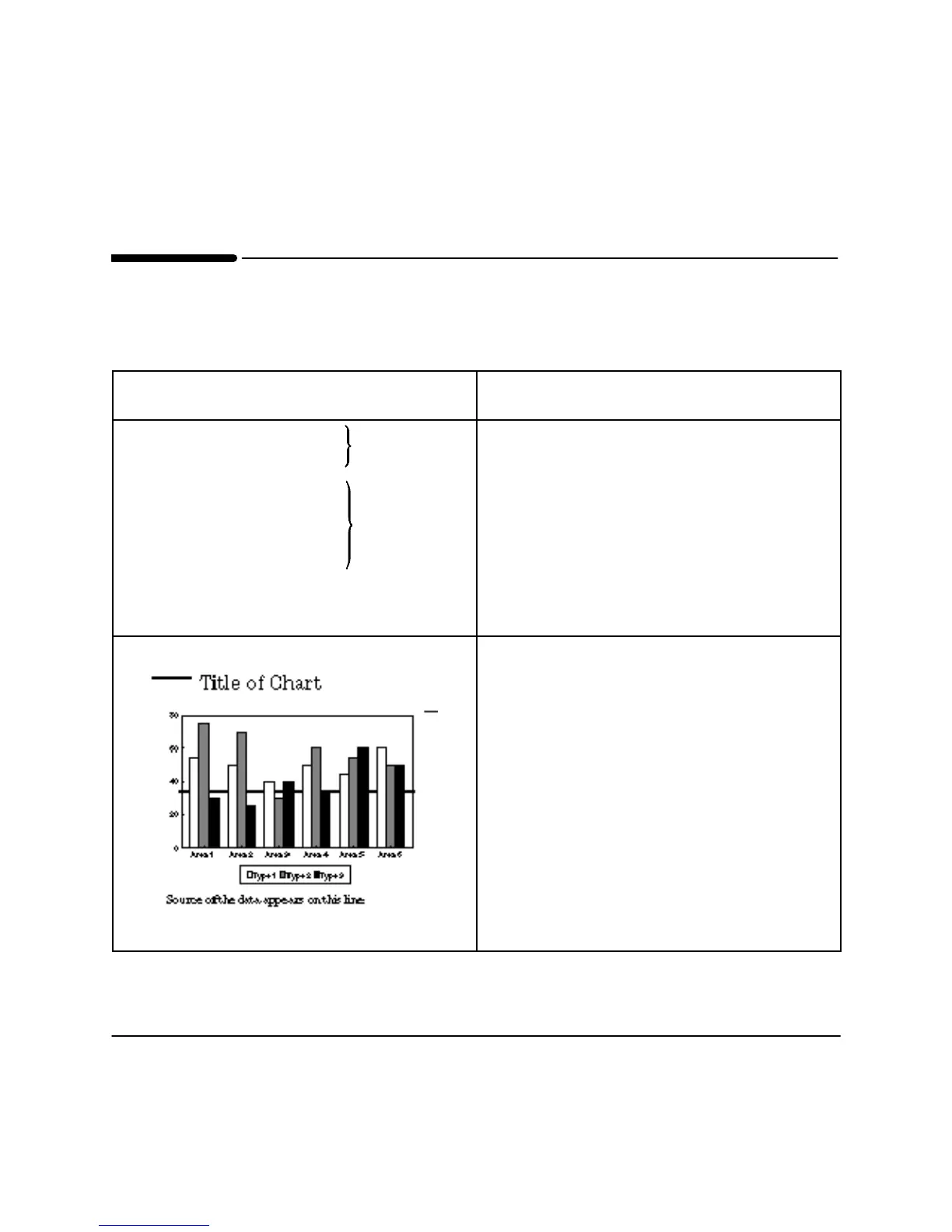
For example, if the bars on this chart are not
showing up well, you can set the contrast to darker
or lighter until you get the best result.
Set Contrast in the settings menu to the setting
you will usually use, Light, Normal, or Dark.












 To Next Page