27
To send a fax, or make a copy
of this type document
Consider choosing these settings
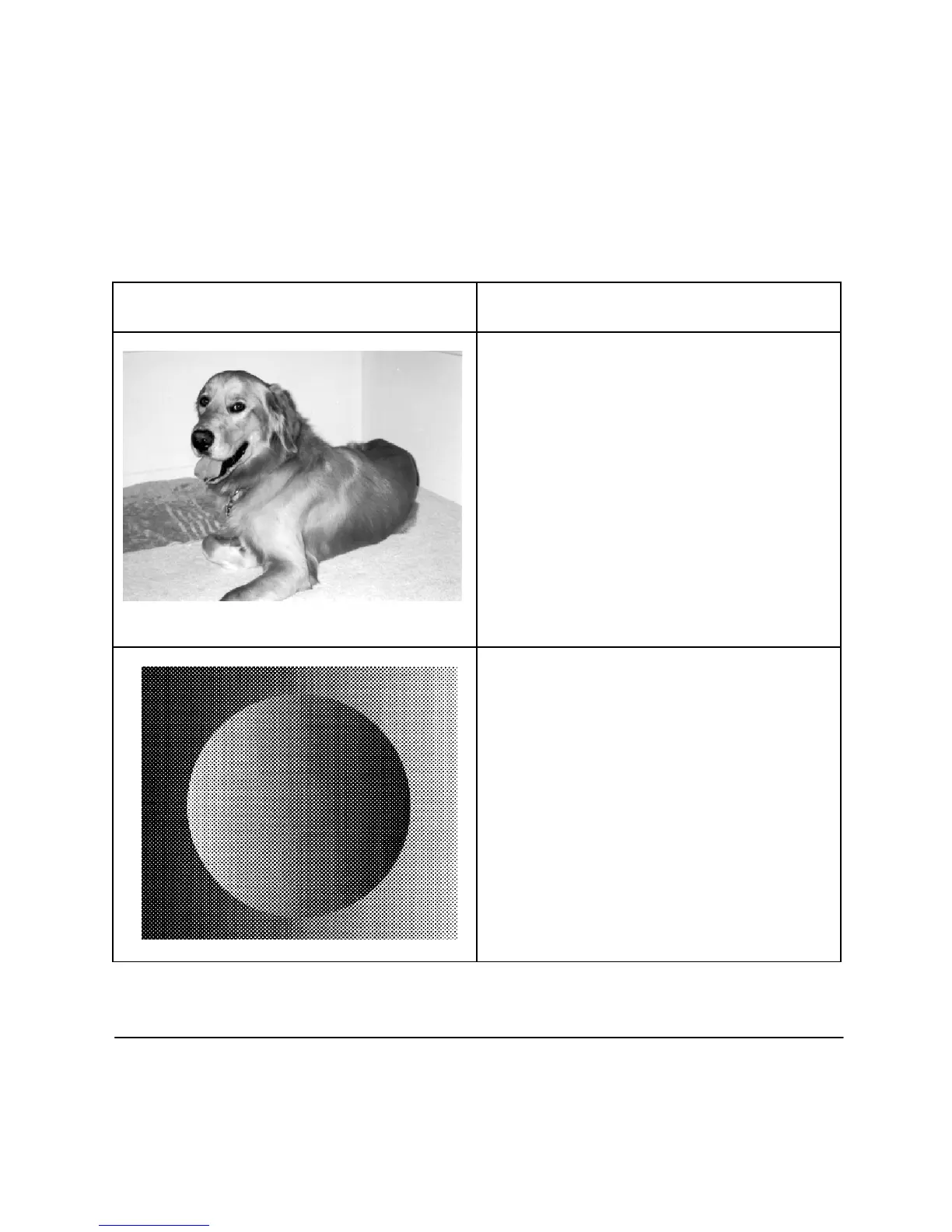
Photograph
When your document includes a picture with
several shades of grey or many colors, press the
Photograph
button on the front panel. After you
send a fax, or make a copy,
Photograph
returns to
off.
Set Photo Quality in the settings menu to the
setting you will usually use, Quality or Economy.
When you choose Quality, it requires more time to
process, but produces a better reproduction.
When you send photographs, or a fax with a lot of
detail, try Scan and Send to reduce telephone time.
Resolution, Contrast and Photograph
Use all of the above settings on the front panel to
adjust for unusual documents. Try making a copy
before you send a fax that contains unusual
material. The copy will indicate how your fax will
be received on a comparable fax machine.












 To Next Page