61
Changing the paper separator
If documents continually feed more than one page at a time, you may need to
change the paper separator. Follow these instructions to change the paper
separator.
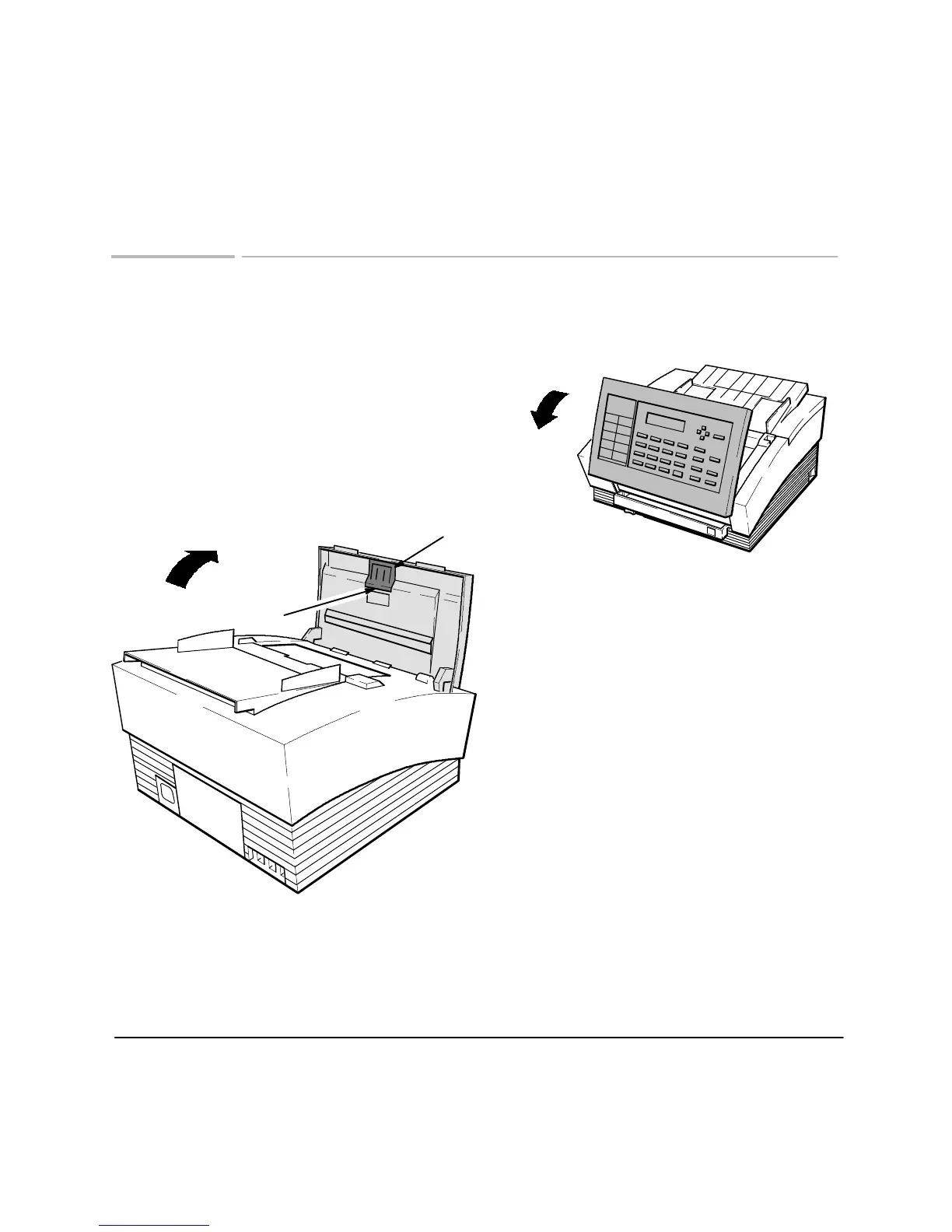
Open the front panel
Pry the paper separator assembly out at the
notch using your fingers, a coin, or a small
screwdriver. Install a new paper separator by
pressing it firmly into place. Then close the
front panel firmly, until both top corners snap
into place.
Notch
Paper Separator Assembly












 To Next Page