62
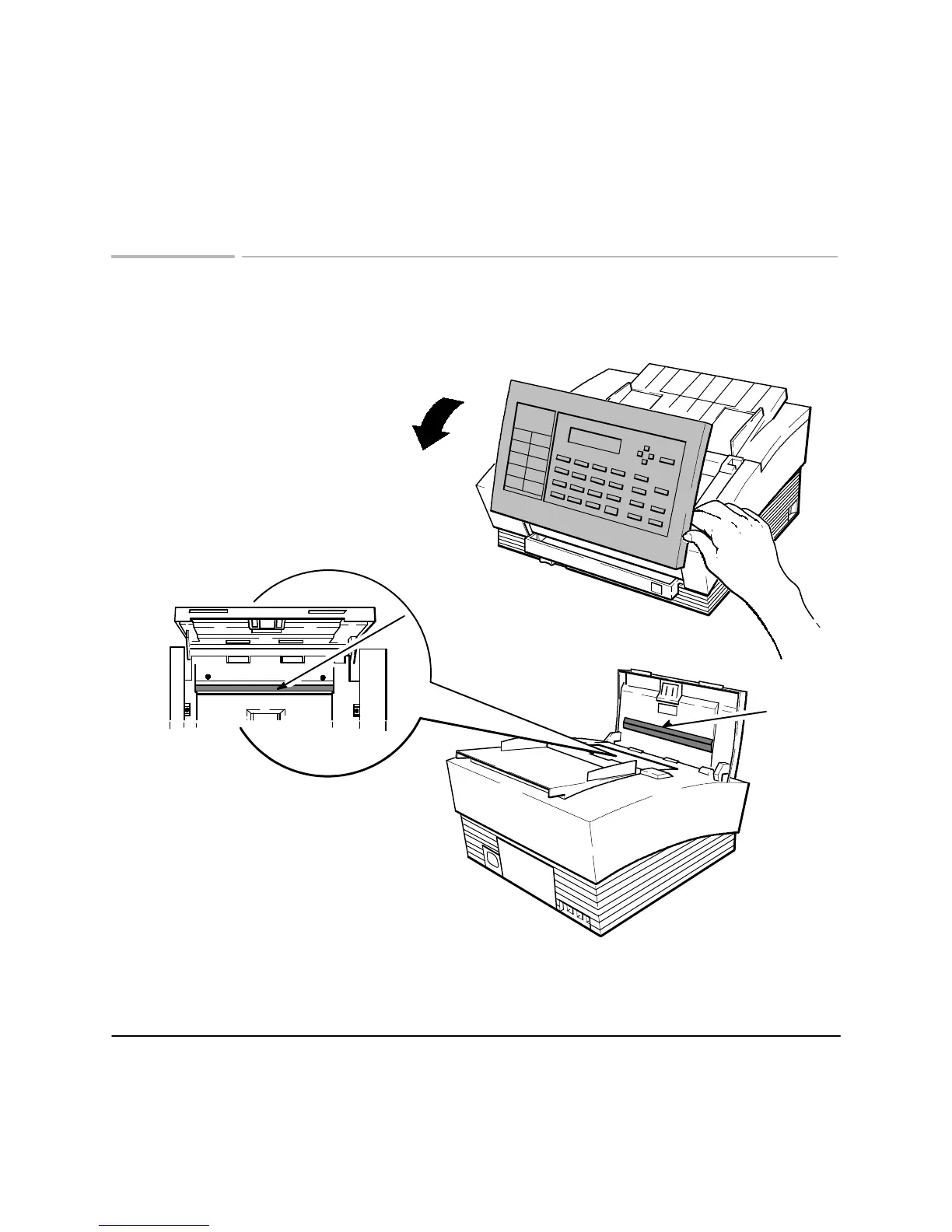
Cleaning the scanner window glass
When transmitted faxes or copies have lines or spots on them, follow these
instructions to clean the scanner window glass and scanner plate.
Lift the front panel to open it
Use a lint-free cloth moistened with water to
clean the scanner window glass. Then close
the front panel until both top corners snap into
place.
Scanning Glass
Scanner
Plate












 To Next Page