63
Clearing document and paper jams
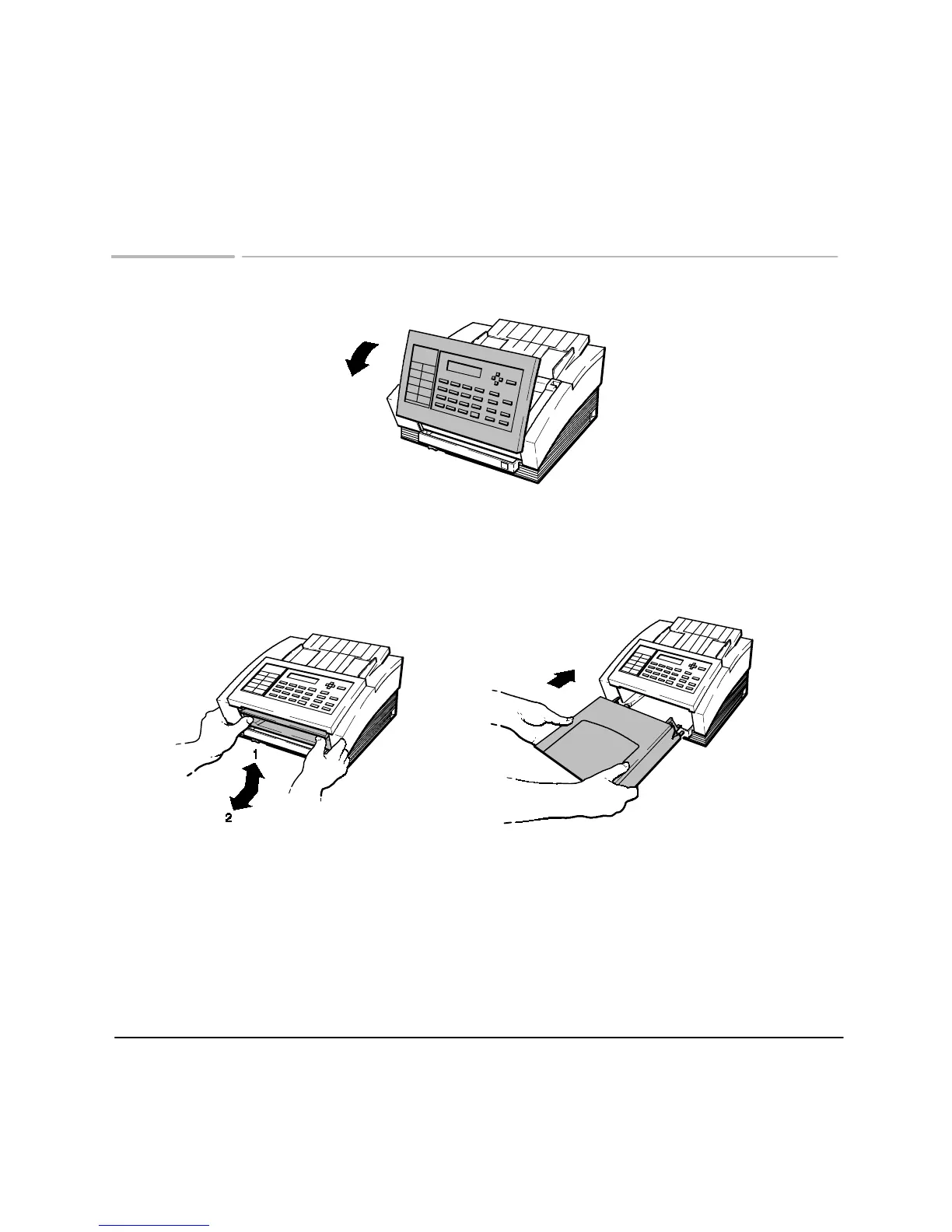
To clear a document jam:
Lift the front panel and remove the jammed document. Then close the cover.
Caution: be sure to press both sides of the cover until it snaps closed
.
To clear a paper jam:
Lift and remove the
paper delivery tray.
Do not attempt to clear
paper from the print cartridge area.
Remove the jammed paper. Then slide
the tray back in until it stops.
ek_10
ek_32
Note
: If a document jam happens while you are storing to memory,
press Stop on the front panel to clear memory, then start over.
ek_22












 To Next Page