64
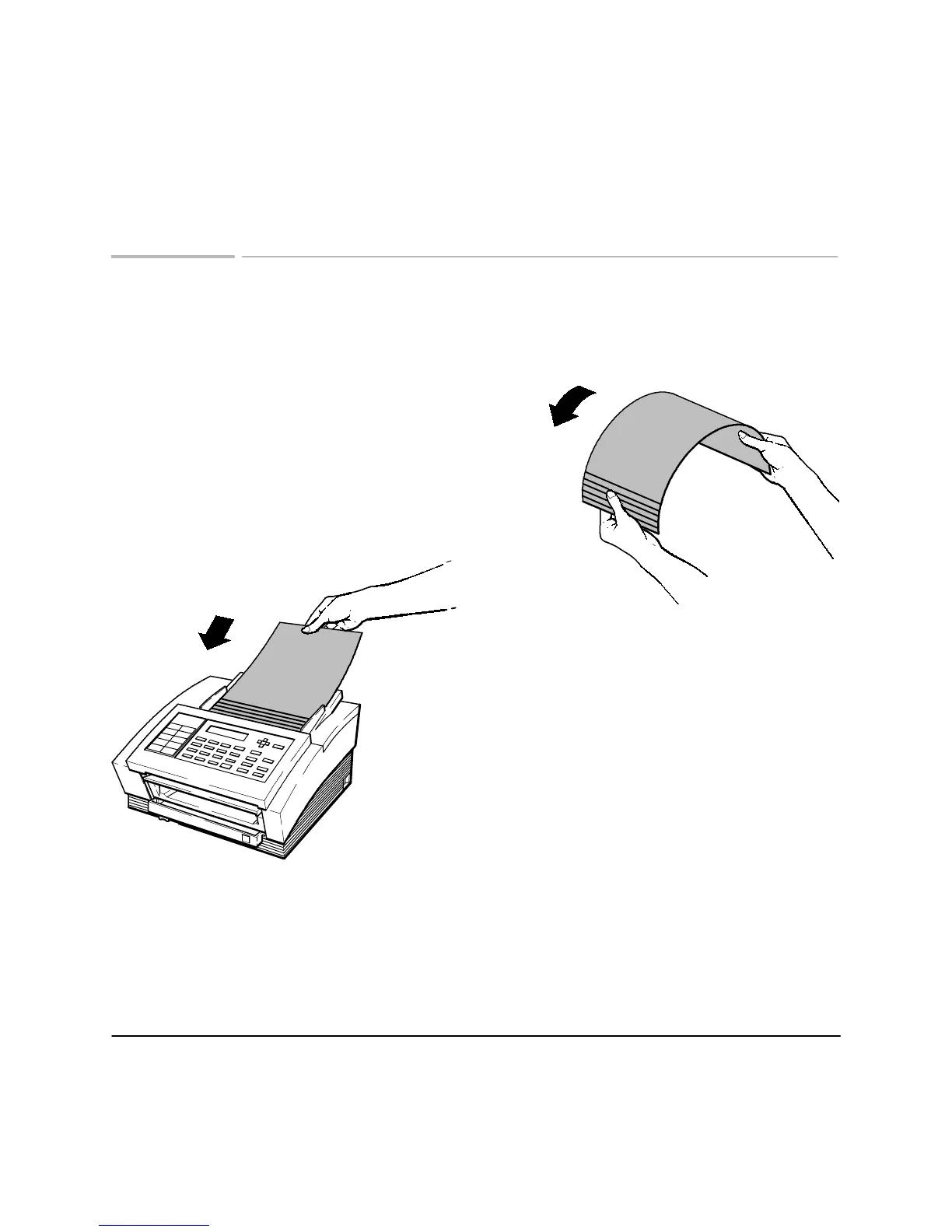
Loading multipage documents to prevent jams
When
"Reload Document"
is displayed, you may have to follow this
procedure if your document contains many pages.
Hold the document by the top and bottom
edges. Bend it upwards to fan the bottom
edges.
Load the document so that the pages are
fanned as they feed into the in tray.












 To Next Page