EasyManua.ls Logo

HP 8481A - Troubleshooting Guide

HP 8481A
40 pages
Print Icon
To Next Page IconTo Next Page
To Previous Page IconTo Previous Page
Loading...
08481-90049
HP
8481A/82A/83A
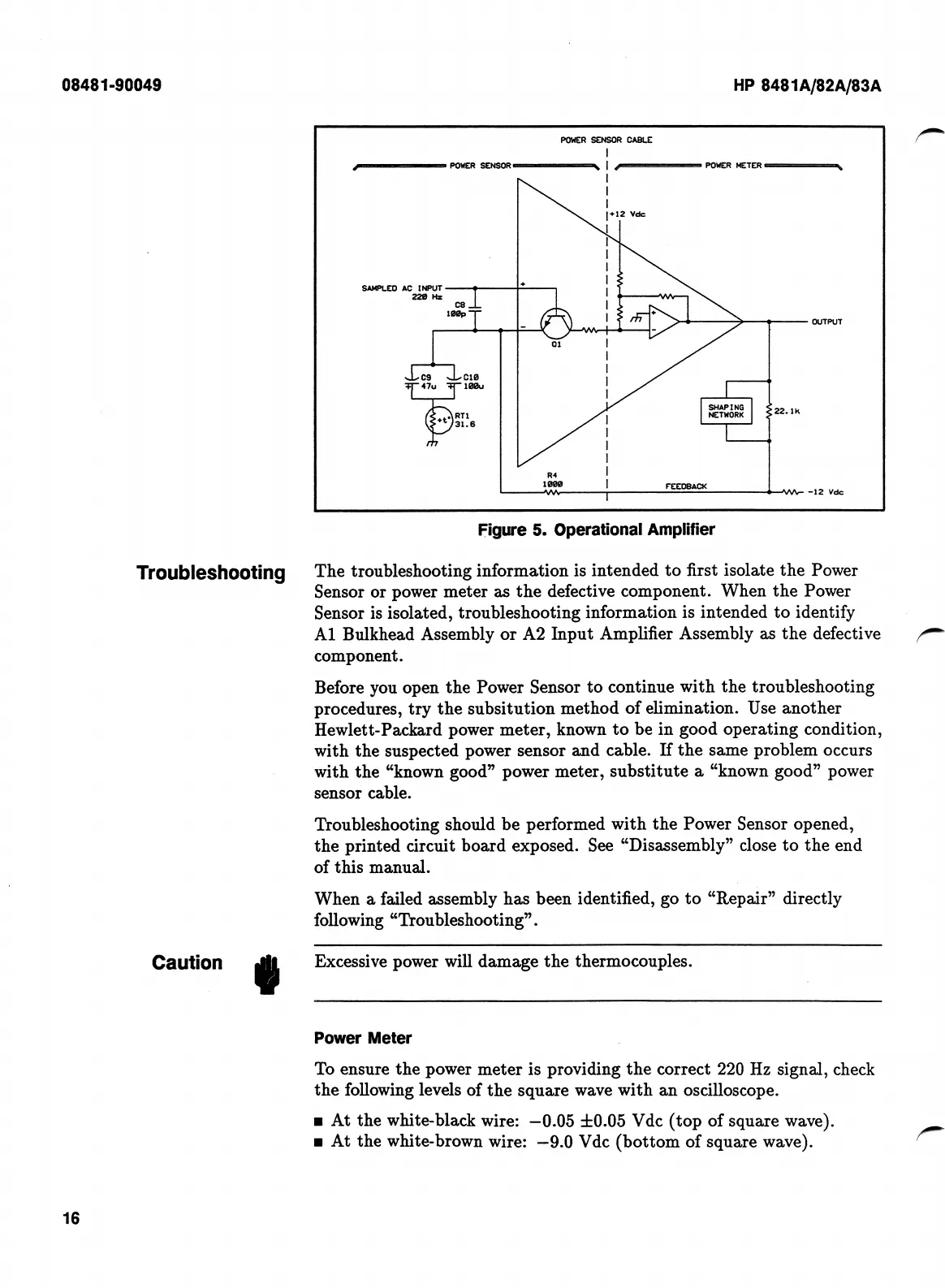
Figure
5.
Operational
Amplifier
The
troubleshooting
information
is
intended
to
first
isolate
the
Power
Sensor
or
power
meter
as
the
defective
component.
When
the
Power
Sensor
is
isolated,
troubleshooting
information
is
intended
to
identify
A1
Bulkhead
Assembly
or
A2
Input
Amplifier
Assembly
as
the
defective
component.
Before
you
open
the
Power
Sensor
to
continue
with
the
troubleshooting
procedures,
try
the
subsitution
method
of
elimination.
Use
another
Hewlett-Packard
power
meter,
known
to
be
in
good
operating
condition,
with
the
suspected
power
sensor
and
cable.
If
the
same
problem
occurs
with
the
“known
good”
power
meter,
substitute
a
“known
good”
power
sensor
cable.
Troubleshooting
should
be
performed
with
the
Power
Sensor
opened,
the
printed
circuit
board
exposed.
See
“Disassembly”
close
to
the
end
of
this
manual.
When
a
failed
assembly
has
been
identified,
go
to
“Repair”
directly
following
“Troubleshooting”.
Troubleshooting
Excessive
power
will
damage
the
thermocouples.
Caution
«
Power
Meter
To
ensure
the
power
meter
is
providing
the
correct
220
Hz
signal,
check
the
following
levels
of
the
square
wave
with
an
oscilloscope.
At
the
white-black
wire:
—0.05
±0.05
Vdc
(top
of
square
wave).
At
the
white-brown
wire:
—9.0
Vdc
(bottom
of
square
wave).
16

Related product manuals