EasyManua.ls Logo

HP 8481A - Installation and Handling; Initial Inspection and Packaging; Storage and Shipment Guidelines

HP 8481A
40 pages
Print Icon
To Next Page IconTo Next Page
To Previous Page IconTo Previous Page
Loading...
HP
8481A/82A/83A
08481-90049
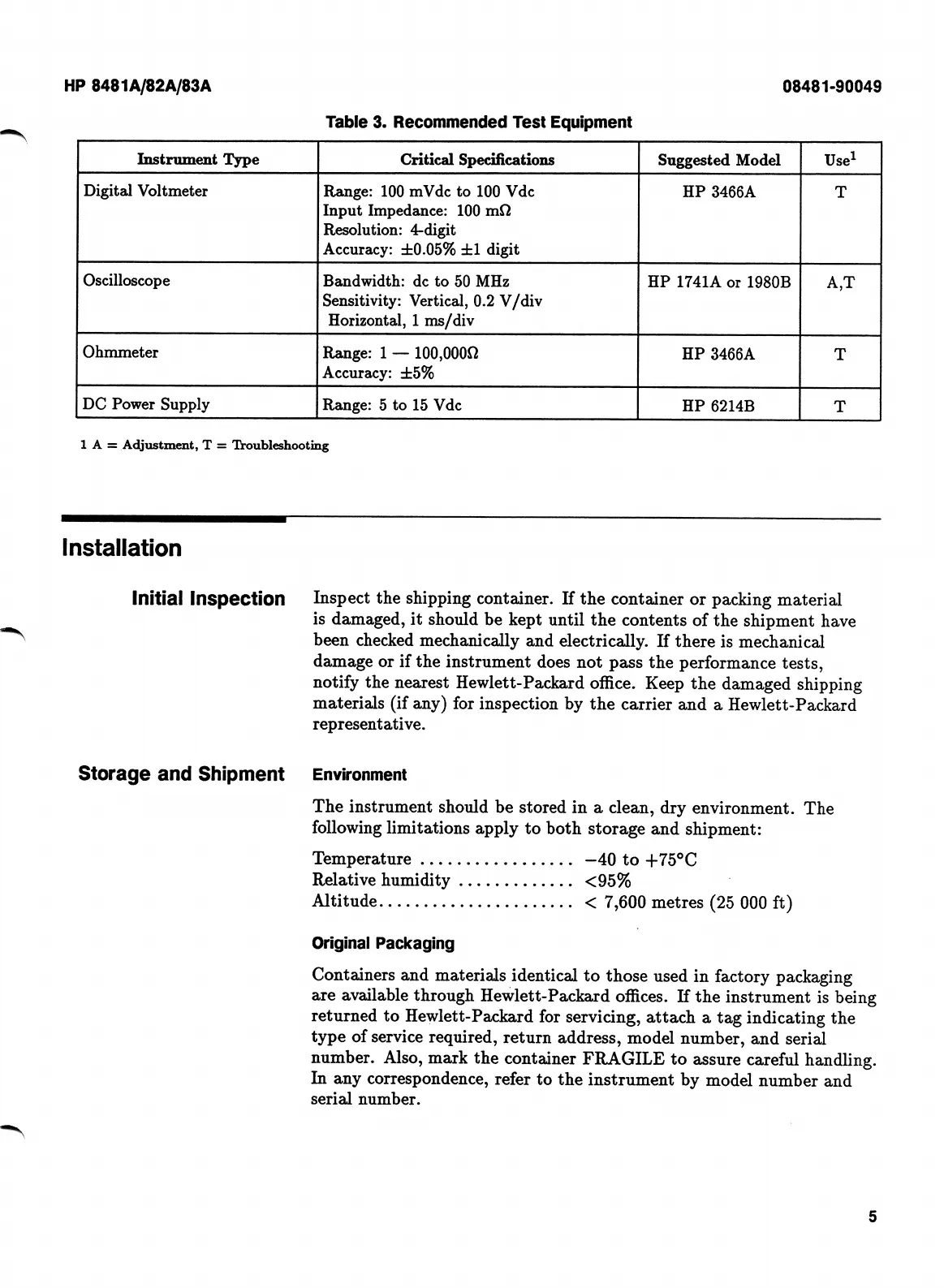
Table
3.
Recommended
Test
Equipment
Use^
Instrument
Type
Critical
Specifications
Suggested
Model
Digital
Voltmeter
Range:
100
mVdc
to
100
Vdc
Input
Impedance:
100
mfl
Resolution:
4-digit
Accuracy:
±0.05%
±1
digit
HP
3466A
T
Oscilloscope
Bandwidth:
dc
to
50
MHz
Sensitivity:
Vertical,
0.2
V/div
Horizontal,
1
ms/div
HP
1741A
or
1980B
A,T
Ohmmeter
Range:
1
100,OOOQ
Accuracy:
±5%
HP
3466A
T
DC
Power
Supply
Range:
5
to
15
Vdc
HP
6214B
T
1
A
=
Adjustment,
T
Troubleshooting
Installation
Initial
Inspection
Inspect
the
shipping
container.
If
the
container
or
packing
material
is
damaged,
it
should
be
kept
until
the
contents
of
the
shipment
have
been
checked
mechanically
and
electrically.
If
there
is
mechanical
damage
or
if
the
instrument
does
not
pass
the
performance
tests,
notify
the
nearest
Hewlett-Packard
office.
Keep
the
damaged
shipping
materials
(if
any)
for
inspection
by
the
carrier
and
a
Hewlett-Packard
representative.
Storage
and
Shipment
Environment
The
instrument
should
be
stored
in
a
clean,
dry
environment.
The
following
limitations
apply
to
both
storage
and
shipment:
Temperature
.
...
Relative
humidity
Altitude
-40
to
±75°C
<95%
<
7,600
metres
(25
000
ft)
Original
Packaging
Containers
and
materials
identical
to
those
used
in
factory
packaging
are
available
through
Hewlett-Packard
offices.
H
the
instrument
is
being
returned
to
Hewlett-Packard
for
servicing,
attach
a
tag
indicating
the
type
of
service
required,
return
address,
model
number,
and
serial
number.
Also,
mark
the
container
FRAGILE
to
eissure
careful
handling.
In
any
correspondence,
refer
to
the
instrument
by
model
number
and
serial
number.
5

Related product manuals