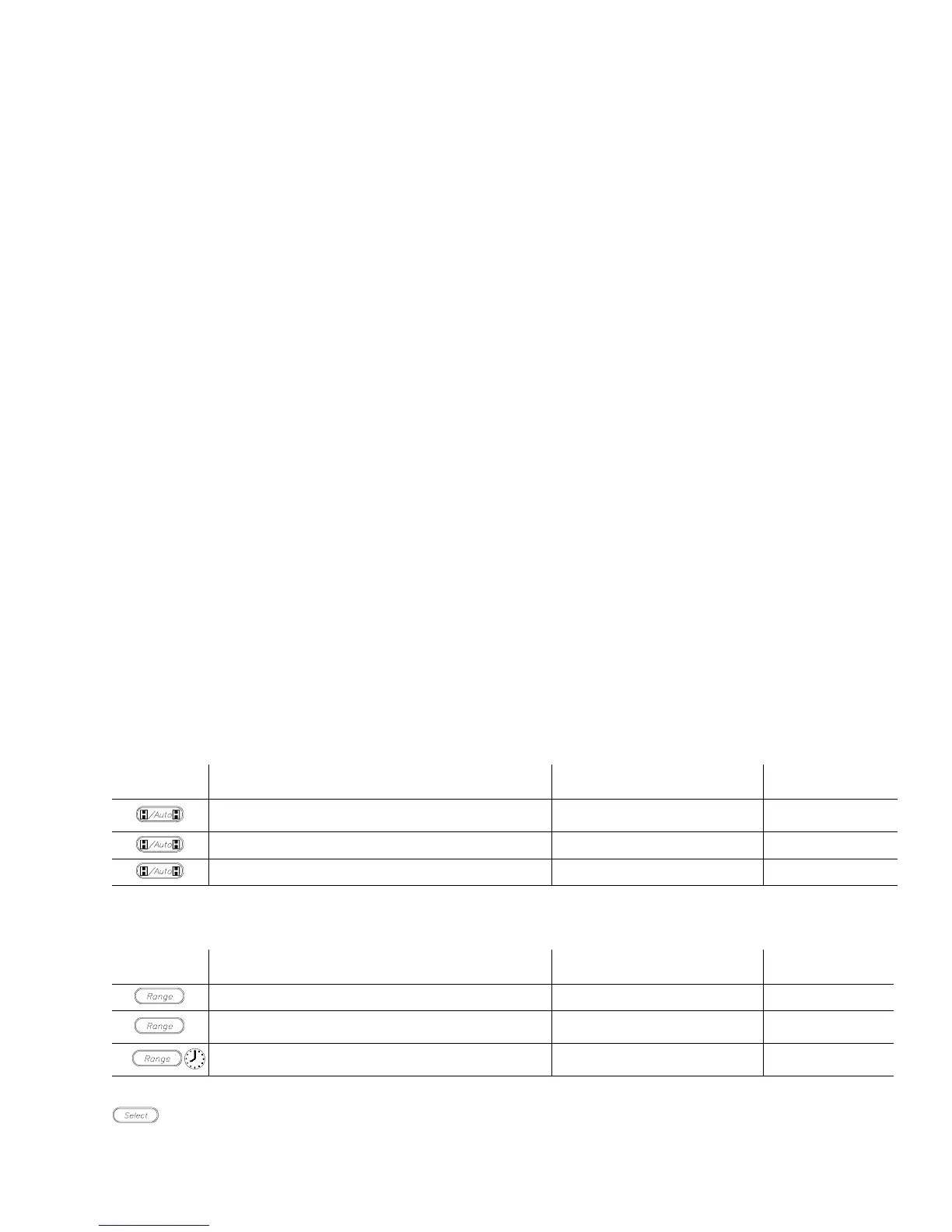
Hold/Auto-Hold
Press Action Main Display
Secondary
Display
Holds the measurement value in the display
Measurement value when
hold pressed
Range
Enters Auto-Hold function
1
Input value Range
Cancels Hold function Measurement value Range
1
Auto-Hold Operation. When measurement becomes stable, multimeter will beep and save the stable
reading. Removing probe from measuring circuit will display and hold the last stable reading.
Range
Press Action Main Display
Secondary
Display
Changes from auto-ranging to manual ranging Measurement value Range
Change manual range
UP once with each keypress
1
Measurement value Range
Returns to auto-ranging when key is
held for 1 second
Measurement value Range
1
When upper range is reached, the sequence begins again at the lowest range.
Select
Press this key to use the functions indicated in blue on the multimeter. See table on page 1-8.
Hold this key to test display when turning meter on.
Operation
1-11



 To Next Page